90 How to control the Governor
90.1 Electric Governor
In electric governor mode the pilot does no longer control the speed controller with the
transmitter. MICROBEAST PLUS completely takes over control of the ESC. With the
transmitter you only specifiy the desired rotor speed you want the helicopter to maintain.
When setting a speed higher than minimum, MICROBEAST PLUS will speed up the
rotor smoothly and ensure that the demanded rotor speed is kept constant throughout the
flight. To practice autorotation landings, additionaly you can keep MICROBEAST PLUS
in a special mode that causes the speed controller to be switched off during the maneuver
but speed up the rotor fast when aborting the autorotation (faster than with the initial
soft start).
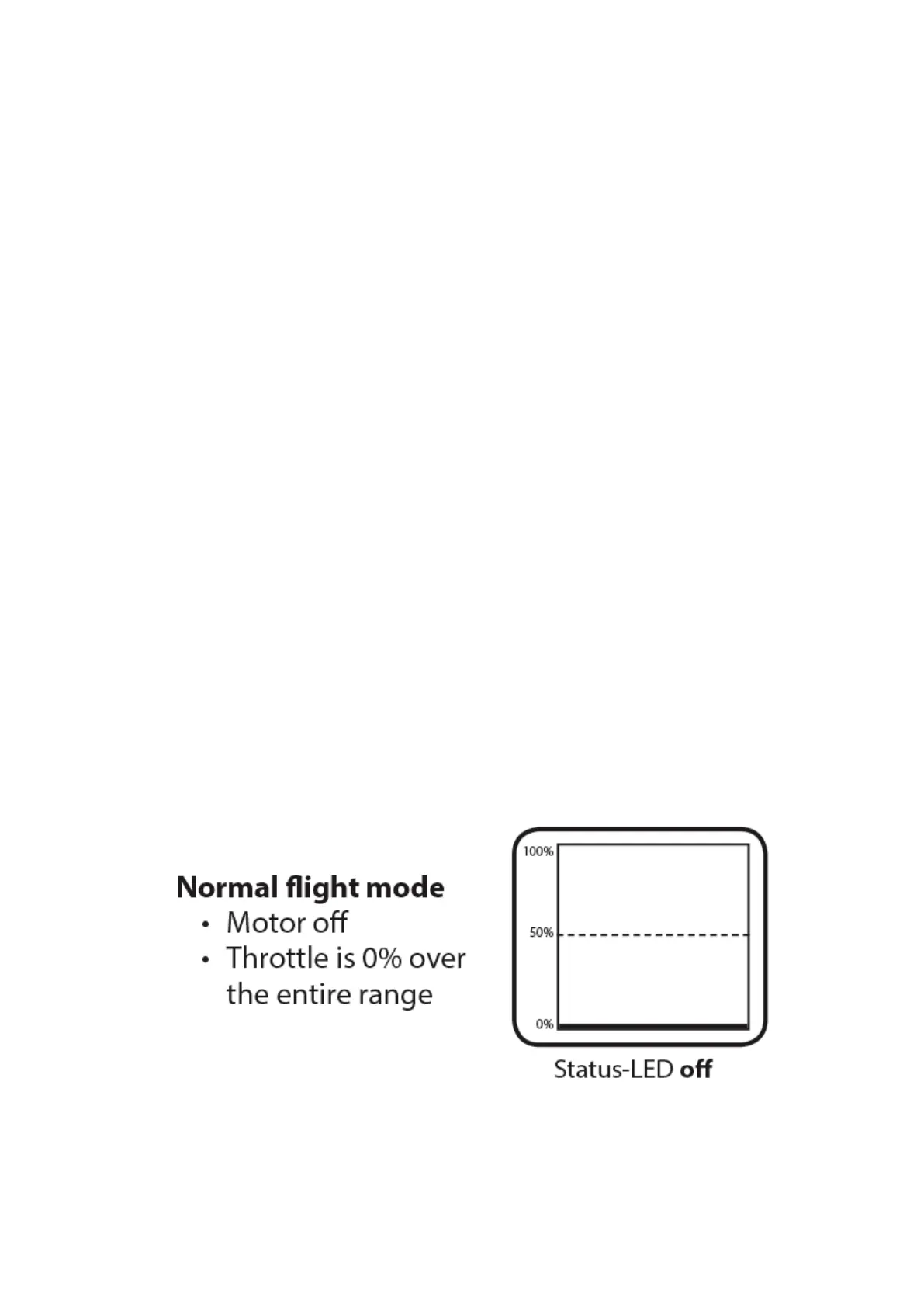
The rotor speed is set via the throttle channel of the transmitter. You may use the trans-
mitter's throttle curves for instance, so you can switch the motor on and off and pretend
different speeds using the flight mode system of the transmitter. Instead of curves you have
to set horizontal lines so that the channel output value does not depend on the throttle
stick position but is fixed in each flight mode. The flight mode switch then acts as a switch
that switches between different speed settings. Alternatively, of course you may use a
switch that is directly assigned to the throttle channel and adjust the switch position to pre-
set different rotor speeds and to switch off the motor, but this may be much less convenient.
Figure 113
199



 To Next Page