126 Windows PC/mac and USB2SYS
computer interface
The latest StudioX version is 3.5.2!
126.1 Installation
If not already done you can get StudioX here:
StudioX 3.x for Windows
1
StudioX 3.x for macOS
2
The setup procedure is easy and works as usual. On (older) Windows systems you may get
a note that vcredist_x86.exe is missing on your computer. In this case please install the
Microsoft Visual C++ 2019 Redistributable Package (even if you have installed
any Microsoft Visual C++ package on you computer you may need this specific version!).
The file is included in the StudioX installation folder. Also you can get this from the
Microsoft website or by using the Windows Update functionality.
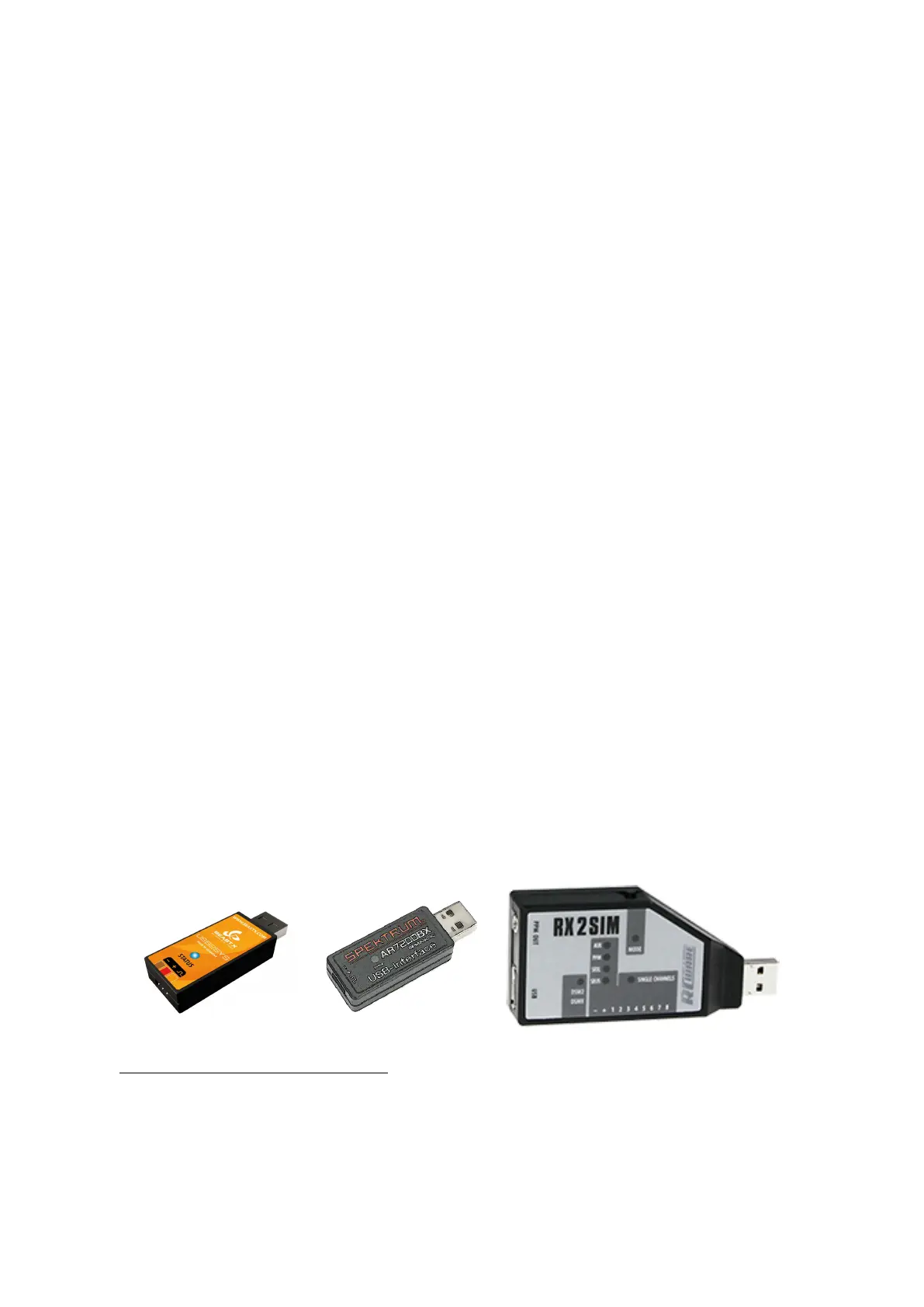
To connect your BEASTX device to the computer you need one of the following USB
interfaces:
Figure 162
Figure 163
Figure 164
1
http://studiox.beastx.com/download/latest.php?os=win
2
http://studiox.beastx.com/download/latest.php?os=mac
301



 To Next Page