127 Smartphone/tablet and BLE2SYS
bluetooth interface
If not already done download and install the latest version of StudioXm from the Apple
iTunes Store or GooglePlay Store:
StudioXm for iOS
1
StudioXm for Android
2
Make sure to give the App privileges for using the bluetooth connection and to write
data to the internal storage. With iOS you will be asked to grant privileges at first
start up. On Android devices sometimes it may be necessary to do this manually in
the Application settings! (When the StudioXm App is not allowed to write to the
internal storage your user specific settings will not be saved, i.e. language and port
settings, device names, storing RestorePoints, etc.) Also make sure to allow the App
to access your internet connection in case you want to download firmware update files
for your device. Note this may produce extra costs when using your mobile data connection!
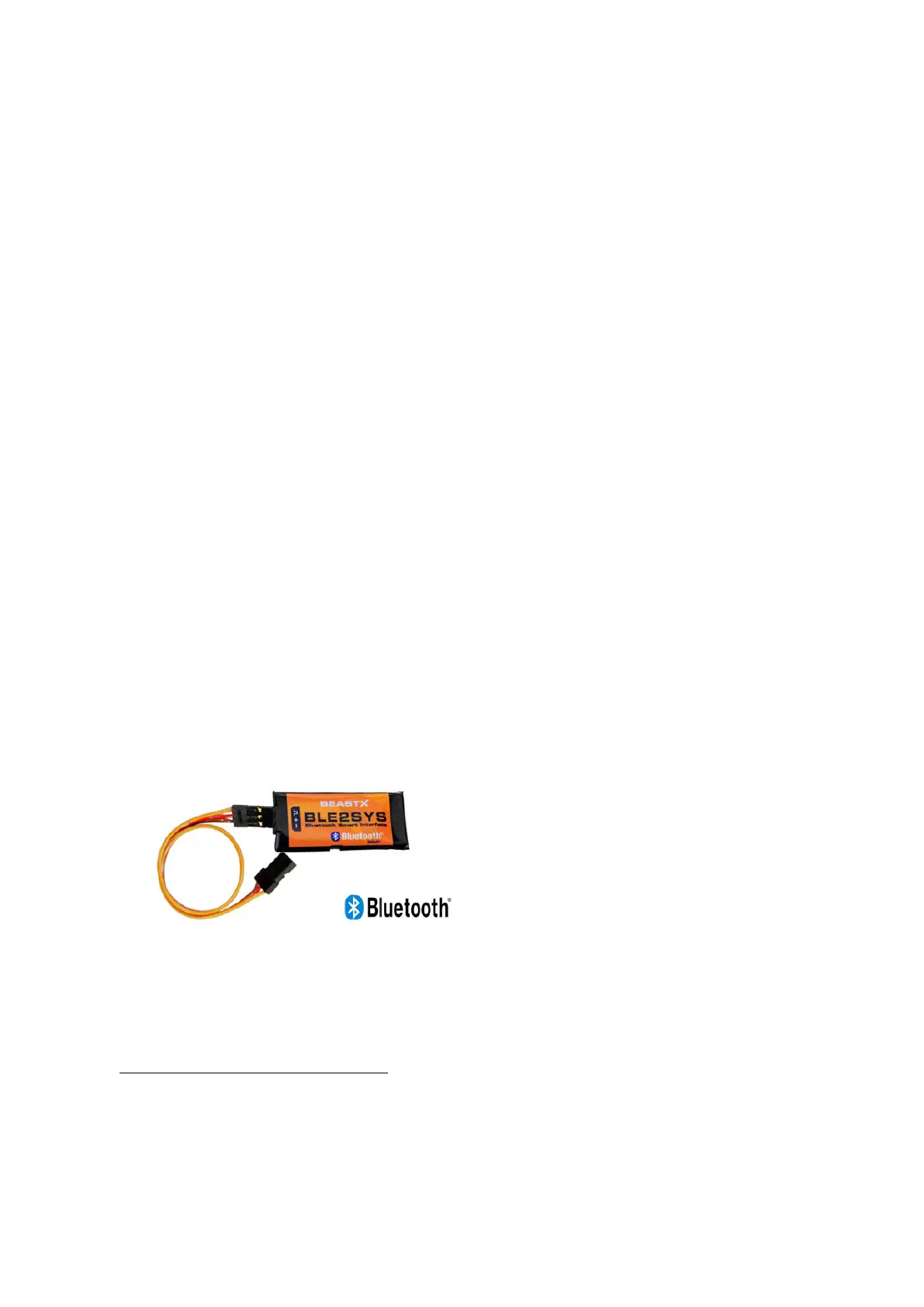
To connect your BEASTX controller with your smartphone/tablet the BLE2SYS bluetooth
smart interface is required. This is plugged into your device's SYS port and is used to
establish a wireless communication to the phone.
Figure 174
1
https://itunes.apple.com/us/app/studioxm/id1145413743?ls=1&mt=8
2
https://play.google.com/store/apps/details?id=com.freakware.StudioXm
305



 To Next Page