133 Backup/Restore
With StudioX you can save your current device settings and load them to your device
again, i. e. when you like to test the effect of some parameters and you want switch back
to the former setup. With the StudioX software for PC and macOS it is also possible to
export those backups to the computer's file system. So you can share your settings with
other pilots.
Creating a restore point
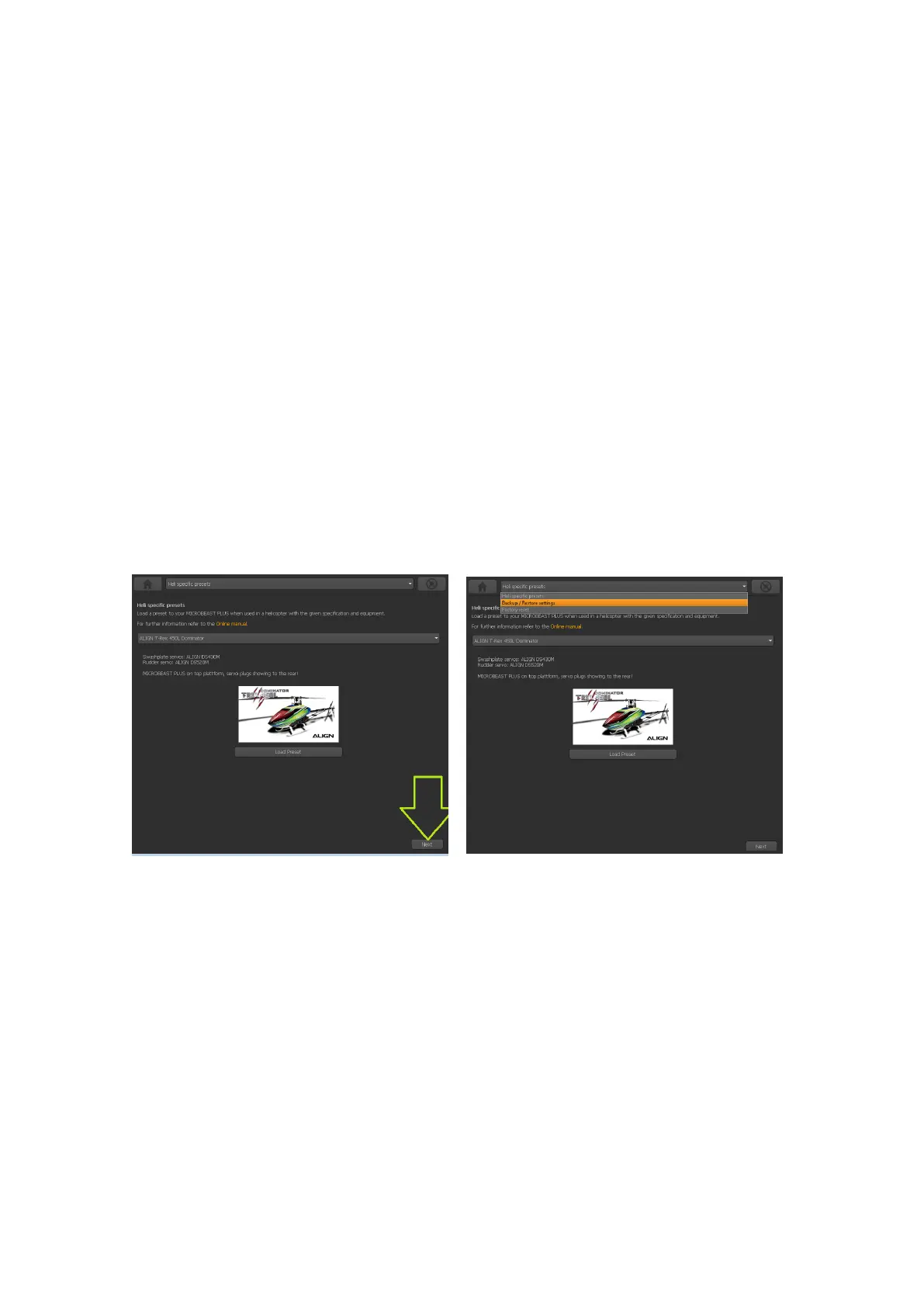
You will find the option for saving your setup on the next screen behind the heli presets.
Please click ”Next” in the lower right corner on the screen where you see the Align helis, or
choose backup/restore from the selection box above in the middle.
Figure 178
Figure 179
317



 To Next Page