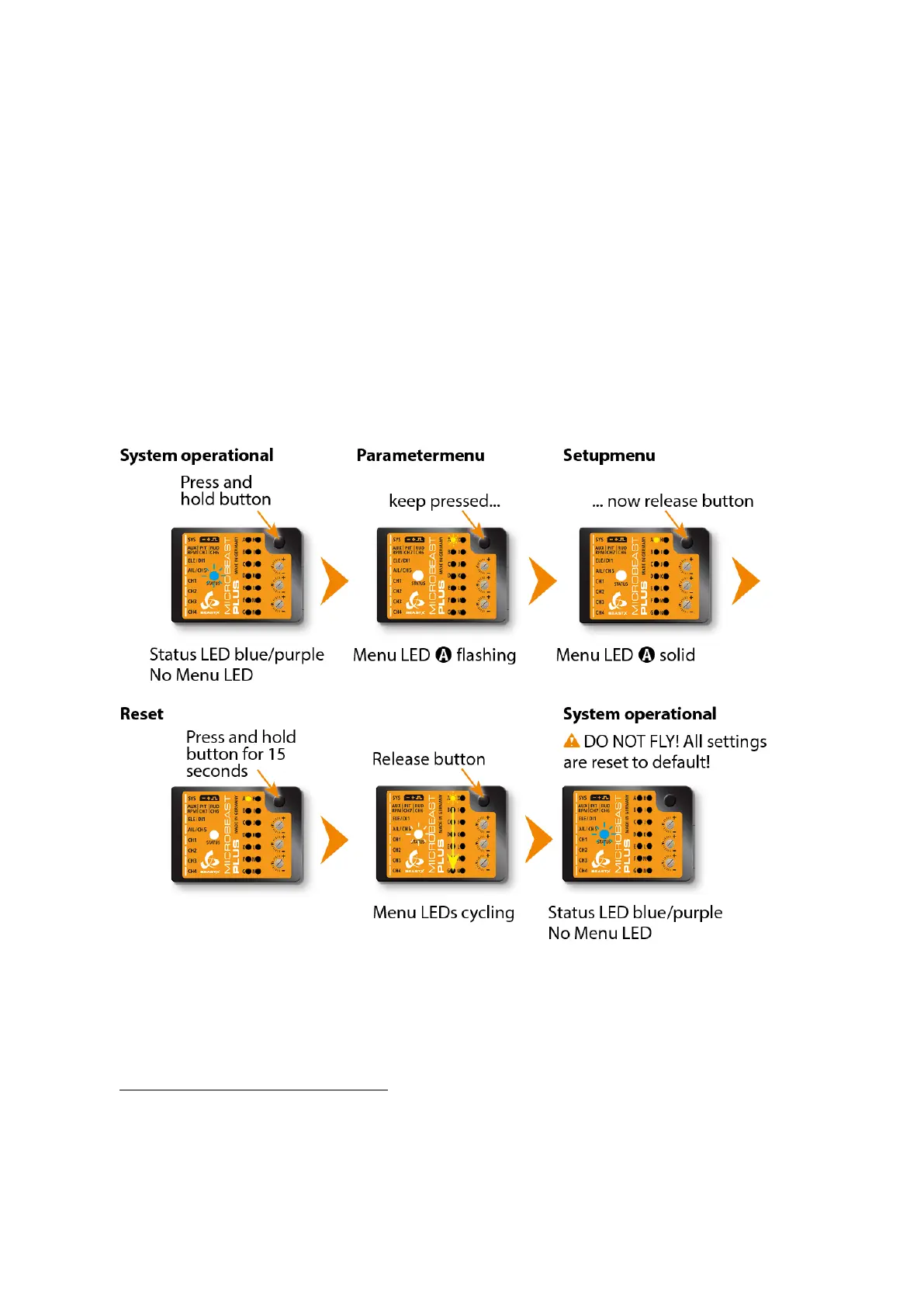
121 Performing factory reset at the
device
To perform the reset enter SETUP MENU. Release the button once and push and hold
it again. Keep the button pressed for at least 15 seconds. You will see the Menu LEDs
cycling down from A to N. This shows factory reset was performed. The system will exit
SETUP MENU when you release the button. Now all settings are set to default and you
have to perform the Basic Setup
1
again, in order to fly the helicopter.
Figure 159
1
https://wiki.beastx.com/./index.php/Manuals:MBPlusFblV5:Setupmenu_intro/en
291



 To Next Page