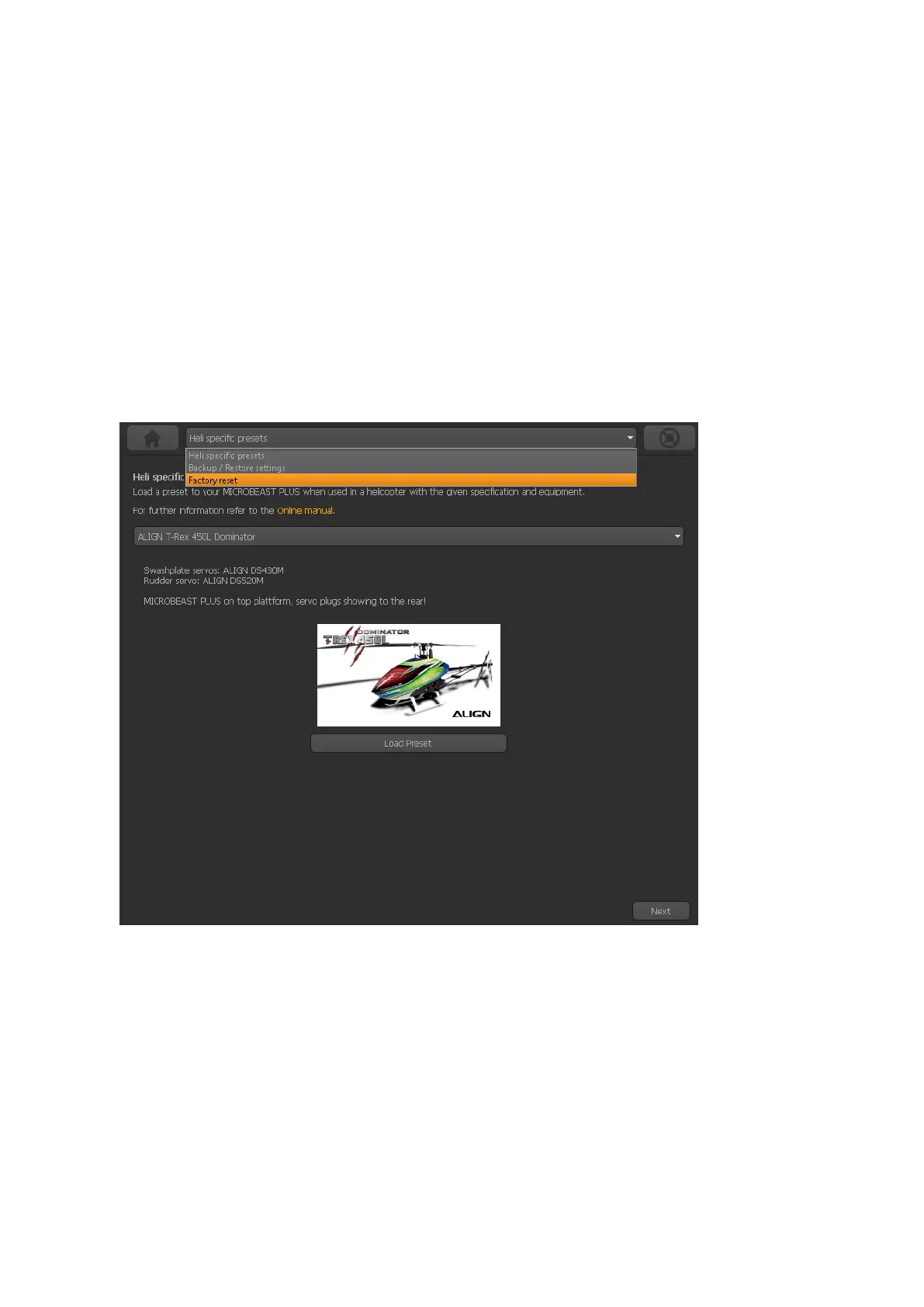
122 Factory reset with StudioX
When using the StudioX app/software you can perform the factory reset by computer (re-
quires USB2SYS interface) or with your smartphone/tablet (requires BLE2SYS interface).
You will find the reset option by choosing ”Backup/Restore” from the overview screen in
StudioX (which opens when connection is established to your MICROBEAST PLUS).
From there click the ”Next” button two times or directly choose ”Factory reset” from the
selection box above to open the reset screen.
Figure 160
293



 To Next Page