28 Adjustment on the device
If not already done power up your radio and MICROBEAST PLUS and wait until initial-
ization sequence is finished. At first the system will calibrate to the radio system, Menu
LEDs H to N will cycle up and down. During this time do not move the sticks on
your radio as the system is learning the stick mid positions. In the second step
MICROBEAST PLUS checks if the sensors are working correctly and learns the sensor rest
positions. Here Menu LEDs A to G will cycle up and down. During this time do not
move the helicopter. When initialization is completed the Status LED will change to blue
or purple color indicating the current gyro mode. If you can't get through the initialization
sequence either because LEDs A-G or LEDs H-N don't stop cycling please read the FAQ
1
.
Note that during initialization pressing the button has no significant effect and you will not
be able to enter any menu.
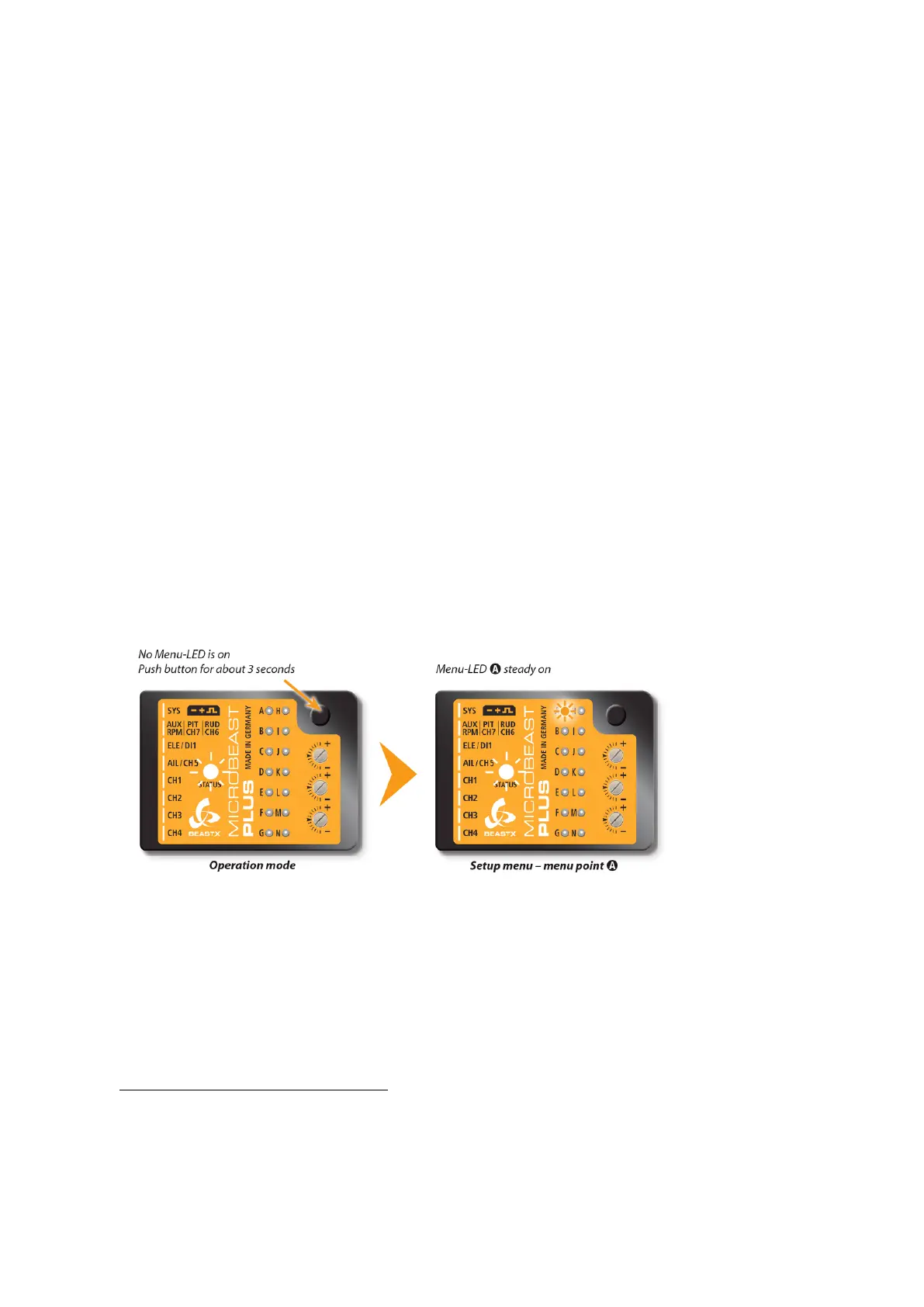
Now when the system is ready to operate press the button and hold it for at least 3 seconds.
First the Menu-LED next to Menu Point A will begin to flash and then after a while will
be solid. Now and only now you can release the button.
Figure 78
1
https://wiki.beastx.com/./index.php/Help:FAQ:Powerup/en
67



 To Next Page