Backup/Restore
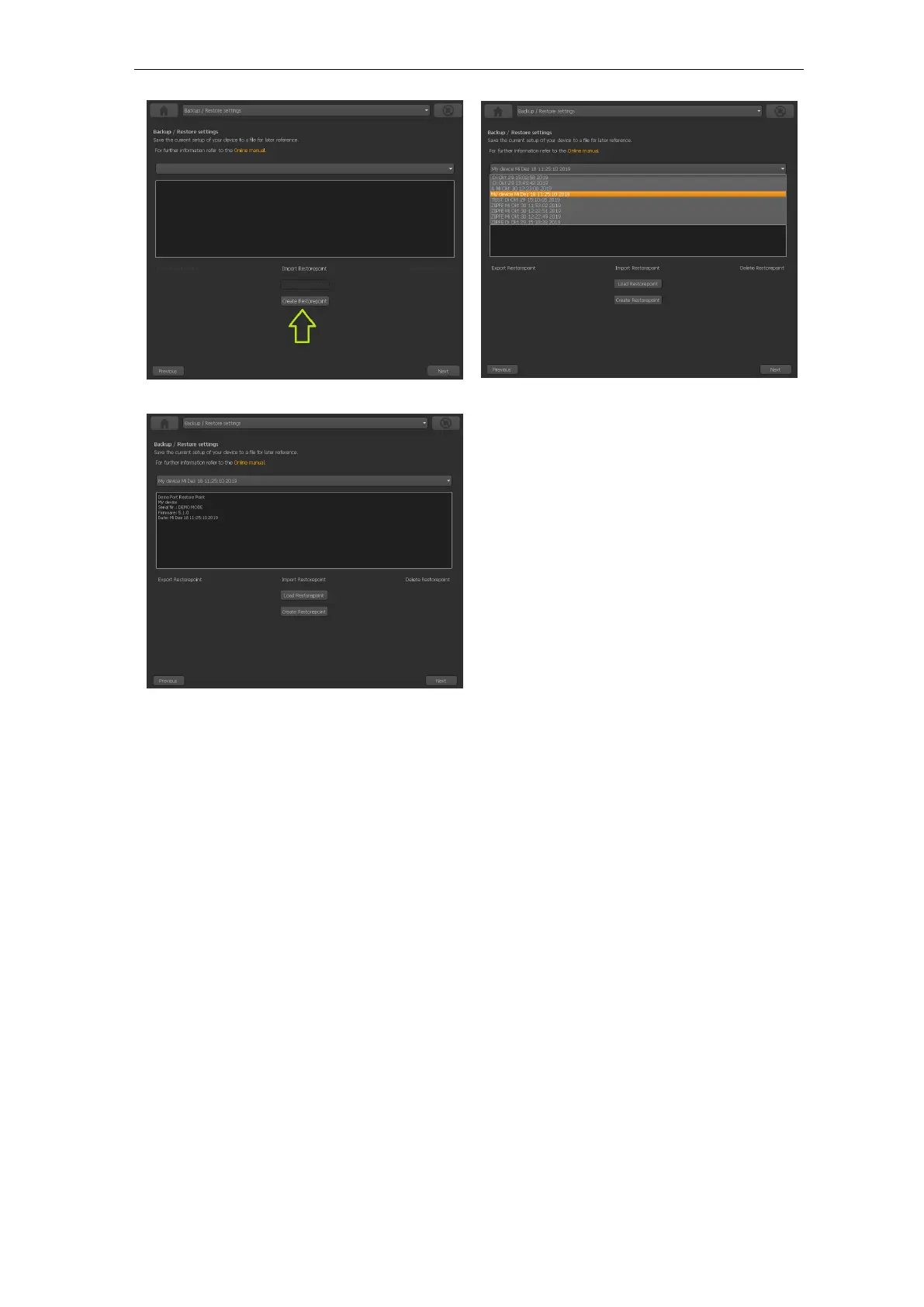
Figure 180
Click
”Create” to create a new restore point which saves your settings.
Figure 181
You
will find the new restore point in the selection box in the middle of the screen.
Choose it to see all the details and in order to reload or export it.
Figure 182
The informations about the restore point will be filled out automatically with
date, serial number, helicopter name and other informations. You can edit these
if necessary. The modification will be stored automatically!
Exporting a restore point to the file system
318



 To Next Page