Firmware update
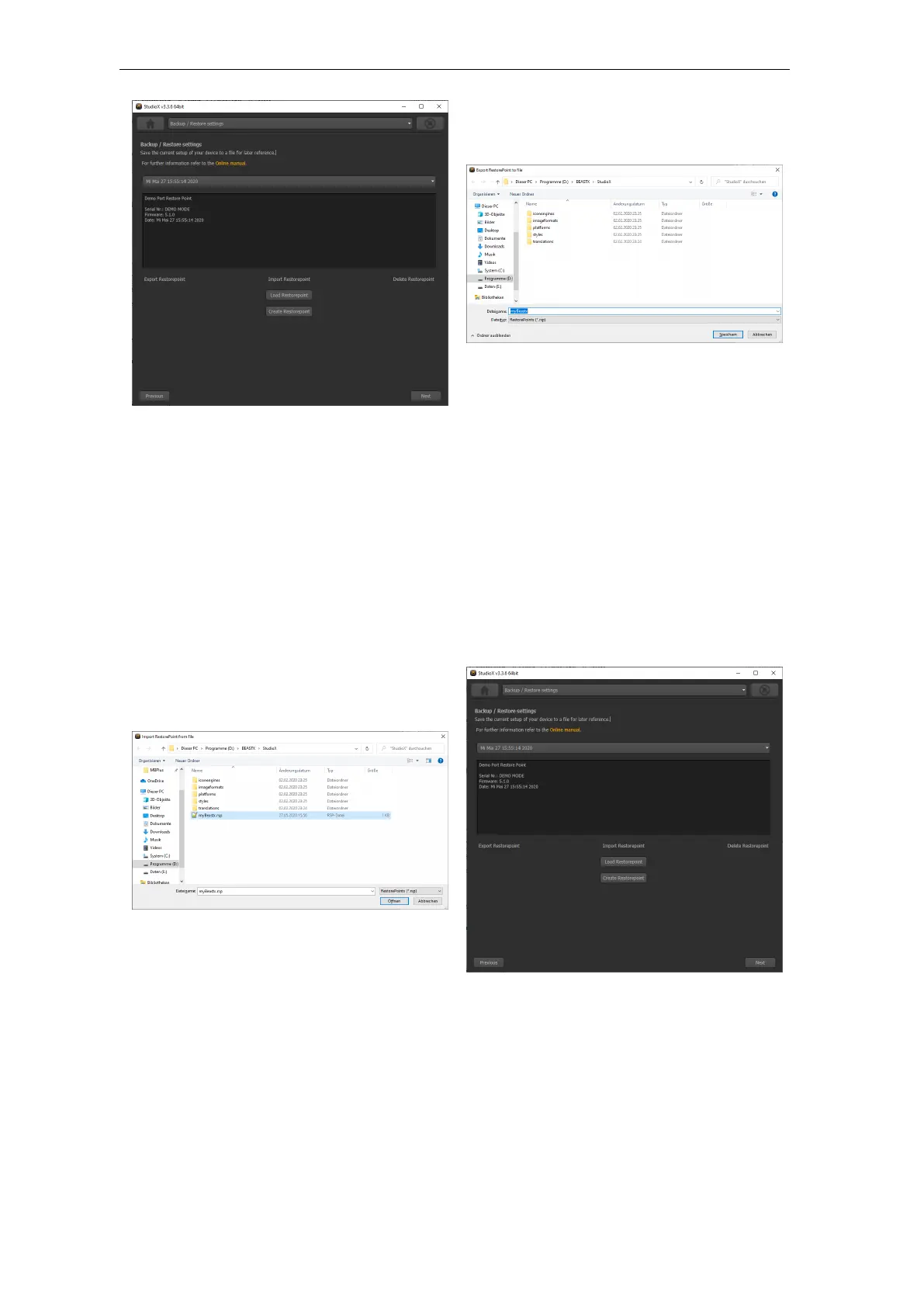
Figure 183
Select
the restore point you like to save to the file system and click ”Export Restore-
point”.
Figure 184
Choose
the destination folder and enter a filename. The data will be saved with ending
”.rsp”.
Import a restore point from the file system
Figure 185
Click
”Import Restorepoint” and choose the restorepoint file with ending ”.rsp” from
the location it is stored on your computer.
Figure 186
In
case the file was valid and can be used for your device, there should be a new
entry in the list now. Select this new entry and flash it to your device by
clicking ”Load Restorepoint”.
319



 To Next Page