Windows PC/mac and USB2SYS computer interface
BEASTX
USB2SYS interface
SPEKTRUM
SPMA3030 interface
RCWARE RX2SIM
Wireless Multi-Sim Adapter
with USB2SYS interface emulation
After installation of the StudioX software bundle, Windows should install the correct drivers
when the USB2SYS / SPMA3030 interface is plugged in the PC for the first time. When
using the RX2SIM Multi-Sim Adapter drivers should install as soon as it is switched to
USB2SYS emulation mode (push button repeatedly until LED lights yellow, see RX2SIM
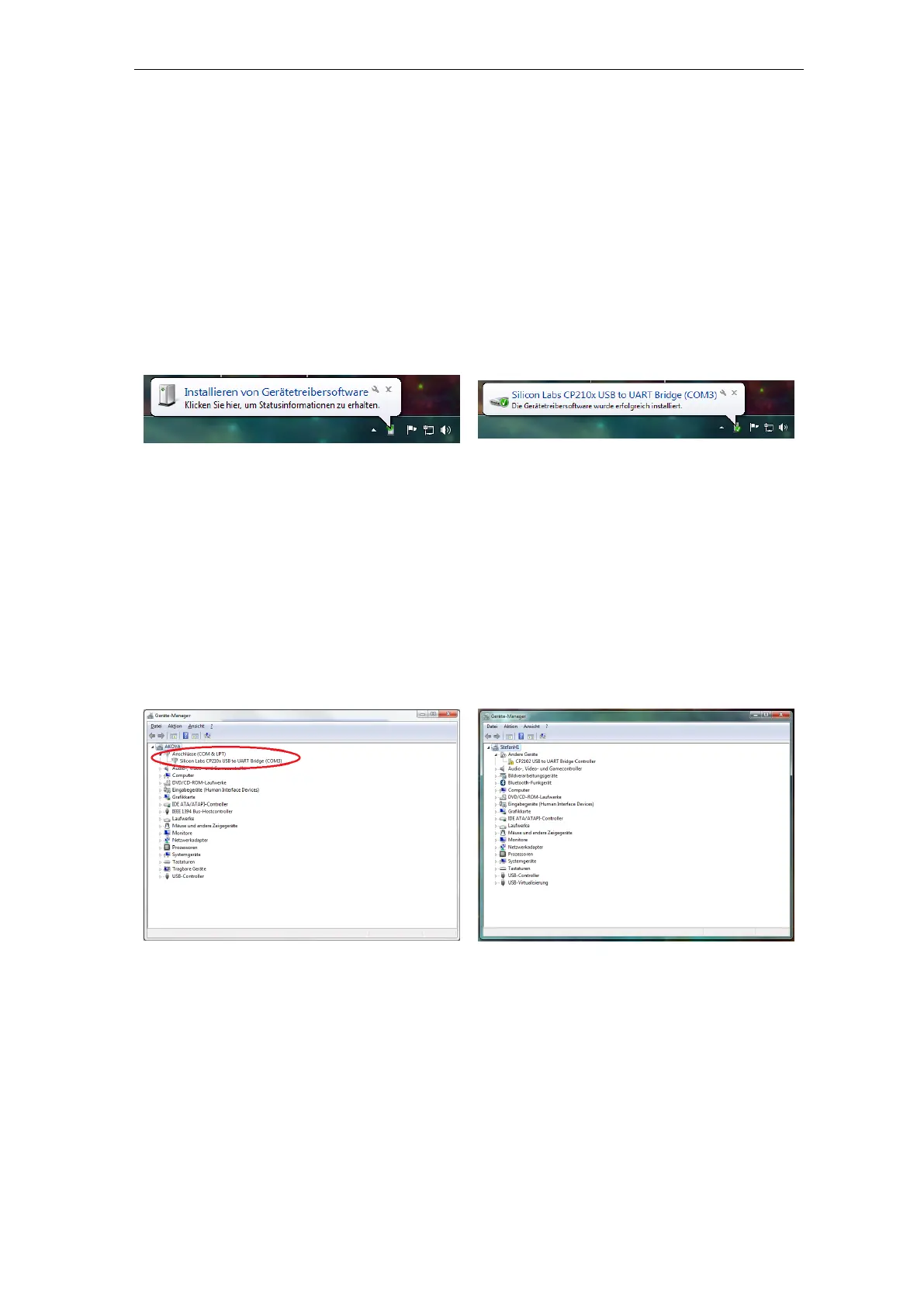
manual). Check the notifications of your Windows system:
Figure 165 noframe
Figure 166 noframe
If you did not see any message popping up at all, check you Windows device manager if the
interface driver has been installed correctly. To access the device manager under windows
type devmgmt.msc in the Startmenu's search bar or simply enter Device manager. You
must be able to find following entry:
Figure 167 noframe
Figure 168 noframe
The name COM3 may be different on your PC. This entry must disappear
when you disconnect the Interface from the PC and re-appear when you connect
it again.
If there is only an entry marked with an yellow ”!” something went wrong and
you have to install the driver files manually.
302



 To Next Page