4
Setting the Department ID Management
4-8
System Manager Settings
5
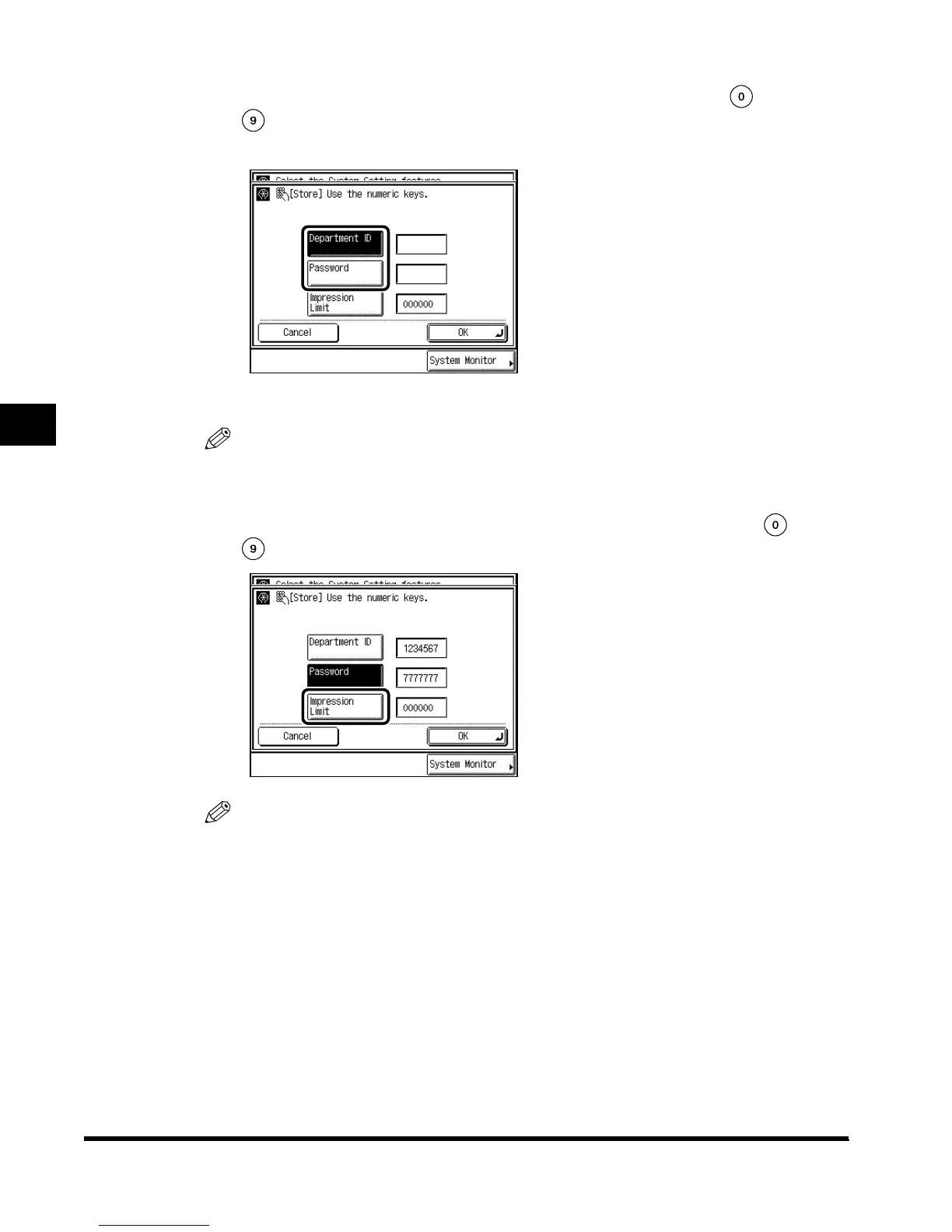
Press “Department ID” → enter the Department ID with -
(numeric keys) → press “Password” → enter the password in the
same way.
You cannot store a Department ID with only the number <0>, such as <0000000>.
NOTE
•
When a password is not stored, you can use this machine by entering only the Department ID.
6
Press “Impression Limit,” and enter the desired value with -
(numeric keys).
NOTE
•
The number you can set for Impression Limit is from 0 to 999999. Once the Impression Limit
is set, you cannot exceed the number entered.
•
A two-sided print is counted as <2>.
E1L_US_U_.book-INDEX Page 8 Wednesday, May 23, 2001 11:40 PM












 To Next Page