5
Loading Paper
5-8
Routine Maintenance
5
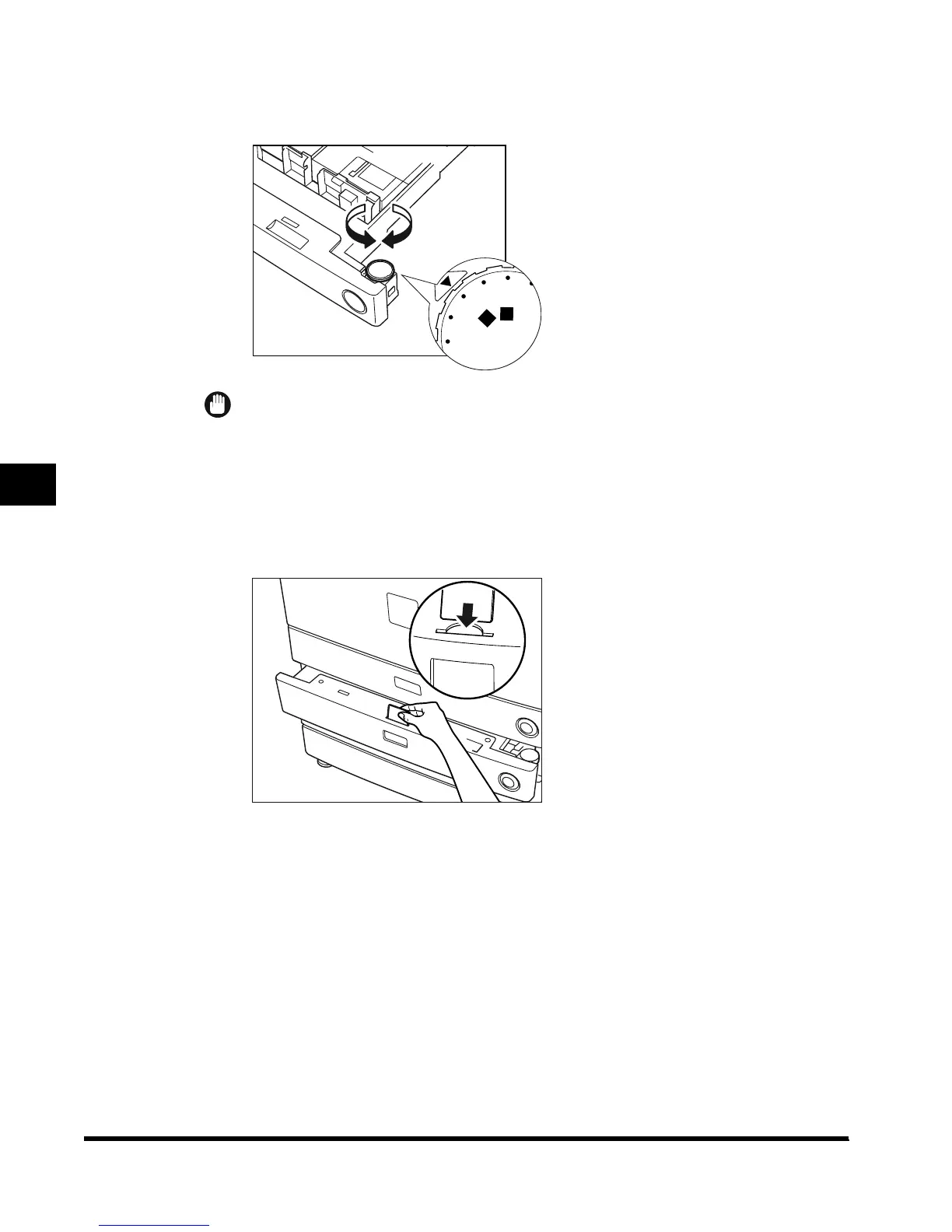
Set the paper size dial, located on the right side of the paper drawer,
to match the paper being loaded.
IMPORTANT
•
Not setting the paper size dial correctly, results in the display of an incorrect paper size on the
touch panel display. Also, it may cause paper jams, dirty prints, or make the inside of the
machine dirty. To prevent these problems, check that the paper size dial is set correctly.
6
Change the paper drawer’s size plate, so that it matches the new
paper size being loaded.
STMT
R
LTR
LTR
R
LGL
11X17
U4
STMT
E1L_US_U_.book-INDEX Page 8 Wednesday, May 23, 2001 11:40 PM












 To Next Page