5
Adding Toner
5-12
Routine Maintenance
7
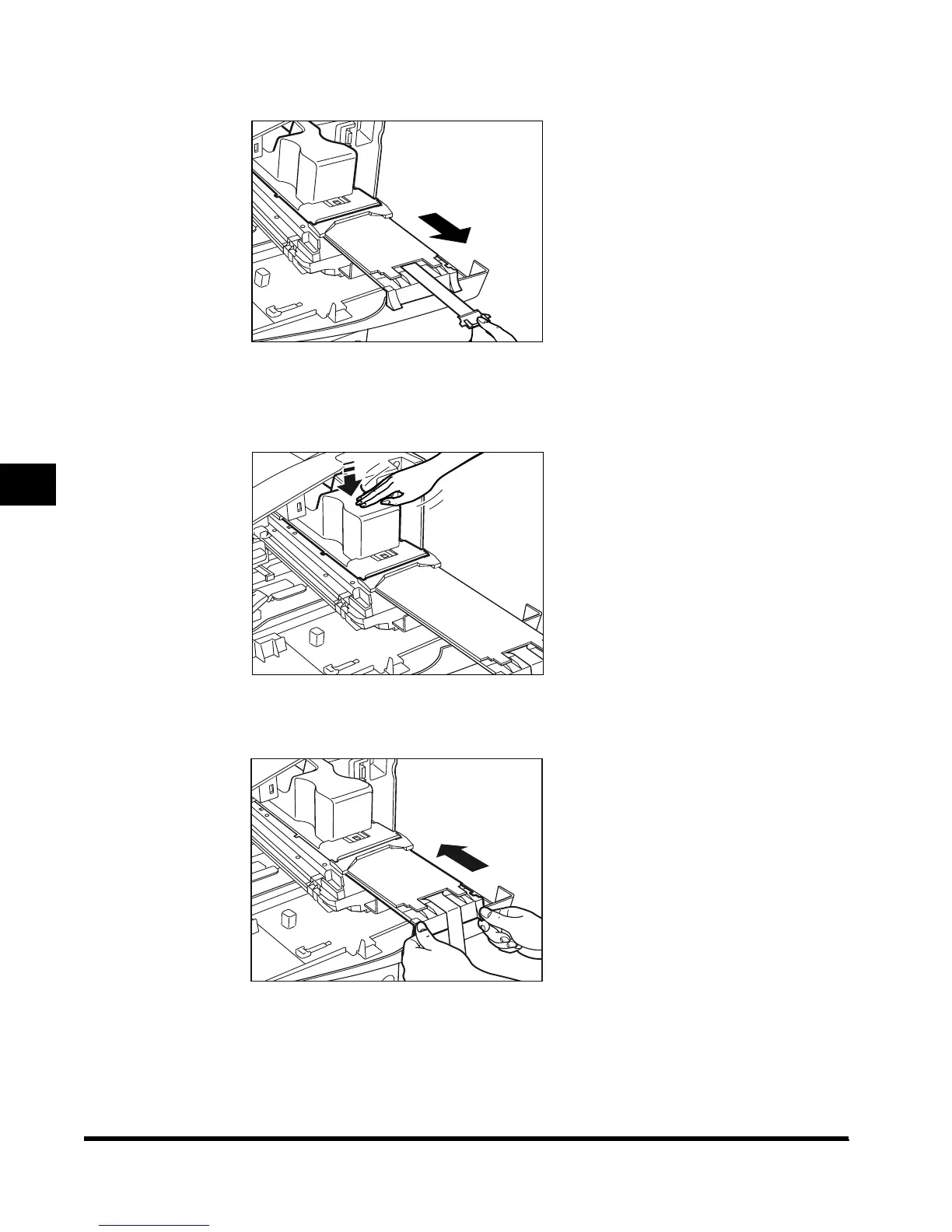
Pull the black cartridge knob, until the stop sign appears.
8
Lightly tap the top of the toner cartridge to cause the toner to empty
into the toner box.
9
Push the black toner box handle back to its original position.
The toner cartridge will be pushed in, along with the toner box.
E1L_US_U_.book-INDEX Page 12 Wednesday, May 23, 2001 11:40 PM












 To Next Page