7
Saddle Finisher-G1/Puncher Unit-K1
7-68
Handling Options
1
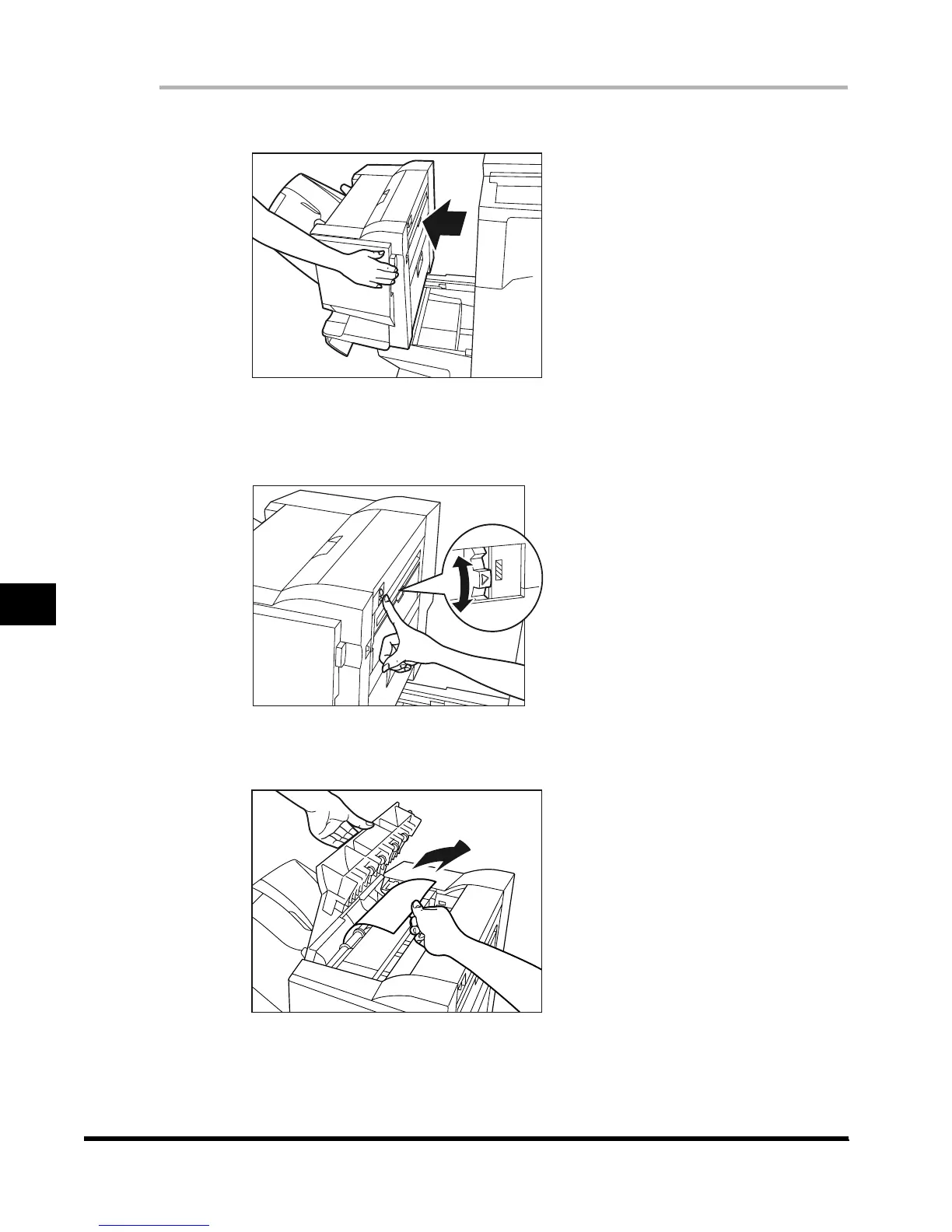
Move the finisher away from the main unit.
2
Move the knob into the position (arrow showing), within the area
shown in the figure.
3
Open the top cover, and remove any jammed paper.
E1L_US_U_.book-INDEX Page 68 Wednesday, May 23, 2001 11:40 PM












 To Next Page