7
Card Reader-C1
7-87
Handling Options
If you do not want to print the list, press “No.”
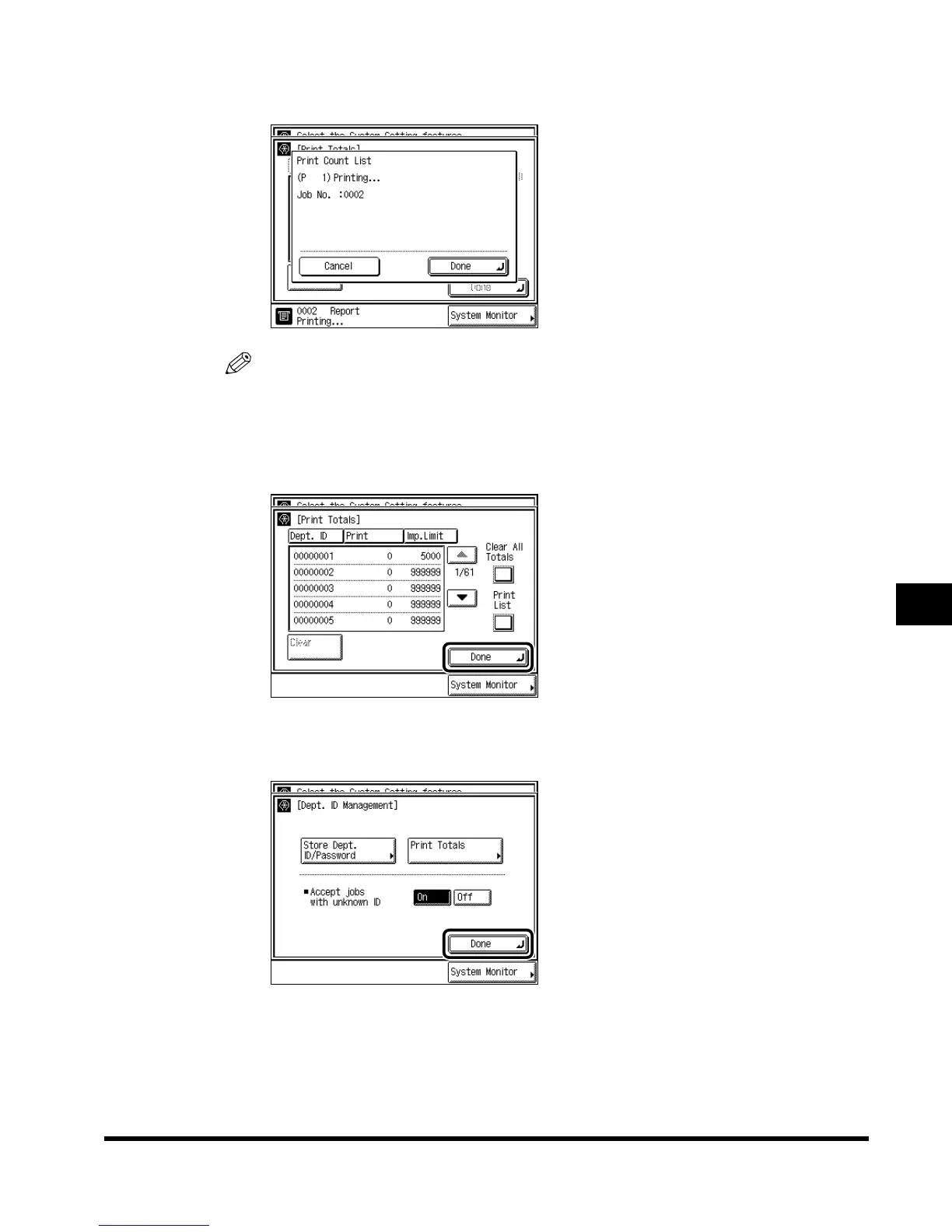
The screen below appears during printing.
NOTE
•
To cancel printing, press “Cancel.”
•
To close the screen, press “Done.”
4
Press “Done.”
5
Press “Done.”
Repeat this procedure.
The display returns to the Basic Features screen.
E1L_US_U_.book-INDEX Page 87 Wednesday, May 23, 2001 11:40 PM












 To Next Page