✂ ✂ ✂ ✂ ✂ ✂
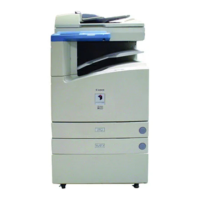
System Management Mode of the imageRUNNER 3300/2800/2200
XX
2
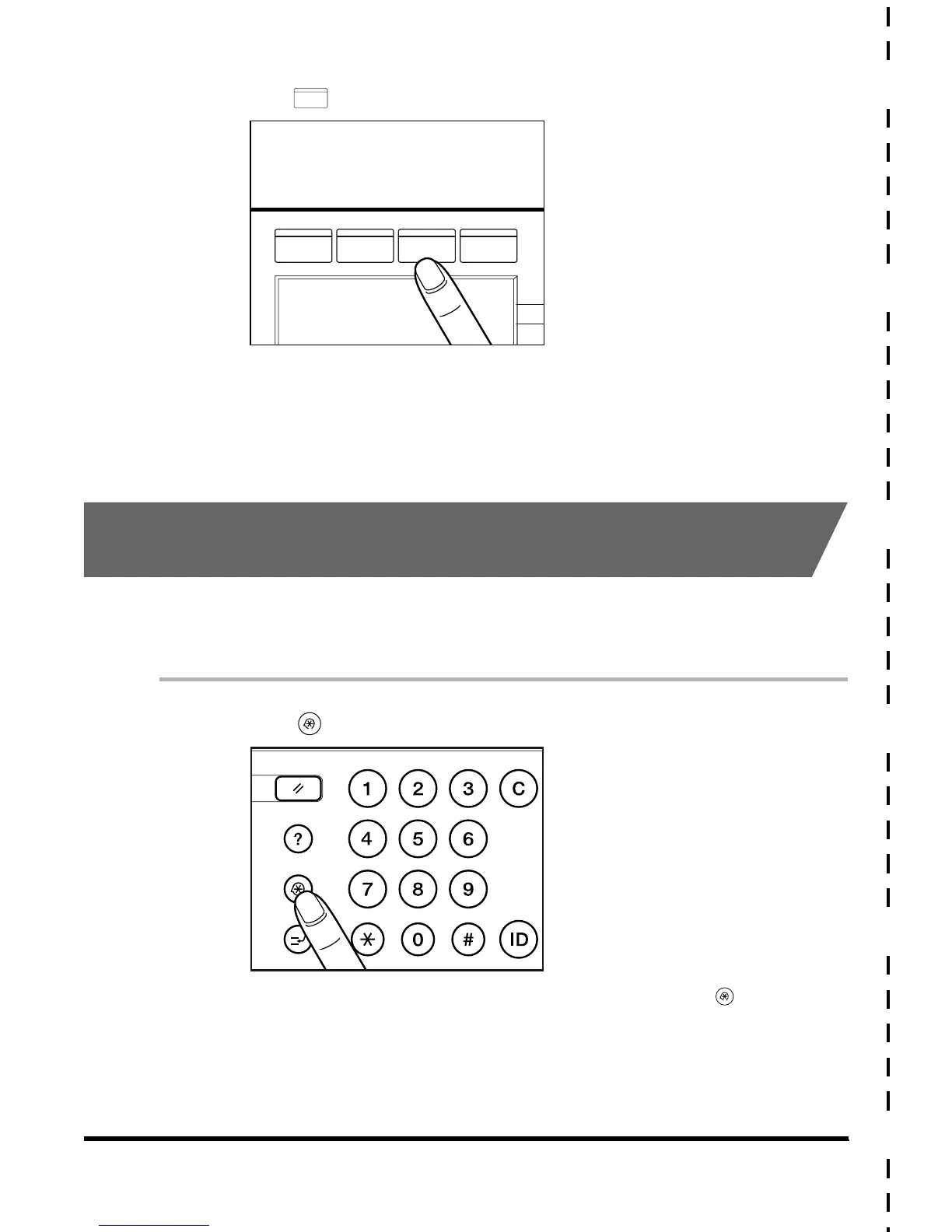
Press (Box).
3
Operate the Mail Box.
For details of how to use the Mail Box, see the Mail Box Function Guide.
Changing the Mail Box Settings in the System
Management Mode
You can change the mail box settings restricted with a password. For example, you can
initialize an unnecessary mail box, or change the name of a mail box. Also, you can reset the
password of the mail box in case the user has forgotten it.
1
Press (Additional Functions).
When the machine is already in the System Management mode, press (Additional
Functions) and proceed to step 5.
MAIL BOX
COPY FAX
MAIL BOX
SCAN
Reset
Clear
Guide
GHI
PRS
JKL
ABC
TUV
MNO
DEF
WXY
OPER
Additional Functions
Interrupt
E1L_US_U_.book-INDEX Page XX Wednesday, May 23, 2001 11:40 PM





 To Next Page