✂ ✂ ✂ ✂ ✂ ✂
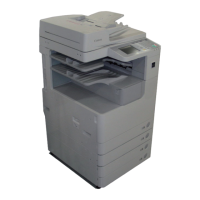
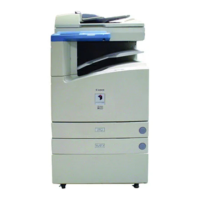
System Management Mode of the imageRUNNER 3300/2800/2200
XXI
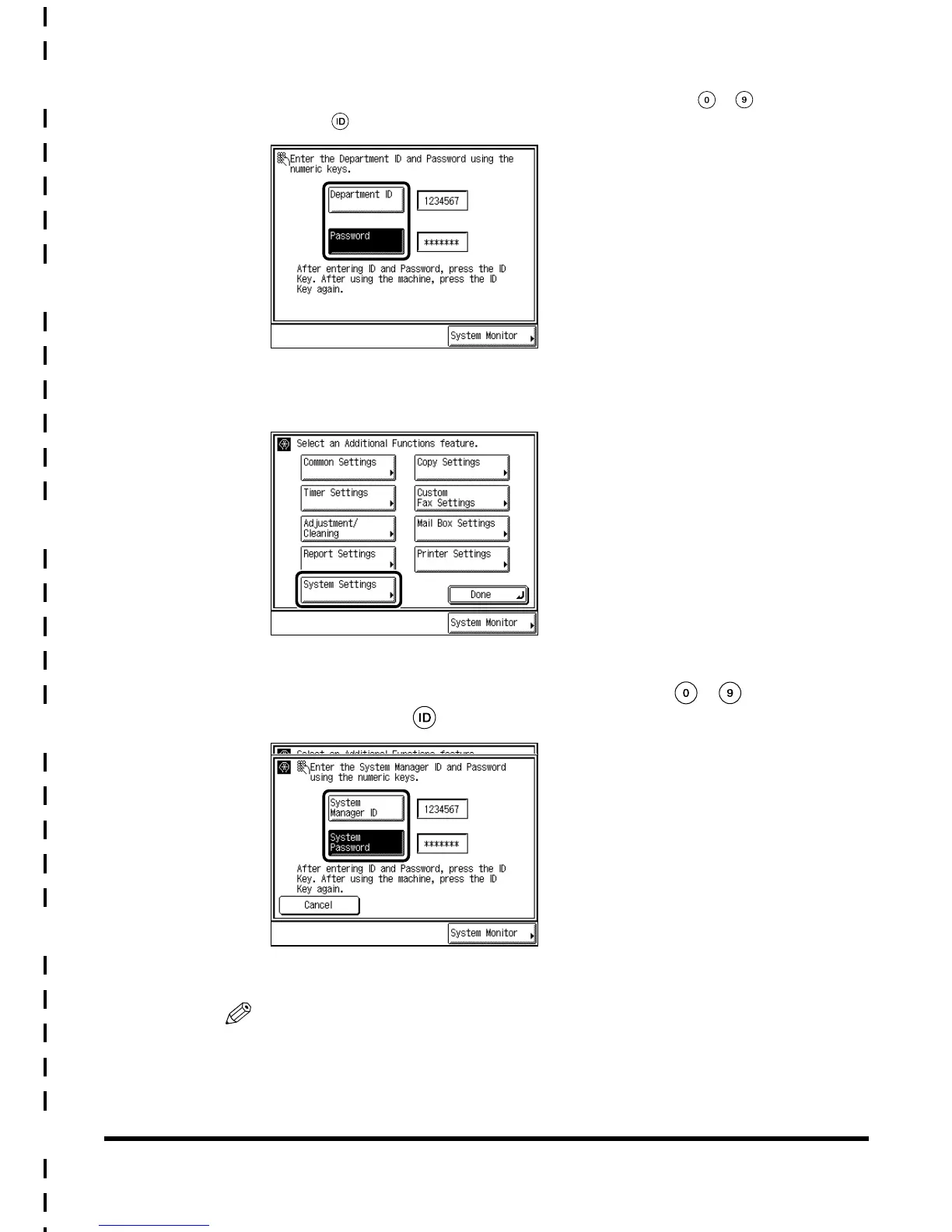
When Department ID Management is enabled, enter the System Manager ID for
“Department ID,” and the System Password for “Password,” with - (numeric keys),
and press (ID).
2
Press “System Settings.”
3
Enter the System Manager ID/Password using - (numeric
keys), and press (ID).
The machine enters the System Management mode.
NOTE
•
Enter the number stored under System Manager Settings. (See ‘Setting Specifications of
System Manager Settings (System Manager Settings),’ on p. 4-2.)
E1L_US_U_.book-INDEX Page XXI Wednesday, May 23, 2001 11:40 PM





 To Next Page