1
Main Power and Control Panel Power
1-24
Before You Start Using This Machine
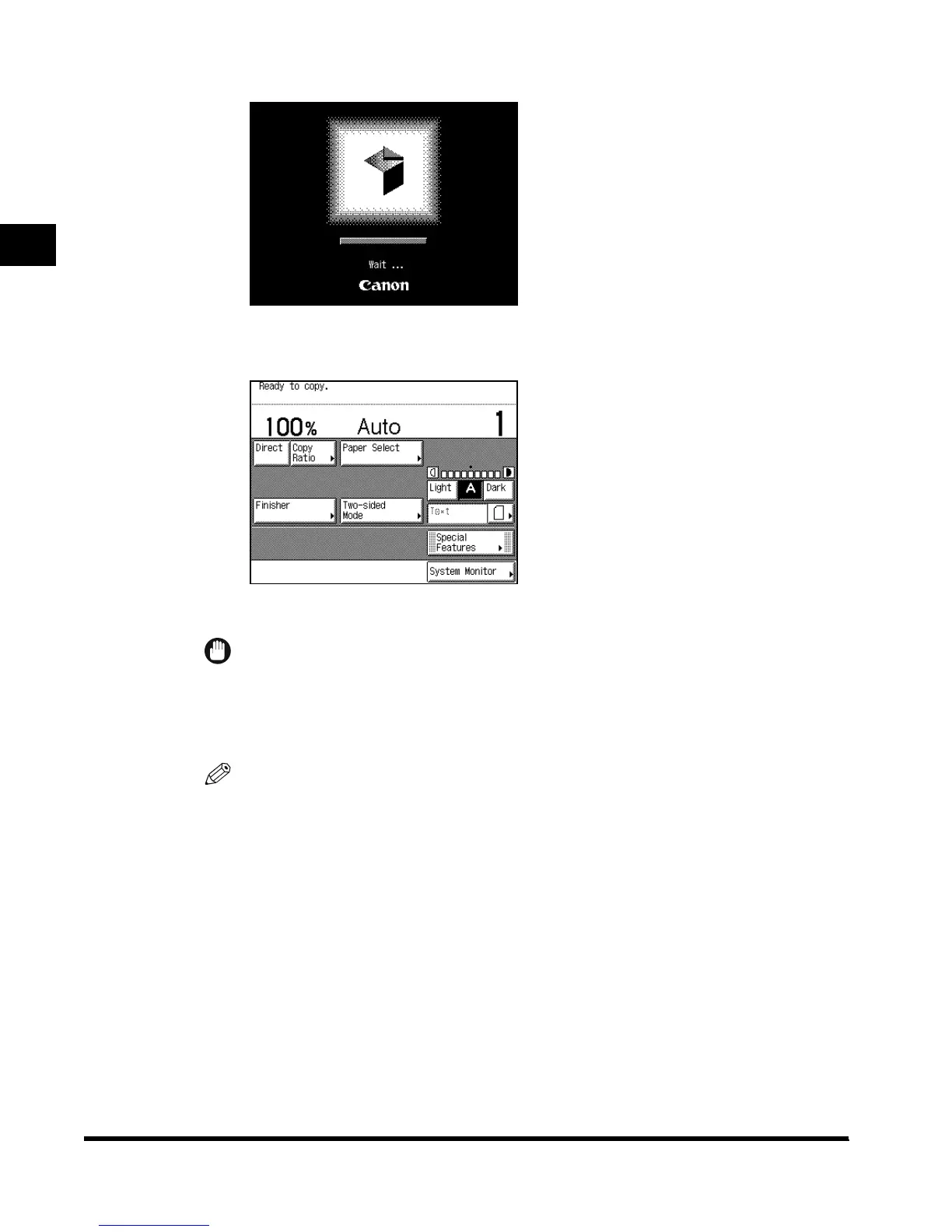
The screen below is displayed until the machine is ready to scan.
The screen below is displayed when the machine is ready to scan.
The machine is ready to print after about 29 seconds (at a room temperature of 68°F).
IMPORTANT
•
If you turn off the main power, wait at least three seconds before turning the main power back
on.
•
Do not turn the power off if the FAX Board is attached. Transmission/Receive of fax cannot be
done when the power is turned off.
NOTE
•
In the case above, the Standard settings are selected.
•
The standard copy settings are as follows:
- Copy ratio: Direct (100%)
-Paper selection: Auto Paper Selection
- Copy exposure: Auto Exposure Control
- Copy quantity: 1
- Copy function: 1→1-sided copy
•
You can change the standard copy settings. (See the Copying Guide.)
•
You can choose which functions to display in the Basic Features screen when turning on the
main power according to the Additional Functions settings. (See ‘Selecting the Initial Function
at Power ON,’ on p. 3-8.)
E1L_US_U_.book-INDEX Page 24 Wednesday, May 23, 2001 11:40 PM












 To Next Page