1
Main Power and Control Panel Power
1-25
Before You Start Using This Machine
3
When a message appears on the touch panel display, follow the
instructions.
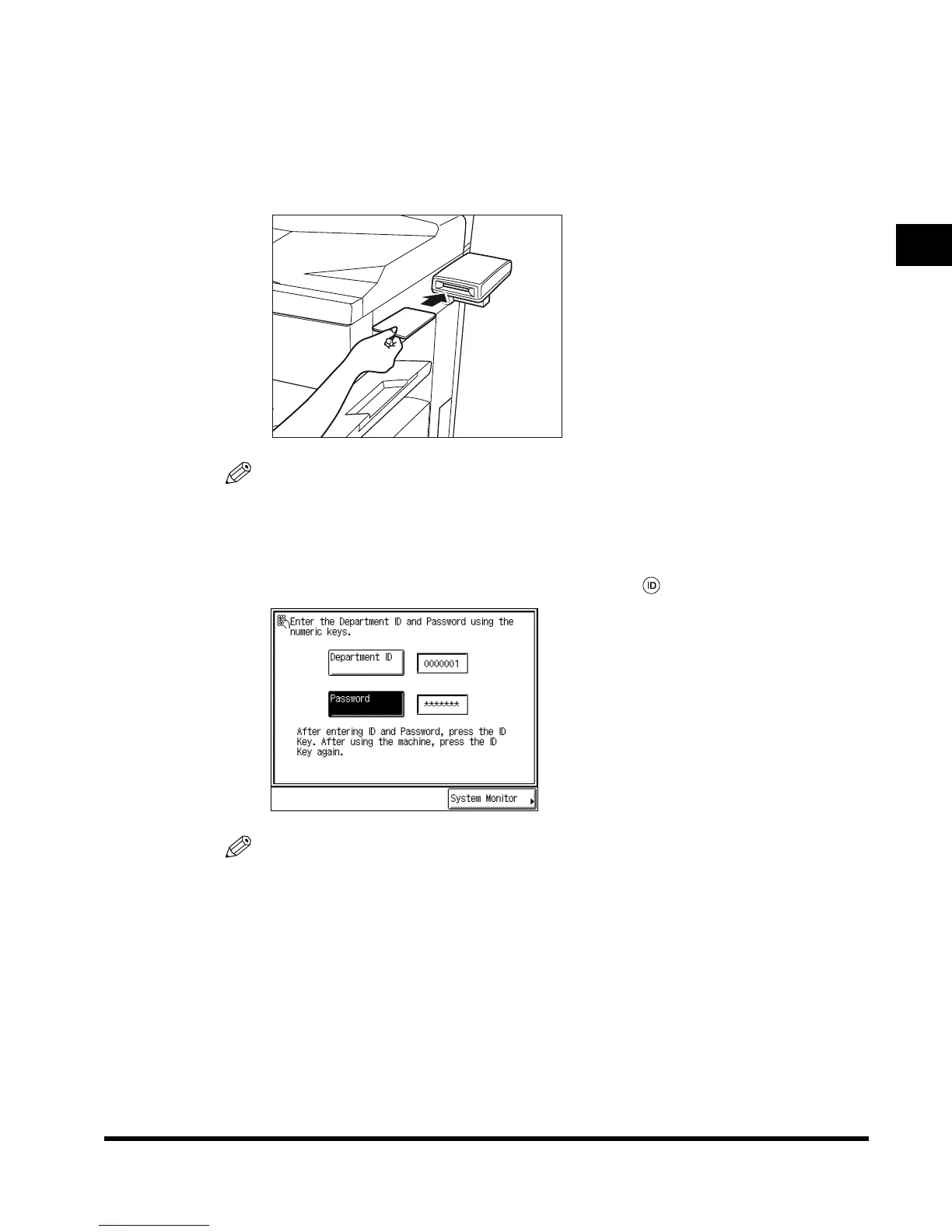
● If the message <You must insert a control card.> appears:
Insert a control card.
NOTE
•
See ‘Card Reader-C1,’ on p. 7-80.
● If the message <Enter the Department ID and Password using the numeric
keys.> appears:
Enter the Department ID and Password, and press (ID).
NOTE
•
See ‘Operations After Turning the Power On,’ on p. 1-36, for how to enter the department ID
and Password.
E1L_US_U_.book-INDEX Page 25 Wednesday, May 23, 2001 11:40 PM












 To Next Page