1
Making Prints Using the Stack Bypass
1-47
Before You Start Using This Machine
■ Free Size
You can place non-standard size paper (4" x 5-1/2" to 11-3/4" x 17" (100mm x 139mm to
297mm x 432mm)).
■ Envelope
The following envelopes can be loaded into the envelope cassette: COM10, ISO-B5,
Monarch, ISO-C5, DL, and Yougata 4.
1
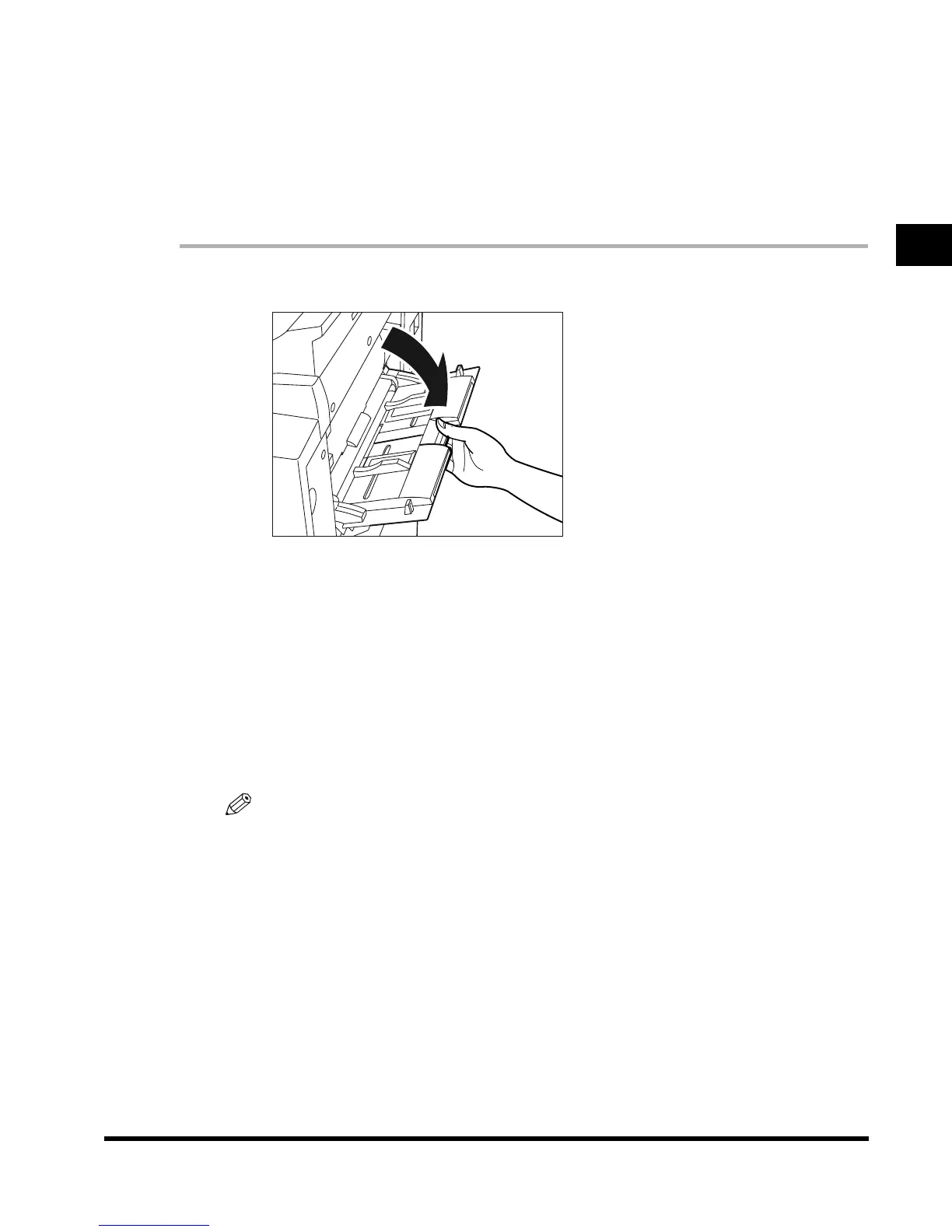
Open the stack bypass.
● If the specified paper has already been loaded in the Stack Bypass:
Press “Paper Select,” and select the desired paper.
● If paper different from that specified is loaded in the Stack Bypass:
Check to see if any job is reserved. (See ‘Flow of Checking/Changing Operations,’
on p. 2-2.)
If there is a current/reserved job, reserve a change for the stack bypass. (See ‘Using the
Stack Bypass While Reserving Print Jobs,’ on p. 1-54.)
When there is no reserved job, continue the procedure from step 2.
NOTE
•
If the paper size loaded in the stack bypass is different from the paper size stored in Standard
Stack Bypass Settings, press “Stack Bypass Settings” and change the setting to the loaded
paper size. (See ‘Setting the Standard Paper for the Stack Bypass,’ on p. 3-24.)
E1L_US_U_.book-INDEX Page 47 Wednesday, May 23, 2001 11:40 PM












 To Next Page