1
Making Prints Using the Stack Bypass
1-48
Before You Start Using This Machine
2
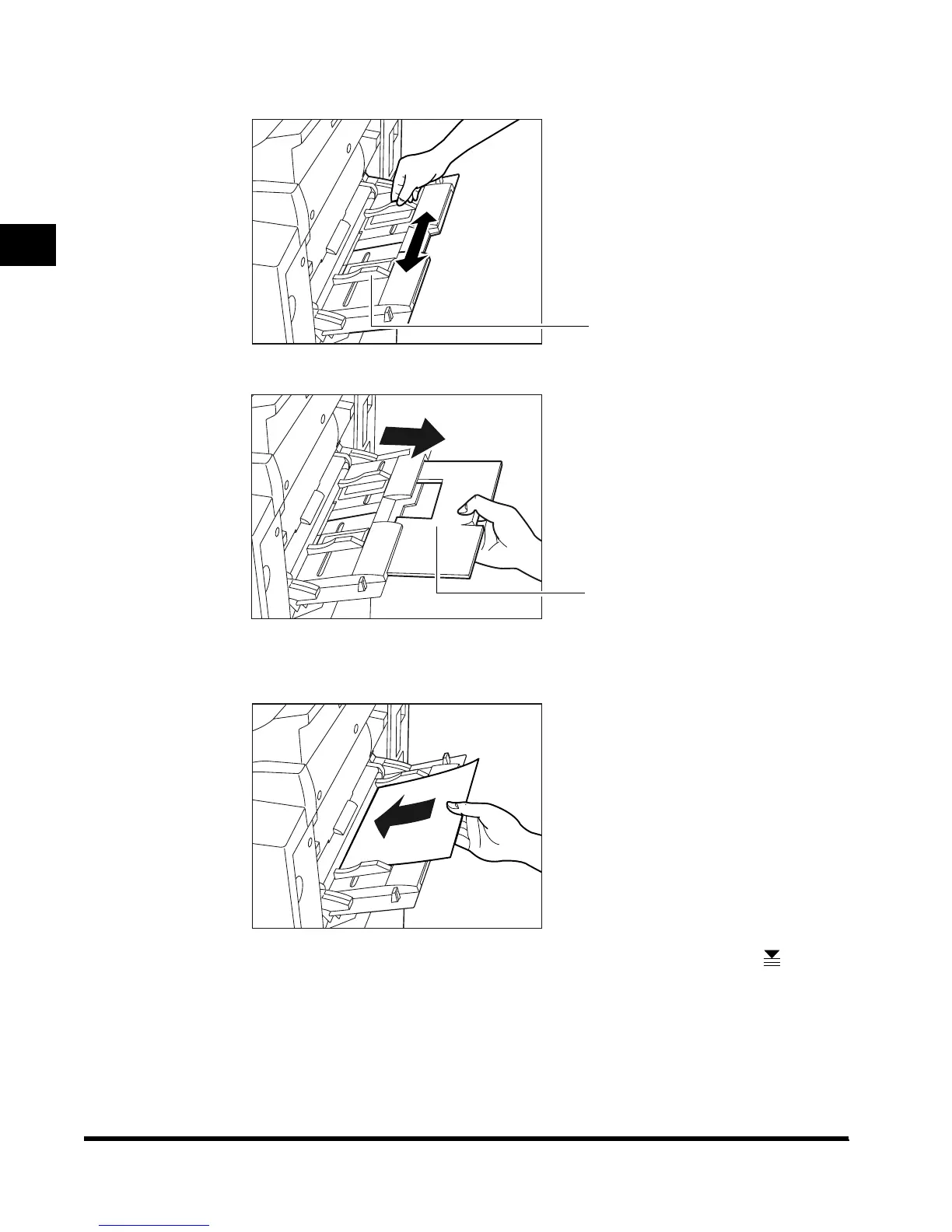
Adjust the slide guides to the size of the paper.
When feeding large-size paper, pull out the auxiliary tray.
3
Load the paper in the stack bypass.
Make sure that the height of the paper stack does not exceed the limit mark ( ).
Align the required number of sheets of paper with the slide guides. The surface that you
want to print on (opened surface) must be placed face up. Insert the paper into the
machine until it stops.
Slide Guide
Auxiliary tray
E1L_US_U_.book-INDEX Page 48 Wednesday, May 23, 2001 11:40 PM












 To Next Page