1
Making Prints Using the Stack Bypass
1-55
Before You Start Using This Machine
3
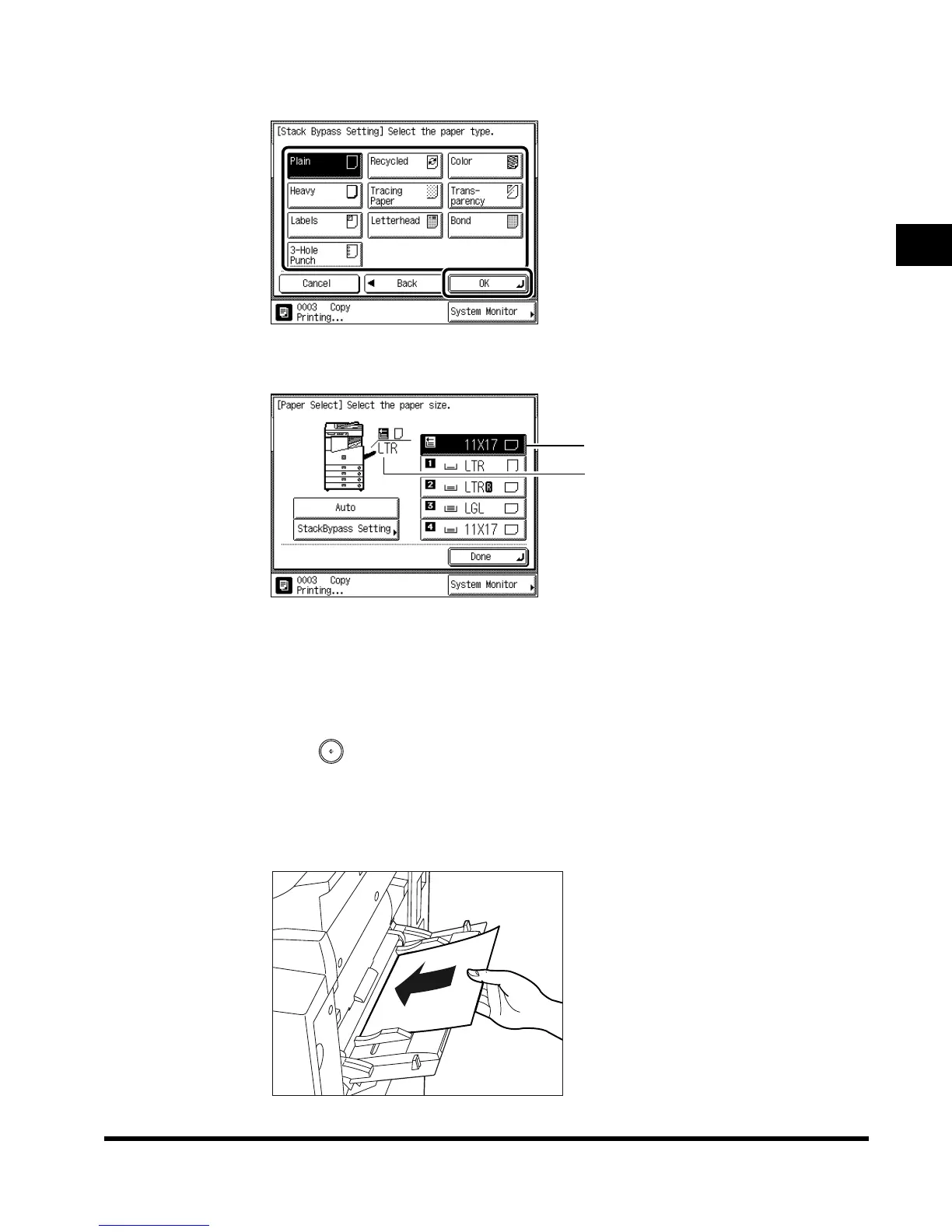
Select the paper type, and press “OK.”
The paper currently loaded and the paper reserved to be loaded are displayed, as shown in
the following screen.
4
Press “Done.”
This completes the reserved specifications for the originals you plan to set in the feeder.
5
Press (Start).
When printing documents stored in a mail box, press “Start Print.”
6
Load the specified paper when its turn comes to print.
Paper size loaded presently
Paper size selected
E1L_US_U_.book-INDEX Page 55 Wednesday, May 23, 2001 11:40 PM












 To Next Page