Software Configuration
148
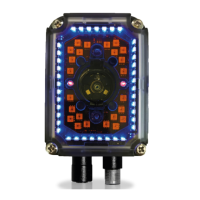
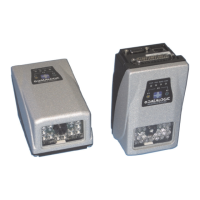
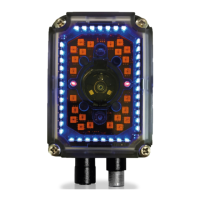
Matrix 300N
Image Cropping
In some applications, the Image Cropping feature in DL.CODE can help to
increase decoding and result performance. Image cropping is performed from
the Advanced Setup tab by clicking on the Add Cropping Region icon as shown
below.
In Matrix 300N the frame rate is dependent on the number of rows and columns
in the defined window. Image cropping allows reducing the Image processing
area from the full FoV to a smaller area where codes are present. By excluding
portions of the FoV, processing time is reduced.
After clicking the Add Cropping Region icon, a blue border appears which by
default is equal to the FoV.



 To Next Page

