20140704#1.0 EBS Ink Jet Systeme
81
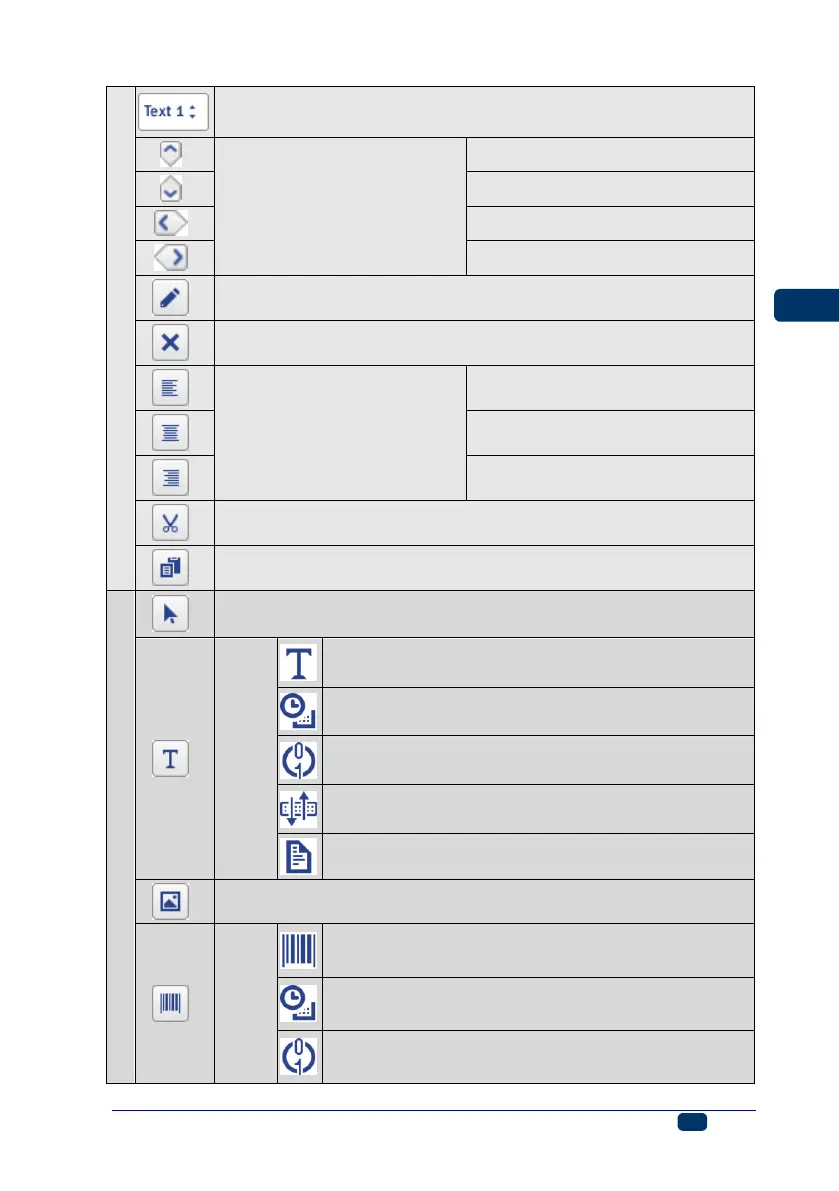
set object position (move
a selected object within edit
area by 1px)
down (hot key: ¤)
delete object (hot key: ¦)
justify object within edit area
cut objects (hot key: «+8)
copy objects (hot key: «+#)
type: Normal Text – see Text Object – Normal
Text (p. 87)
type: Date/Time – see Text Object – Date/Time
(p. 88)
type: Counter – see Text Object – Counter (p.
91)
type: Communications port – see Text Object –
Communications port (p. 93)
type Text File – see Text Object – Text File (p.
98)
add Image-type object – see Image (p. 99)
add barcode-type
object – see
Barcode (p. 100)



 To Next Page