RESTRICTED USE ONLY Fargo Electronics, Inc.
DTC400e Card Printer User Guide (L001172 Rev. 1.1)
4-52
Resolving the Image Placement problems (continued)
Step Procedure
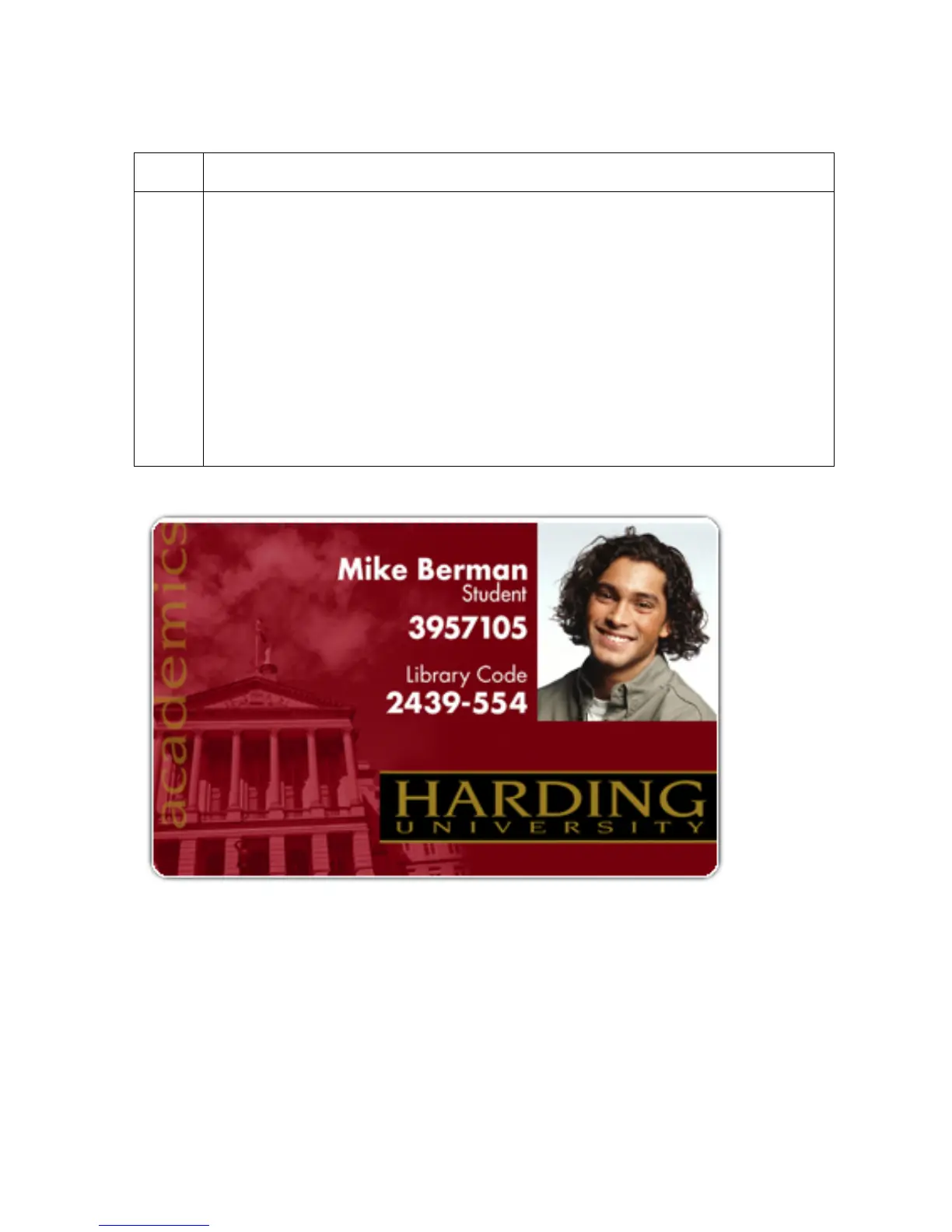
4 Verify if the Vertical Image Position Setting is set correctly or incorrectly. See
the graphic below.
a. Adjust the value as described below:
• If the white border is on the top edge of the card, adjust the Vertical value
by +2.
• If the white border is on the bottom edge of the card, adjust the Vertical
value by -2.
b. Click on OK.
c. Run a self-test.
d. If the white border is diminished, continue the adjustment until it is gone.



 To Next Page