RESTRICTED USE ONLY Fargo Electronics, Inc.
DTC400e Card Printer User Guide (L001172 Rev. 1.1)
9-3
Upgrade the Printer Firmware (Continued)
Step Procedure
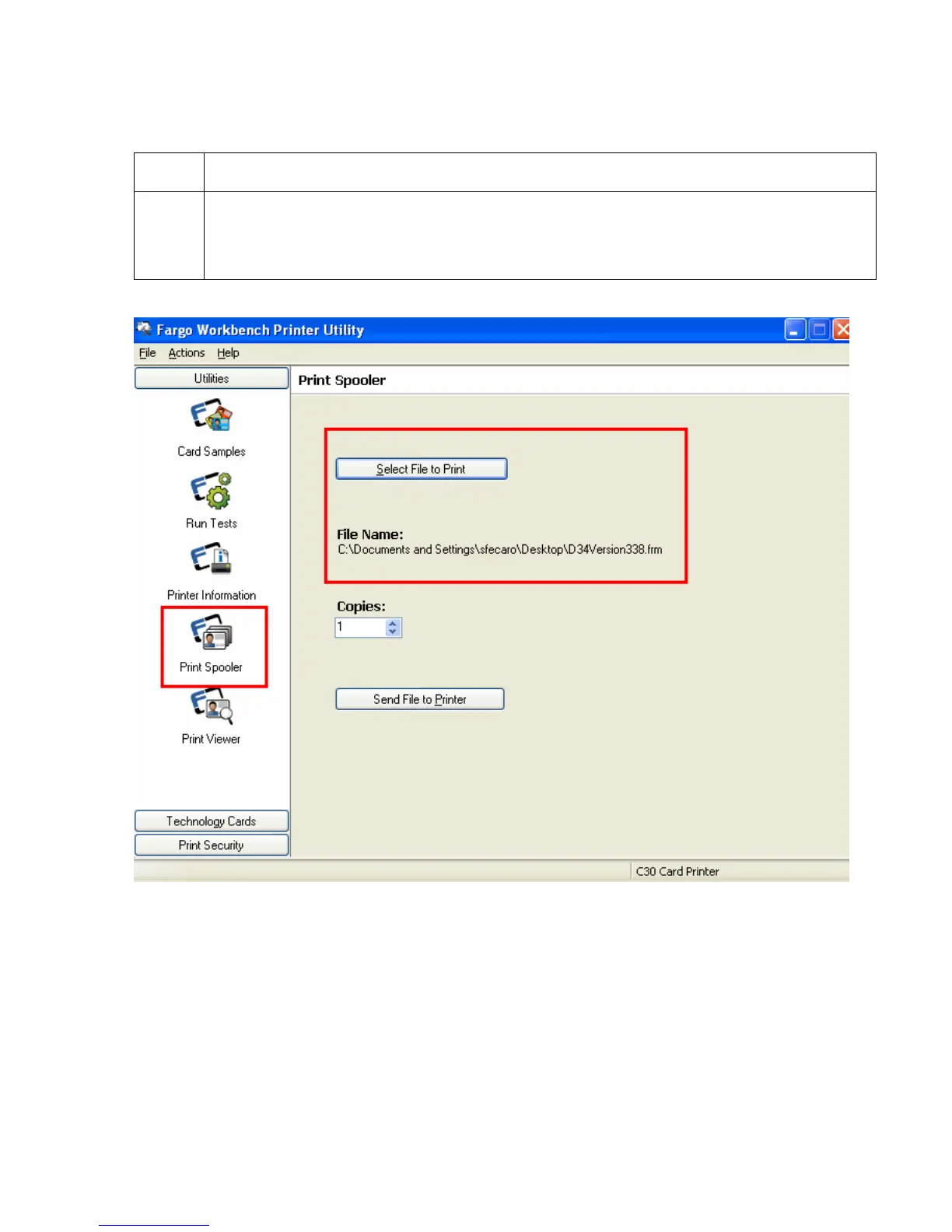
3 a. Open the Print Spooler.
b. Select File to Print and browse to find the new Firmware file saved on the
computer. (Note: This is a .frm file.)



 To Next Page