Operating Procedures: Recording Movies (Saving Multiple Images)
C O N F I D E N T I A L – FEI Limited Rights Data 5-29
Preview Tab
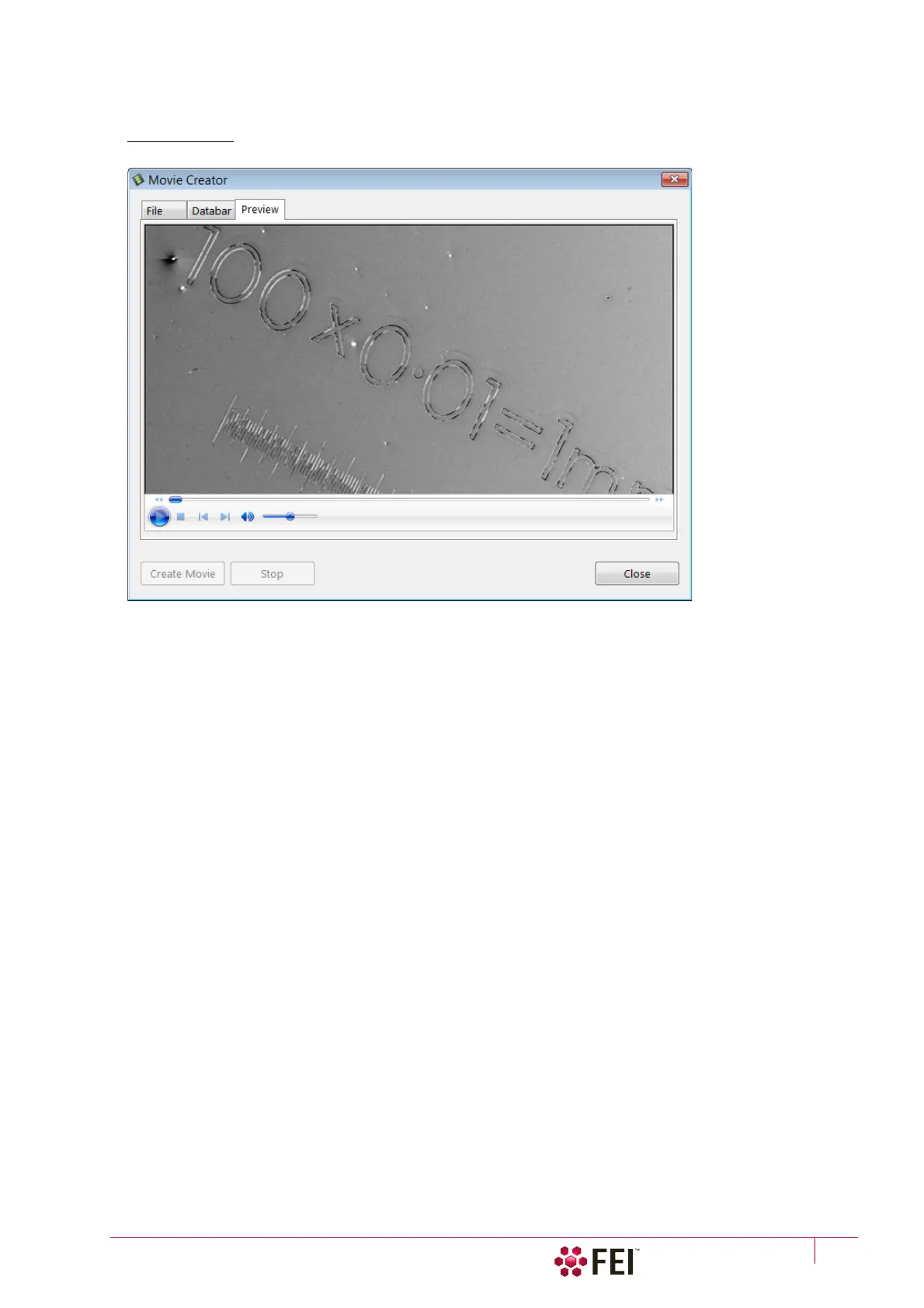
Once the movie is set-up, opening the Preview tab automatically shows the first image of the movie sequence.
FIGURE 5-11 Movie Creator dialog / Preview tab
• Start / Pause / Stop button – starts / pauses / stops the movie play back. By dragging the adjuster one can run
forward or backward through the movie.
Playing a Movie
The AVI file movie can be played in the Windows Media Player or any another more advanced movie editing
program recognising the *.avi file type.



 To Next Page