Number of Pulses
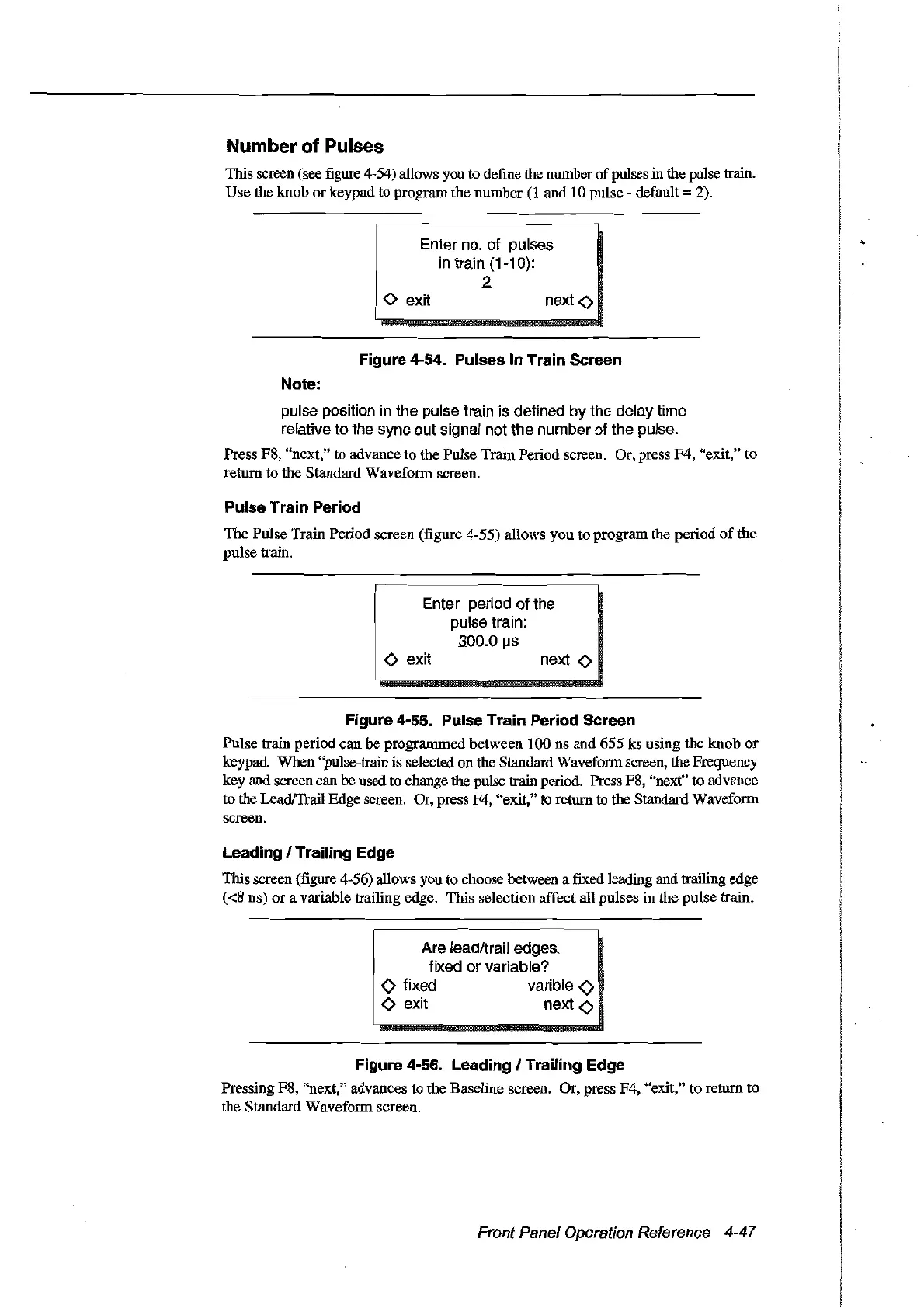
11ris screen (see figure 4-54) allows you to define the number
of
pulses in the pulse train.
Use
the knob
or
keypad to program the number
(l
and 10 pulse default:::: 2).
Enter no. of pulses
in
train {1-10}:
2
<>
exit
next
<>
Figure 4-54. Pulses ln Train Sereen
Note:
pulse position in the pulse train is defined by the delny time
relative to the sync out signal not the number of the pulse.
Press F8, "next," to advance
to
the Pulse Train Period screen. Or, press
F4,
"exit," to
return to the Standard Waveform screen.
Pulse Train Period
The
Pulse Train Period screen (figure 4-55) allows you to program the period
of
the
pulse train.
Enter period
of
the
pulse train:
.300.0
IJs
<>
exit
next
<>
Figure 4-55. Pulse Train Period Sereen
Pulse train period
can
be programmed between 100 ns and
655
ks using
the
knob
or
keypad. When "pulse-train is selected on the Standard Waveform screen, the Frequency
key and screen can he used to change the pulse train period. Press F8, "next" to advance
to the Lead!frail Edge screen. Or, press F4, "exit," to return to the Standard Waveform
screen.
Leading 1Trailing Edge
11ris screen (figure 4-56) allows you to choose between a fixed leading and trailing edge
«8
ns)
or
a variable trailing edge. This selection affect all pulses in the pulse train.
Are leadltrail edges,
fixed
or
variable?
o fixed varible
<>
<>
exit next
<>
Figure 4-56. Leading 1Trailing Edge
Pressing F8, "next," advances
to
the Baseline screen. Or, press F4, "exit," to return to
the Standard Waveform screen.
Front Panel Operation Reference 4-47
Artisan Technology Group - Quality Instrumentation ... Guaranteed | (888) 88-SOURCE | www.artisantg.com



 To Next Page