~.
Baseline
The Baseline screen (figure 4-57) allows you to set the reference level for the pulse
train.
r
Enter the baseline
voltage:
+0..000
V
o exit next
<>
Figure 4-57. Baseline Sereen
Use the knob or keypad to program the value which is programmable between
-5.OOOV
and
+S.OOOV.
When "pulse" is selected on the Standard Waveform screen, the Offset
key and screen can
be
used
to
change the Baselintllevd. Press F8, "uljxL" to advancc
to the Pulse Level screen. Or, press F4, "exit," to return
to
the Standard Waveform
screen.
Pulse Level
The Pulse Level screen (figure 4-58) permits you to set the absolute level
of
the pulse.
o Pulse 1 level
• +2.000 V
o exit next
<>
Figure 4-58. Pulse Level Sereen
Use the knob
or
keypad
to
program the level
of
the selected pulse between -5.000 V and
+5.000
V.
To change the Pulse Levet
of
other pulses in the train, press
FIor
rotate the
knob until the number
of
the desired pulse appears. F3 must be preSSed before the pulse
level can
be
programmed.
Note
Wh
en
"pulse-train"
is
selected
on
the Standard Waveform
screen, the Amplitude key and screen can be used to
change the Pulse Leve!.
Press F8, "next" to advance to the Leading Edge screen. Or, press F4, "exit," to return
to the Standard Waveform screen.
Leading Edge
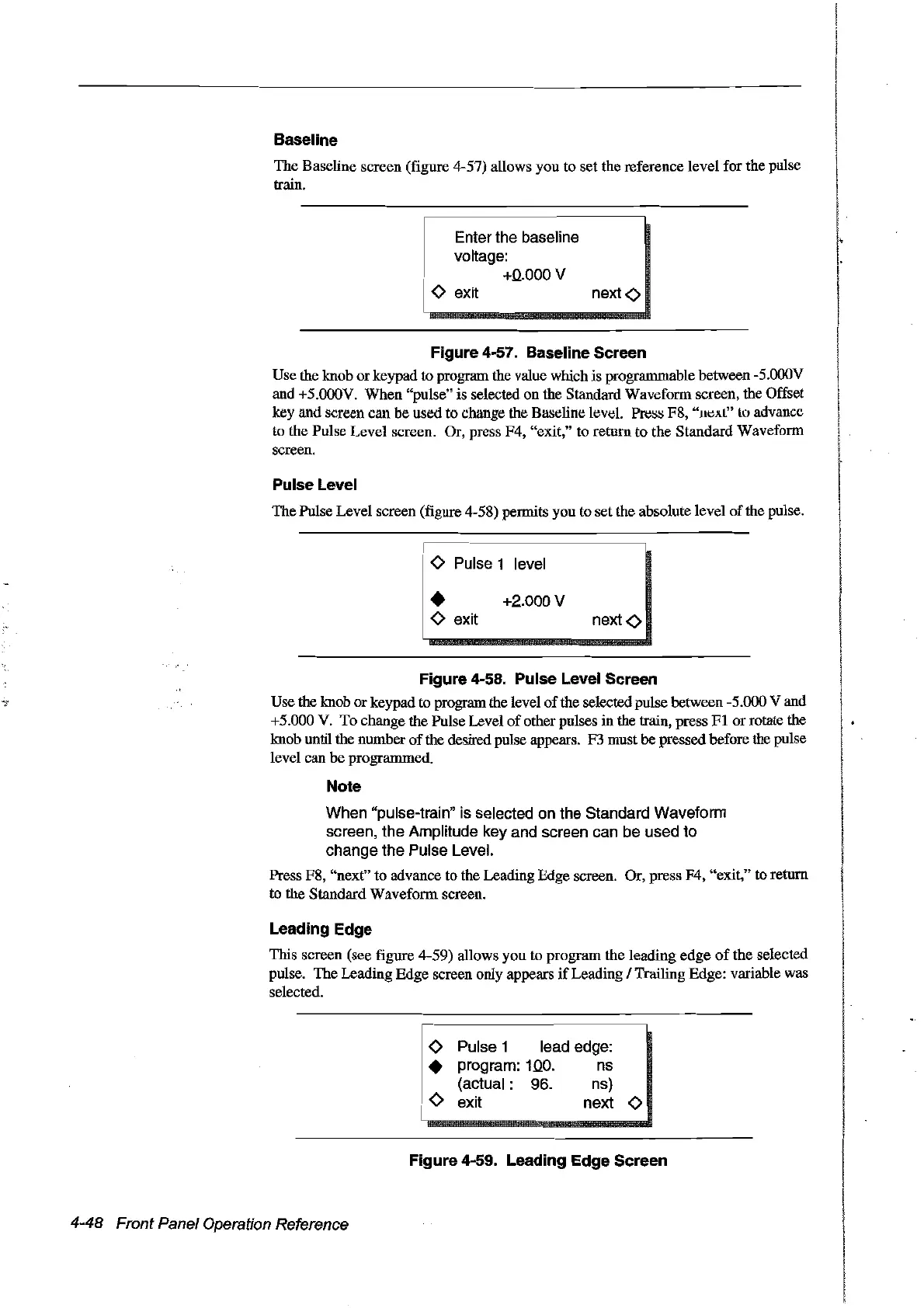
This screen (see figure 4-59) allows you to program the leading
edge
of
the selected
pulse. The Leading Edge screen only appears
if
Leading / Trailing Edge: variable was
selected.
o Pulse 1 lead edge:
• program:
10.0.
ns
(actual:
96.
ns)
o exit next 0
Figure 4-59. Leading
Edge
Sereen
4-48 Front Panel Operation Reference
Artisan Technology Group - Quality Instrumentation ... Guaranteed | (888) 88-SOURCE | www.artisantg.com



 To Next Page