Select the external trigger source by pressing
FI
"source:" until "manual" appears:
~
SOI.f'Ce:
manuaJ
<>
si
0
pe
: p
œitive
<>
level
:
+0.00
V
<>
pai
od:
5.0000
ms
Step 5. Synchronizing the Scope
to
the Madel 395
Ta
synchronize the scope signal with the
Madel
395, press the
SYNC
OUT
key
ta
display the Sync Output Setup screen:
SVNC
OUT
( )
SV
NC
OUT
SETU
P
*'
outp
ut
:
dt
mode:
al.to
SI'(::
tri
gg
€f
Enable the Sync Out signal by pressing
F2
until "output: on" appears.
The
Sync Out
indicator lights. Press F4 "src:" until "trigger" appears. Note: when the "mode" is set
to auto, the Madel 395 automatically selects trigger source.
Ifyou
connect the Model395
ta
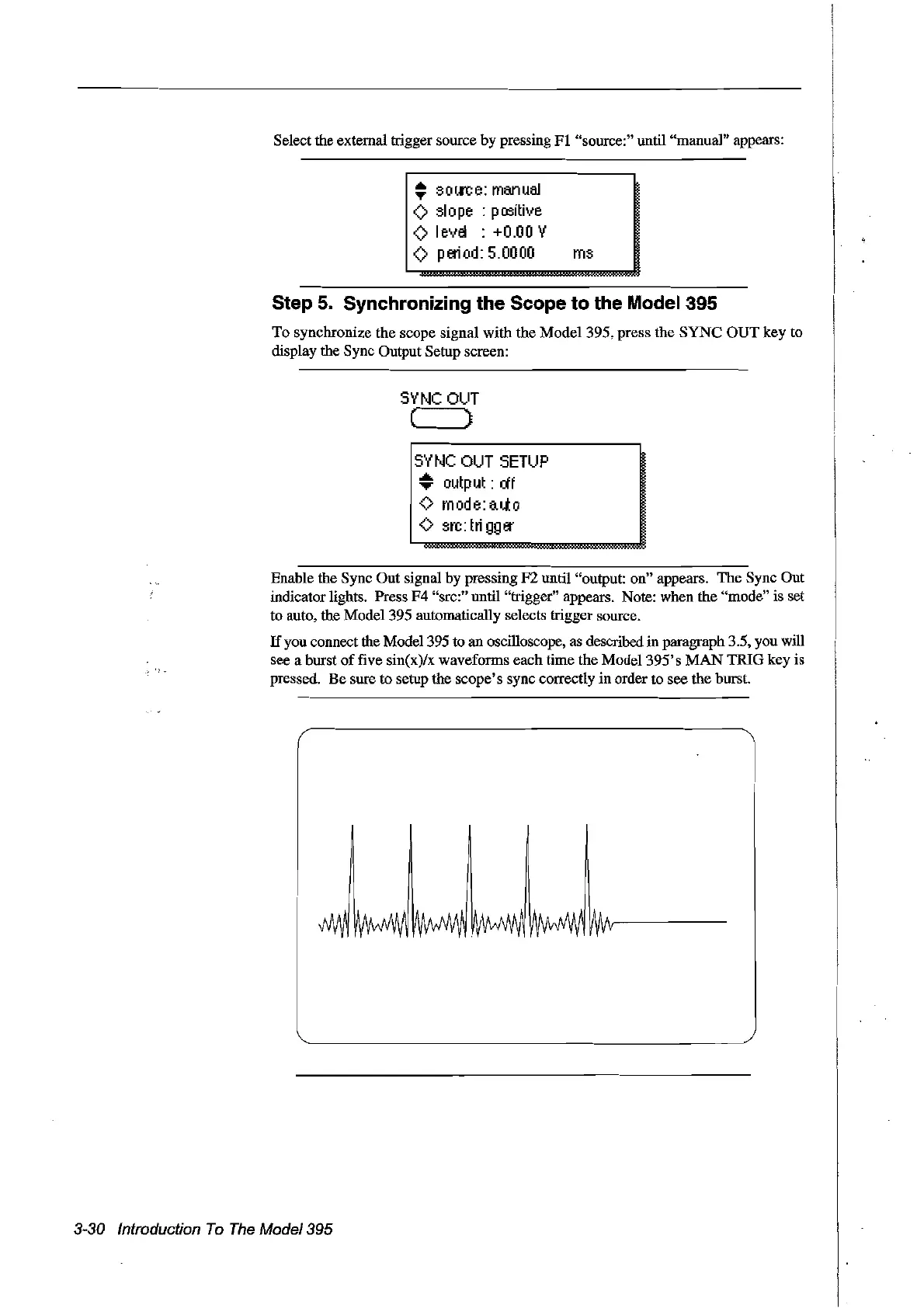
an oscilloscope, as described in paragraph 3.5, you will
see a burst
of
five sin(x)/x waveforms each time the Madel
395's
MAN
TRIG key is
pressed. Be sure to setup the scope's sync correctly
in
arder to see the burst.
3-30 Introduction
To
The
Model39S
Artisan Technology Group - Quality Instrumentation ... Guaranteed | (888) 88-SOURCE | www.artisantg.com



 To Next Page