SUM
IN
SETUP
<>
input: off
<>
atten: -12
dB
(/4)
<>
atten mode: auto
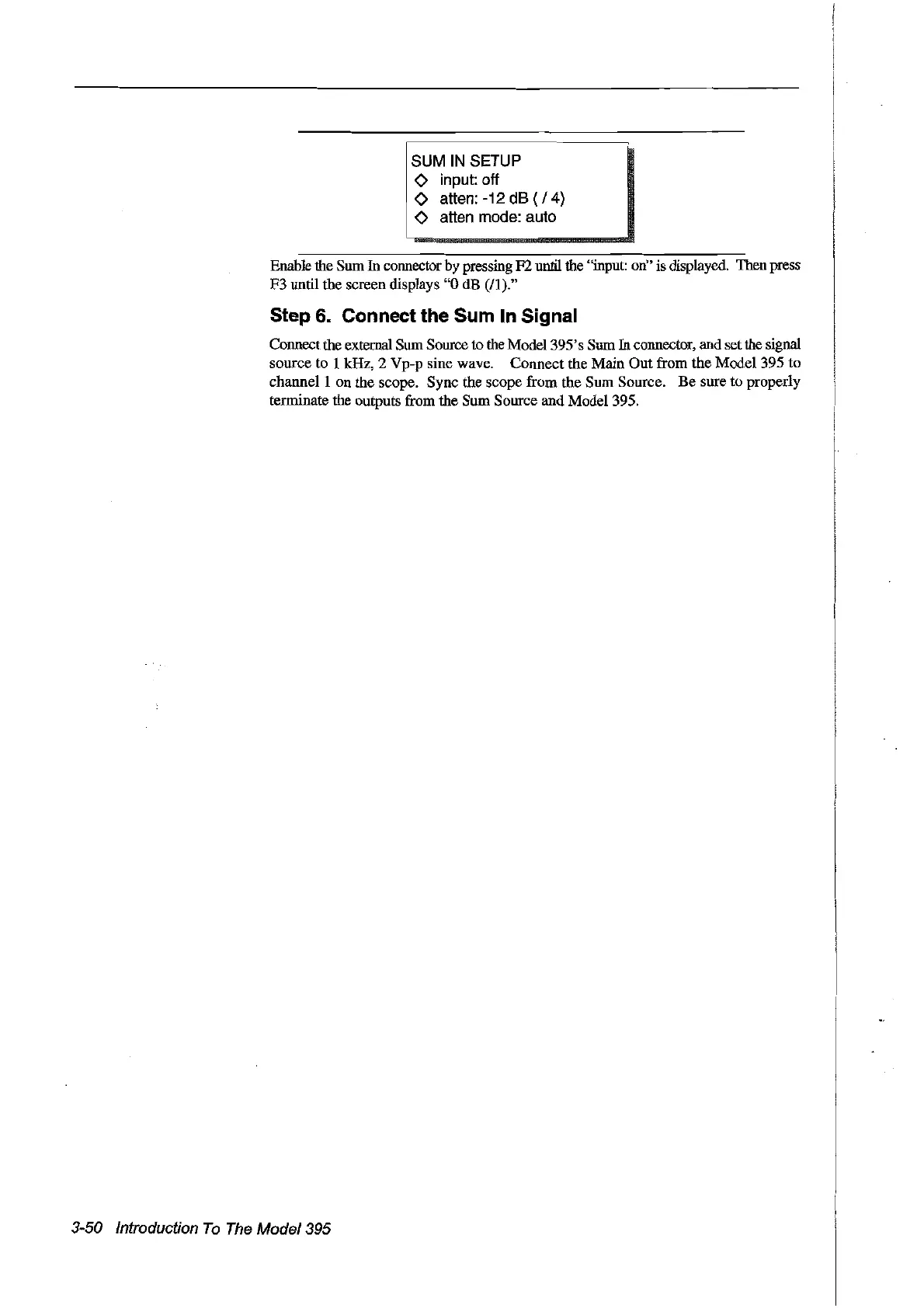
Enable the Sum
In
connector by pressing F2until the "input: on" is displayed. Then press
F3 until the screen displays
"0
dB
(Il)."
Step 6. Connect the Sum ln Signal
Connectthe external Sum Source to the Model395's Sum
In
connector, and set the signal
source to 1 kHz, 2 Vp-p sine wave. Connect the Main
Out
from the Model 395 to
channel 1 on the scope. Sync the scope from the Sum Source.
Be
sure to properly
terminate the outputs from the
Sum
Source and Model 395.
3-50 Introduction
To
The
Model395
Artisan Technology Group - Quality Instrumentation ... Guaranteed | (888) 88-SOURCE | www.artisantg.com



 To Next Page