4.4.2 AM
IN
(AMPLITUDE MODULATION AND
SeM)
The
Model
395 supports Amplitude Modulation
(l
00%)
and
Suppressed Carrier
Modulation (200%). The unit receives its modulating signal viathe AM IN connector.
An external signal controls the level
ofthe
signal at the MAIN OUT connector. AlI
waveforms, including arbitrary waveforms, can he modulated. Amplitude modulation
works
in
aIl operating modes. Figure 4-9 illustrates the AM In screen.
AM INPUT
SETUP
• off
<>
AM (2.5Vpp=100%)
<>
SCM (5.0Vpp=200%)
Figure 4-9. AM
ln
Sereen
Note
The
Model 395 also provides internai
AM
and SCM which is
accessible through the Standard Waveform's screens. See
paragraph 4.4.12.18.
OFF
Press F2, "off," to disconnect the
AM
Input from the Model 395.
See
figure 4-9.
AM (Amplitude Modulation)
An
input
of
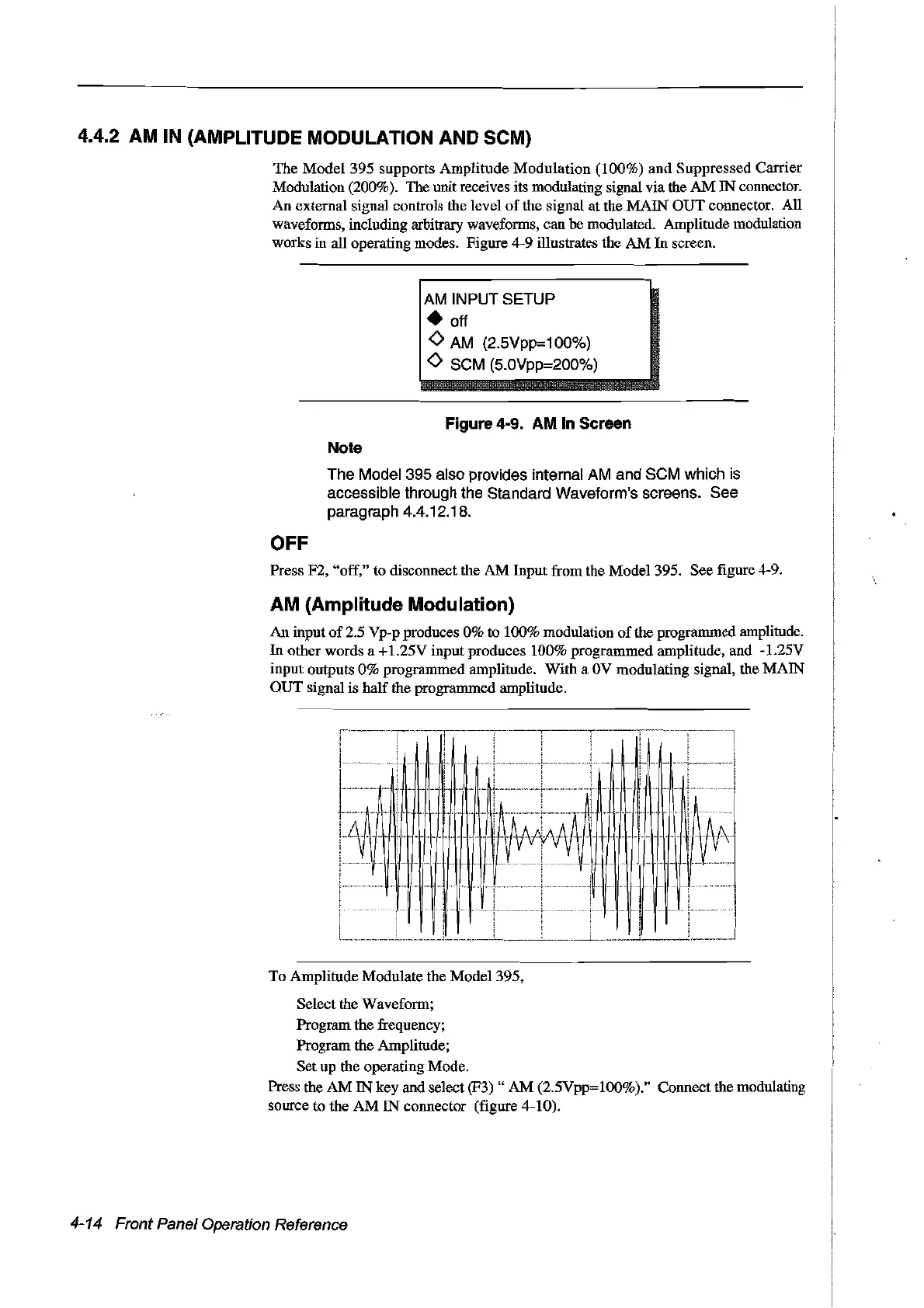
2.5 Vp-p produces 0% to 100% modulation
of
the programmed amplitude.
In
other words a +1.25V input produces 100% programmed amplitude, and -1.25V
input outputs 0% programmed amplitude. With a
OV
modulating signal, the MAIN
OUT
signal is half the programmed amplitude.
To Amplitude Modulate the Model 395,
Select the Waveform;
Program the frequency;
Program the Amplitude;
Set up the operating Mode.
Press the
AM
IN
key and select (F3) "
AM
(2.5Vpp=loo%)." Connect the modulating
source to the
AM
IN
connector (figure 4-10).
4-14 Front Panel Operation Reference
Artisan Technology Group - Quality Instrumentation ... Guaranteed | (888) 88-SOURCE | www.artisantg.com



 To Next Page