Limits
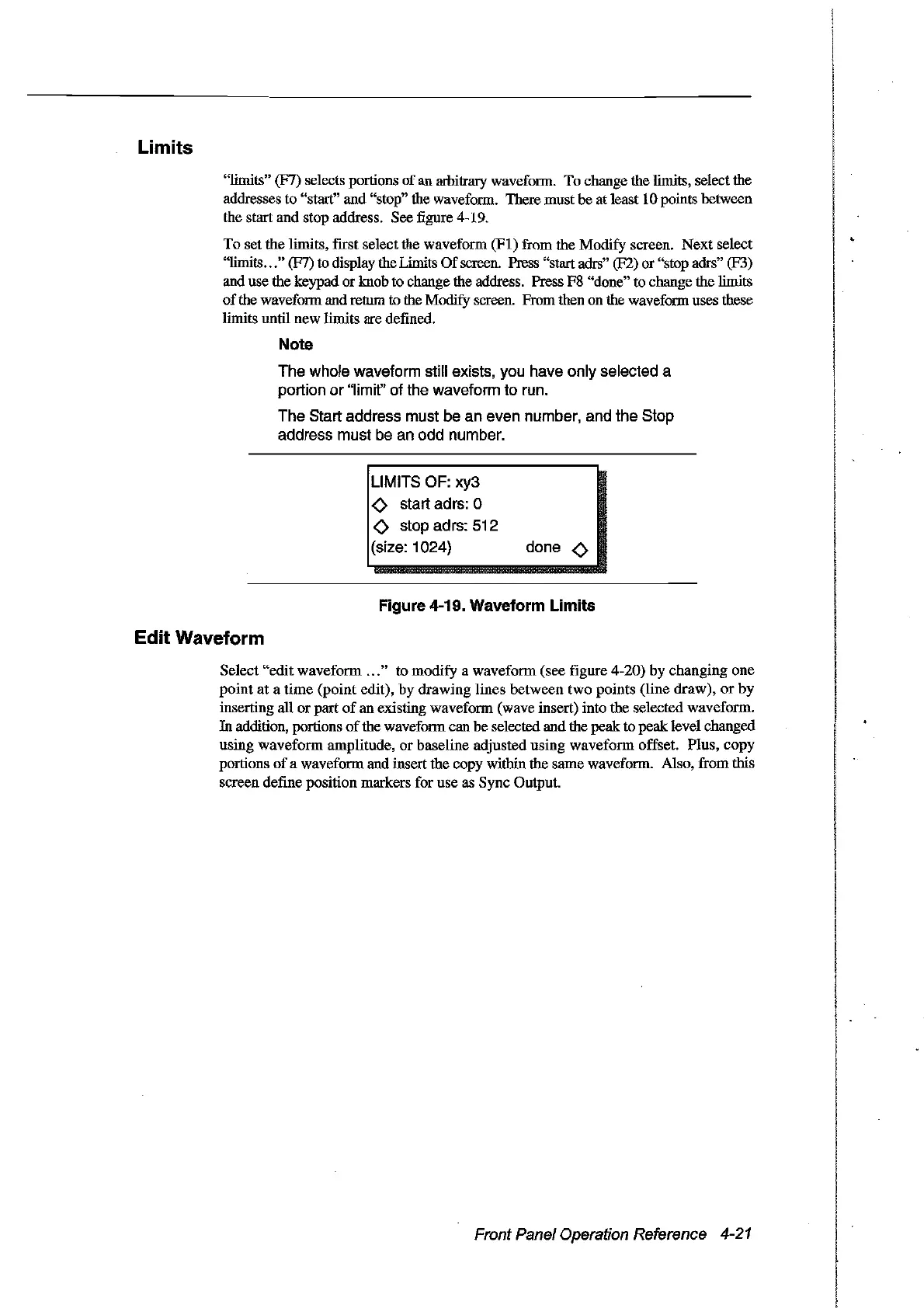
"limits" (F7) selects portions of
an
arbitrary wavefonn. To change the limits, select the
addresses to "start" and "stop" the wavefonn. There must be at least 10 points between
the start
and
stop address. See figure 4-19.
To
set the limits, first select the wavefonn
(FI)
from the Modify screen.
Next
select
"limits
...
" (F7) ta display the Limits
Of
screen. Press "start adrs" (F2) or "stop adrs" (F3)
and use the keypad
or
knob ta change the address. Press F8 "done"
ta
change the limits
of
the wavefonn and return
ta
the Modify screen. From then on the wavefonn uses these
Hmits until new limits are defined.
Note
The whole waveform still exists, you have only selected a
portion
or
"Iimit" of the waveform to run.
The Start address must be an even number, and the Stop
address must be an odd number.
L1MITS
OF: xy3
<>
start adrs: 0
<>
stop adrs: 512
(size: 1024)
done
<>
Figure 4-19. Waveform Limits
Edit Waveform
Select
"edit
wavefonn
...
" to modify a
wavefonn
(see figure 4-20) by changing one
point
at
a
time
(point
edit), by drawing Hnes between
two
points (Hne draw),
or
by
inserting aIl
or
part
of
an existing wavefonn (wave insert) into the selected wavefonn.
In addition, portions
of
the wavefonn can
be
selected and the
peak
to peak level changed
using
wavefonn
amplitude,
or
baseline adjusted using
waveform
offset. Plus,
copy
portions
of
a wavefonn and insert the copy within the same wavefonn. Also, from this
screen define position markers for use as Sync Output.
Front Panel Operation Reference 4-21
Artisan Technology Group - Quality Instrumentation ... Guaranteed | (888) 88-SOURCE | www.artisantg.com



 To Next Page