4 Service Tests and Service Mode
M1207026 4-27
4.6.2 Software
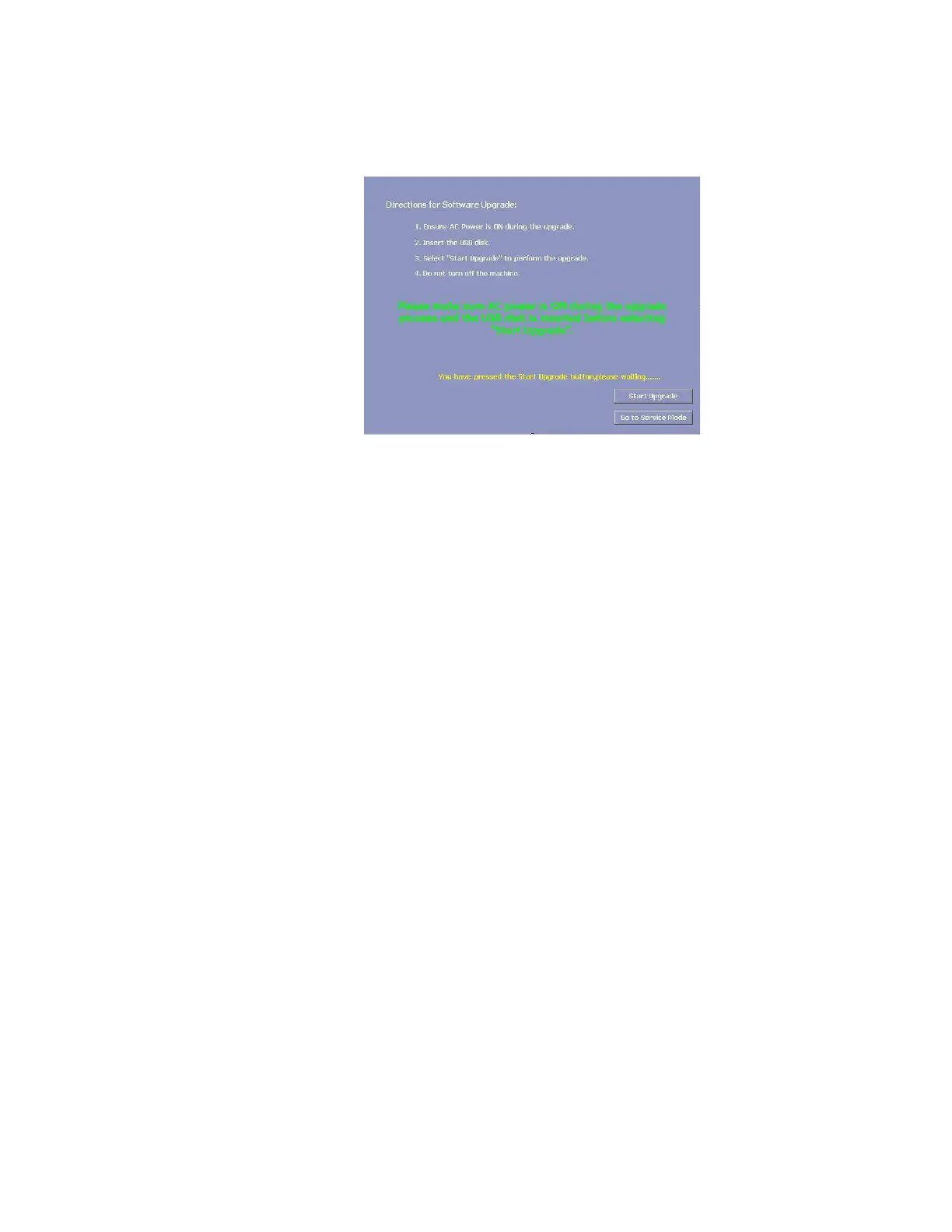
Upgrade
The Software Upgrade menu shows the directions for software
upgrade.
WARNING Ensure the USB disk is inserted during the upgrade. If the USB disk is
removed during the upgrade, that may result in the failure of the
display monitor board.
Remarks Ensure the AC power is ON during the upgrade.
M1207027 004 MANUAL−DOC, Technical Reference Manual, Technical Reference Manual for 9100c, English−default
Reproduced from the electronic master in MATRIX



 To Next Page