9100c
8-2 M1207026
8.1 Before replacing the Display Monitor Board
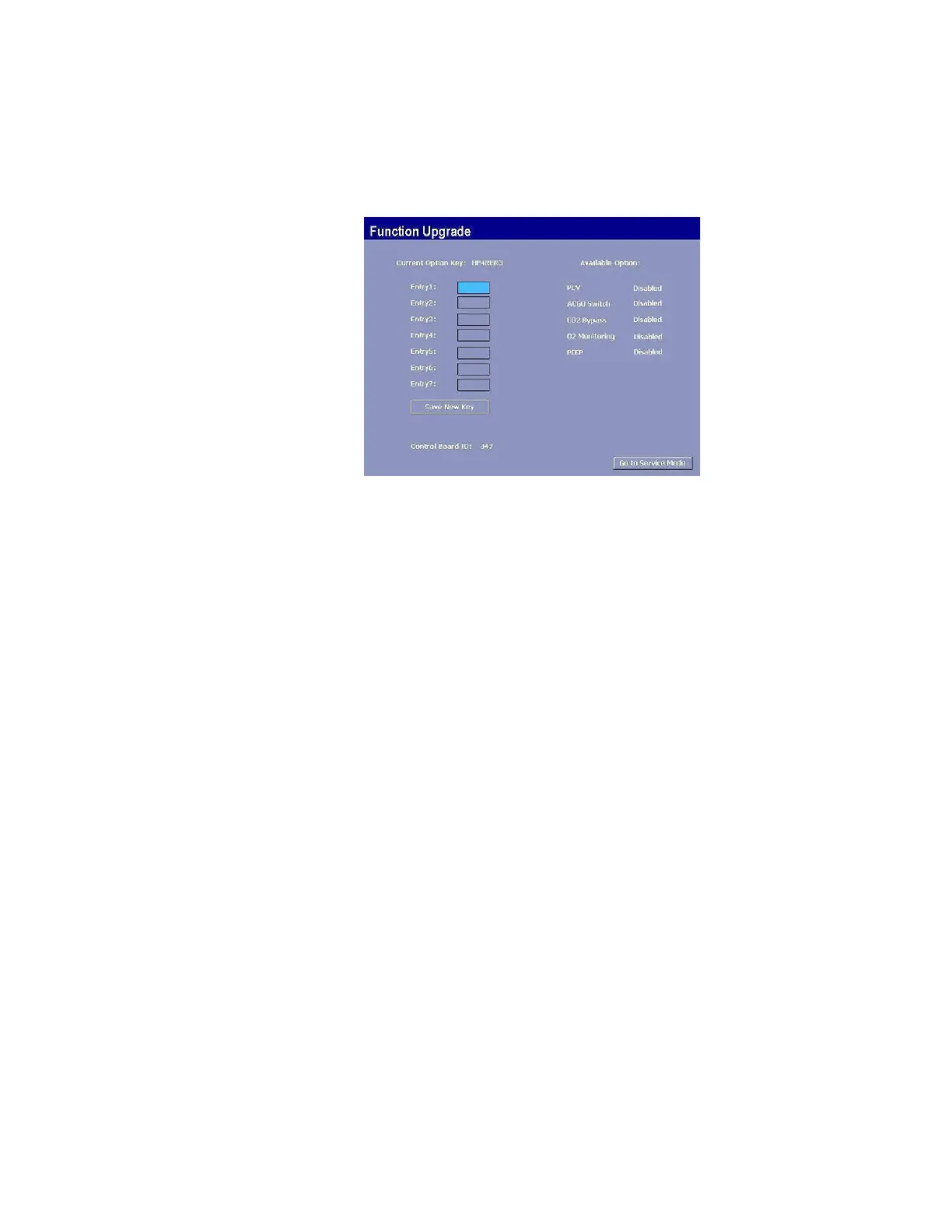
When new Display Monitor Board is installed, the Function Upgrade
options are reset to “not installed” (Section 4.6.1).
To help ensure that, after repair or software replacement, the 9100c
system will include all features that are currently installed and
enabled, record the current Function Upgrade options installed.
The Function Upgrade options are presented in all machines:
• PCV: Enabled or Disabled.
• ACGO Switch: Enabled or Disabled.
• CO
2
Bypass: Enabled or Disabled.
• O
2
Monitoring: Enabled or Disabled.
• PEEP: Enabled or Disabled.
M1207027 004 MANUAL−DOC, Technical Reference Manual, Technical Reference Manual for 9100c, English−default
Reproduced from the electronic master in MATRIX



 To Next Page