9 Repair Procedure
M1207026 9-31
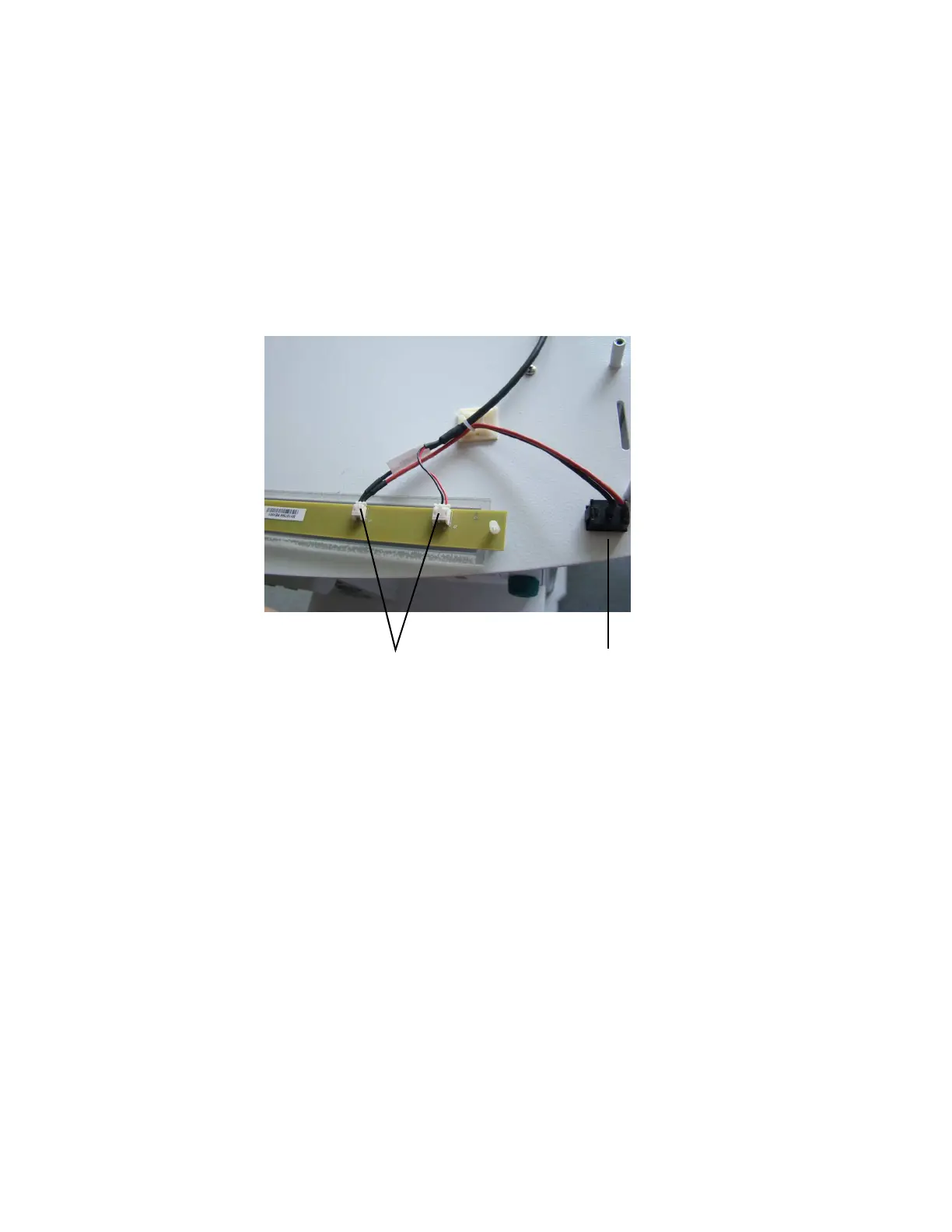
9.14 Replace task light switch
1. Remove the upper shelf. (Section 9.4)
2. Using a small needle-nose pliers, disconnect the switch
harnesses of the task-light circuit board connectors.
3. Remove the switch from the top shelf using the small needle-
nose pliers.
4. To replace the switch, reassemble in reverse order.
M1207027 004 MANUAL−DOC, Technical Reference Manual, Technical Reference Manual for 9100c, English−default
Reproduced from the electronic master in MATRIX



 To Next Page