9100c
6-8 M1207026
6.5 MOPV pressure relief valve test
WARNING Objects in the breathing system can stop gas flow to the
patient. This can cause injury or death:
• Do not use a test plug that is small enough to fall into
the breathing system.
• Make sure that there are no test plugs or other objects
caught in the breathing system.
6.5.1 Test setup 1. Remove the breathing system.
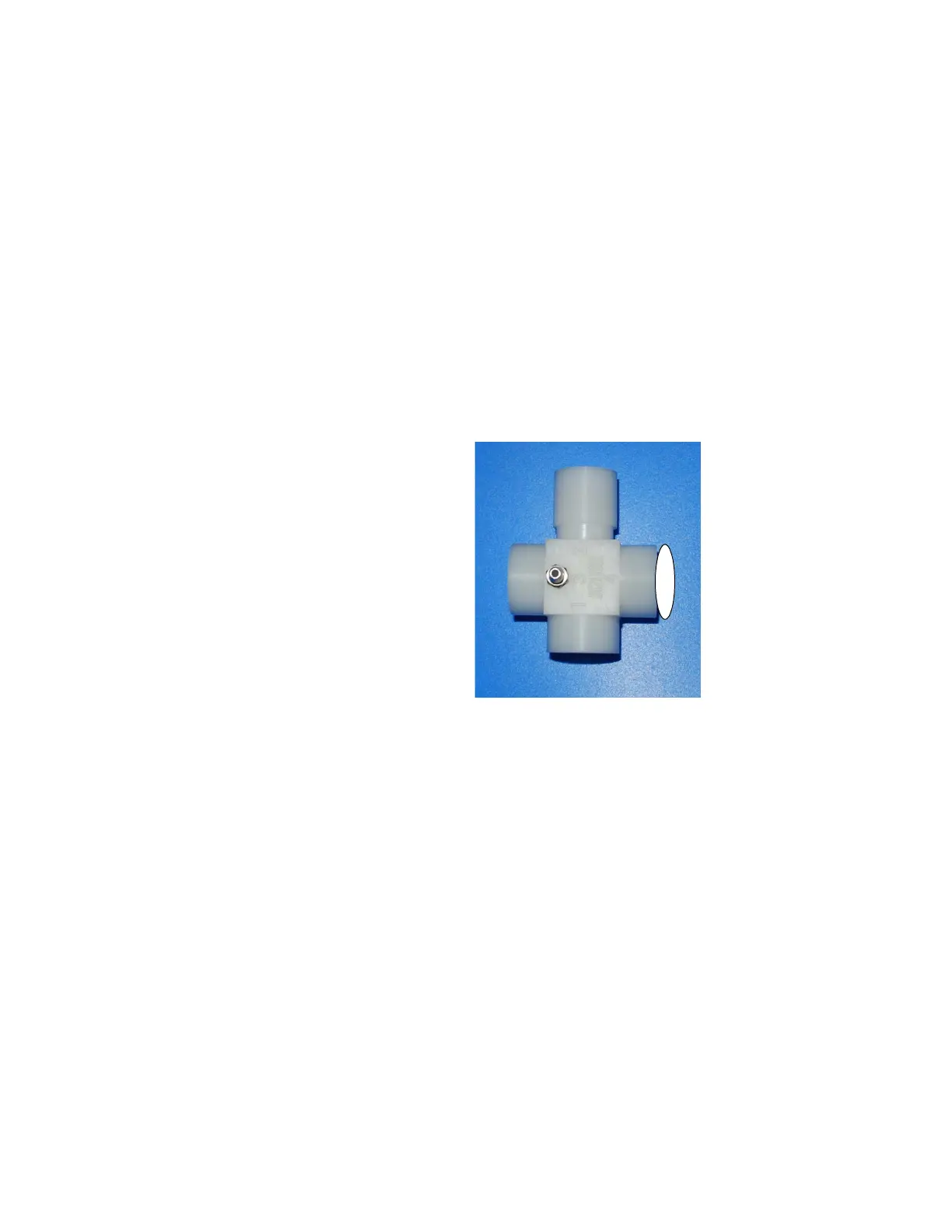
2. Plug the drive gas outlet with the test adapter port 4.
6.5.2 Test procedure 1. Enter the Service Mode. From the “Diagnostic Tests/Tools”
menu, select “Valve - Test Tool”.
2. Select “Set Inspiratory Flow Valve” and activate a flow of 10 L/
min.
3. Carefully listen for the MOPV relief weight to be relieving and
“popping off” from its seat (a purring sound). This indicates the
valve is functioning correctly.
4. Set the system switch to Standby.
5. Remove the test adapter from the common gas outlet.
6. Reassemble the system.
7. Perform the Preoperative Checkout Procedure
(refer to the 9100c User’s Reference Manual).
M1207027 004 MANUAL−DOC, Technical Reference Manual, Technical Reference Manual for 9100c, English−default
Reproduced from the electronic master in MATRIX



 To Next Page