9100c
9-24 M1207026
Test Procedure 1. Confirm that flush flow and 5 L/min fresh gas flow are diverted to
the ACGO port and the Breathing System in the respective knob
positions.
2. Confirm that the ventilator display indicates ACGO mode when
the valve is set in the ACGO position.
3. Test the function of the flush pressure switch. (Section 4.4.1,
"Discrete I/O Signal")
4. Perform the low-pressure leak test (Section 3.9).
5. Perform the checkout procedure (Section 3).
9.11.2 Clean or
replace ACGO port
flapper valve
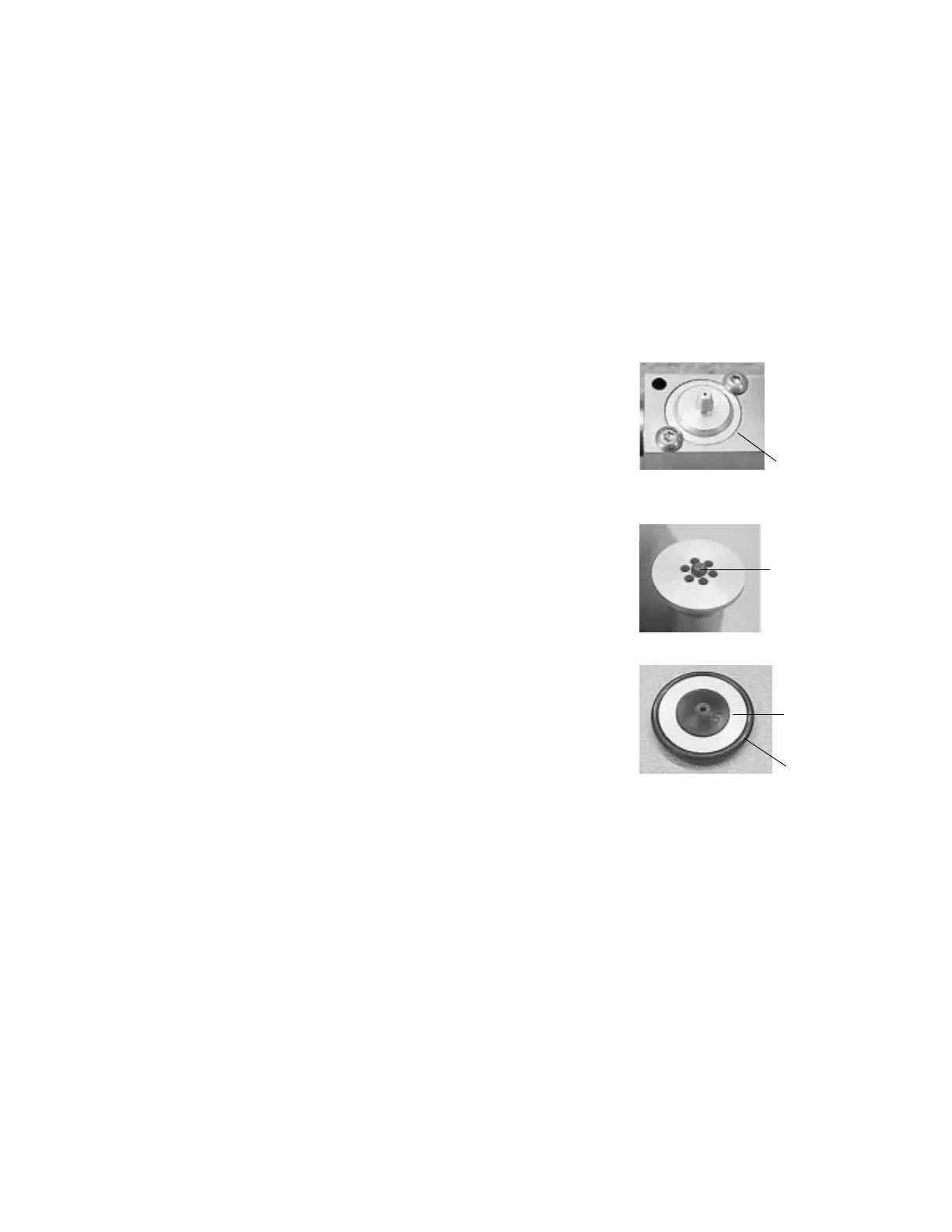
1. Remove the tabletop (Section
9.3).
2. Remove the ACGO cap
mounting screws.
3. Remove the cap.
4. Examine the flapper and disk
for obstructions or debris.
Clean with isopropyl alcohol if
necessary; retest.
5. If leak persists, replace the
flapper.
• Remove the flapper from
the check valve disk.
• Clean the new flapper
with isopropyl alcohol.
• Apply a drop of isopropyl
alcohol to the center hub
of the new flapper.
• Before the alcohol
evaporates, align the
center hub of the new
flapper with the center
hole of the check valve
disc.
• While pressing the flapper against the disc, use your
fingernail to help pull the hub through the disc from the other
side.
6. Lubricate the o-ring sparingly with Krytox (do not get Krytox on
the flapper).
7. Insert the flapper assembly into the ACGO outlet with the flapper
up.
8. Replace the cap.
M1207027 004 MANUAL−DOC, Technical Reference Manual, Technical Reference Manual for 9100c, English−default
Reproduced from the electronic master in MATRIX



 To Next Page