3 Checkout Procedure
M1207026 3-23
3.12 Power failure test
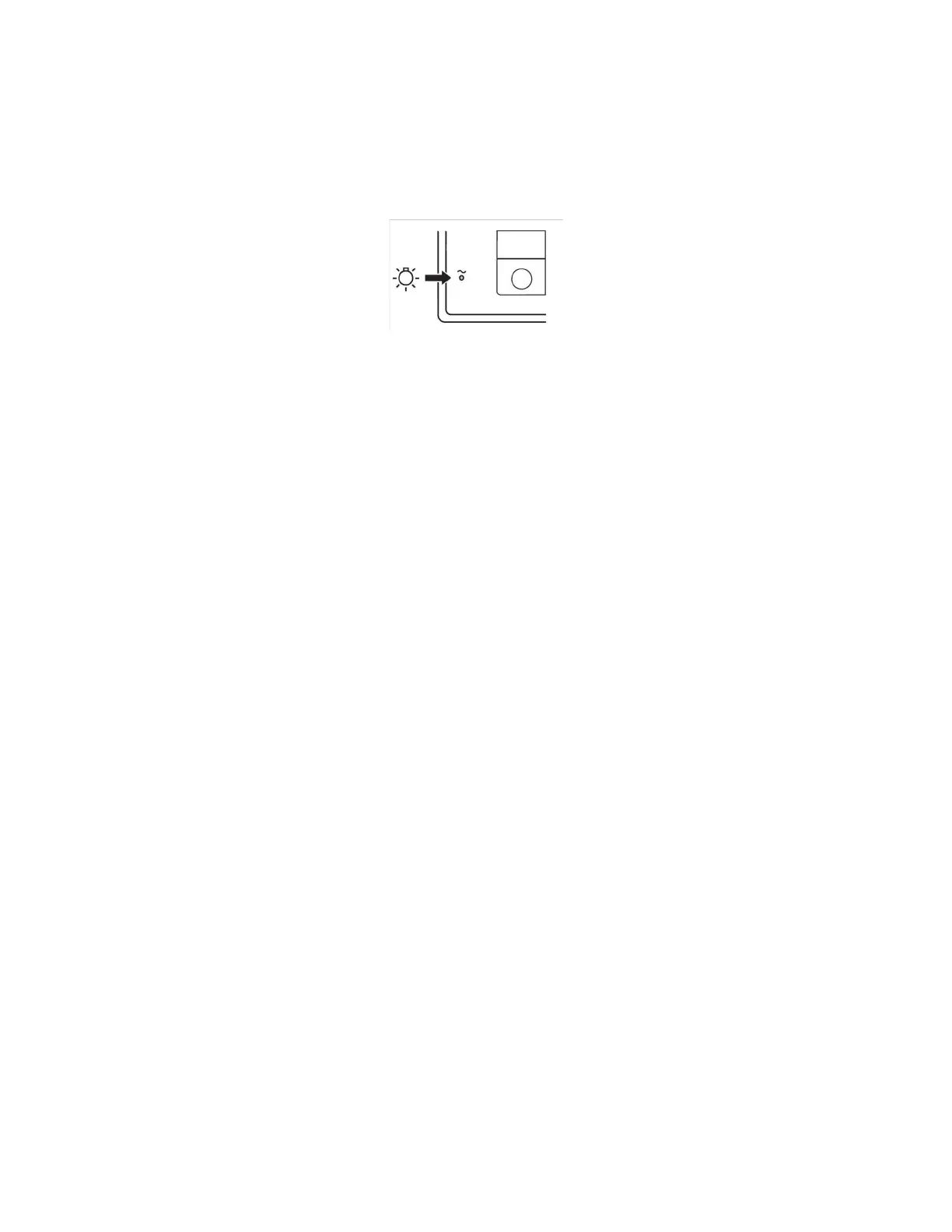
1. Connect the power cord to a mains outlet. The mains indicator on
the display comes on when AC Power is connected.
If the indicator is not on, the display assembly is not receiving AC
power.
• Verify AC power to the machine (reset circuit breaker).
• Check the AC inlet assembly.
2. Set the system switch to On.
3. Unplug the power cord with the system turned on.
4. Make sure that the power failure alarm comes on.
5. Make sure the following message is on the ventilator display:
• “On Battery - Power OK?”
6. Connect the power cord again.
7. Make sure the alarm cancels.
M1207027 004 MANUAL−DOC, Technical Reference Manual, Technical Reference Manual for 9100c, English−default
Reproduced from the electronic master in MATRIX



 To Next Page