3 Checkout Procedure
M1207026 3-9
3.5 Pressure relief test
To check the pressure relief valve (vaporizer manifold outlet).
1. Turn all flow controls fully clockwise (zero flow).
2. Remove the breathing system (refer to Section 9.12).
3. Set the ACGO selector switch to the breathing system, if
equipped.
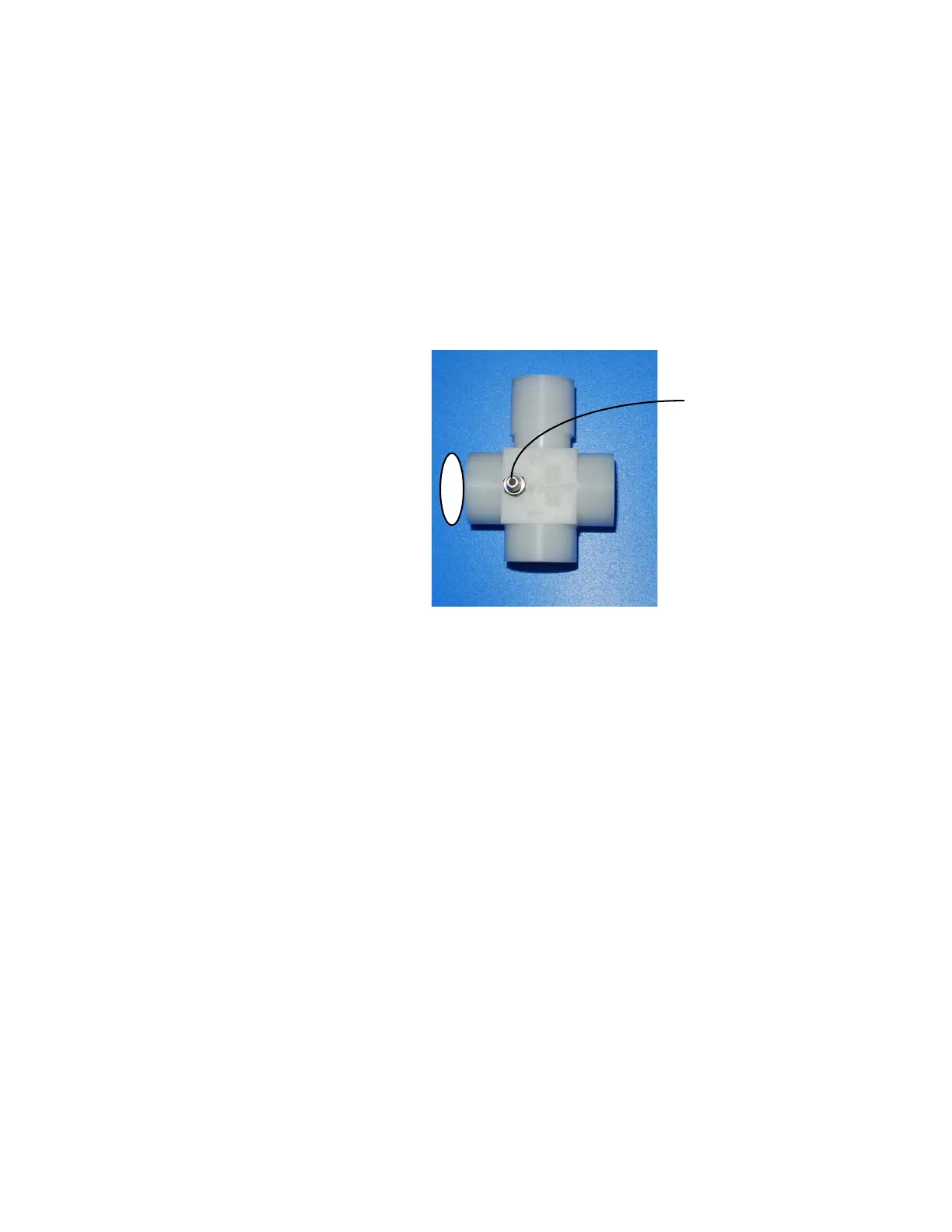
4. Connect the test adapter port 3 to the common gas outlet.
5. Connect the tubing from test adapter to a digital manometer.
6. Adjust the O
2
flow to 0.5 L/min.
7. Verify that the test device reading stabilizes within the following
range:
31- 60 kPa, 230- 450 mm Hg, 4.5- 8.5 psi.
Note: Hold the test adapter to the common gas outlet to avoid
loosening.
8. Remove the test device and the adapter.
9. Replace the breathing system.
M1207027 004 MANUAL−DOC, Technical Reference Manual, Technical Reference Manual for 9100c, English−default
Reproduced from the electronic master in MATRIX



 To Next Page