9 Repair Procedure
M1207026 9-23
Replacement 1. Remove the knob assembly from the valve body.
2. Back out the selector switch mounting screws until the tips are
flush with the face of the mounting casting.
3. Guide the outlet fittings of the valve body into their respective
silicone tubes.
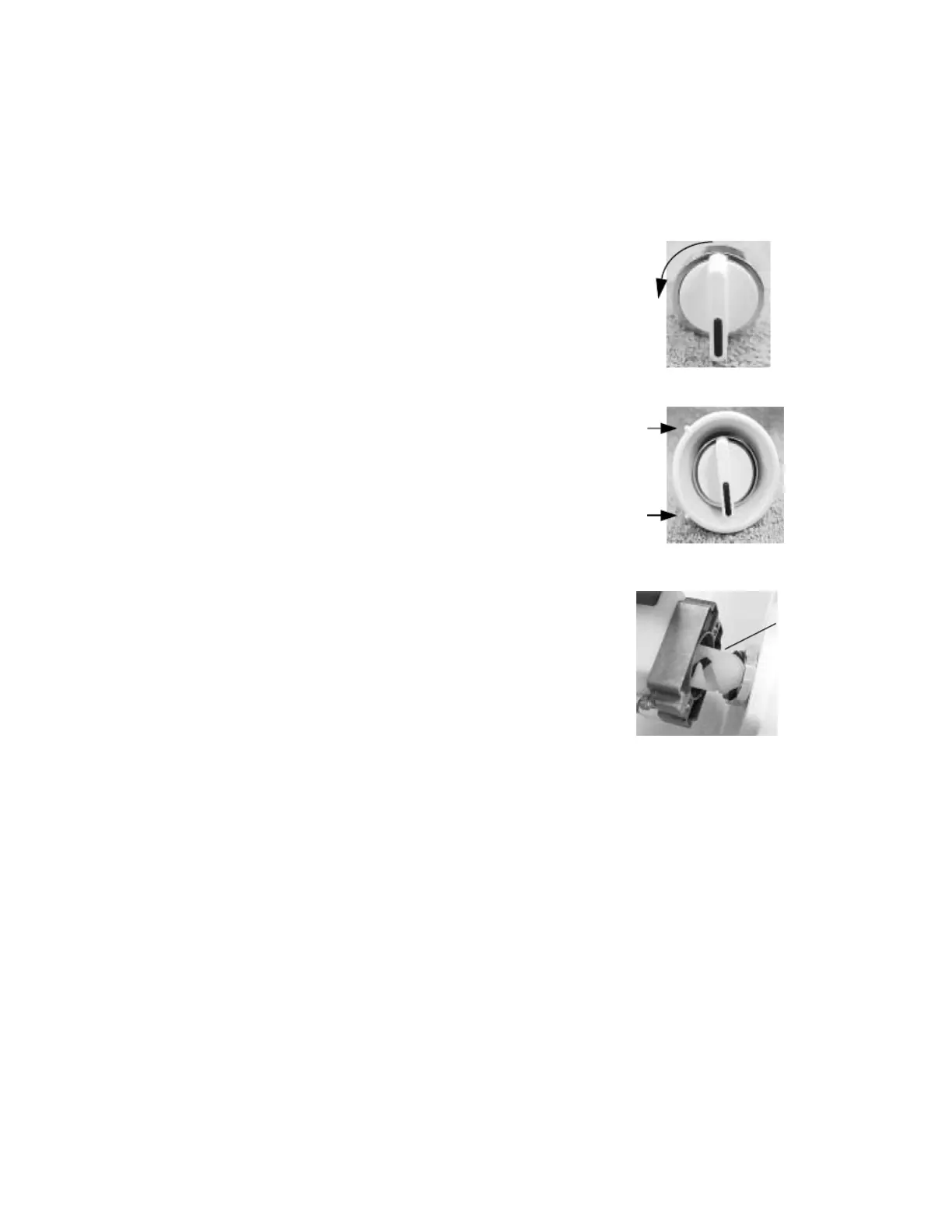
4. Hold the selector knob with the
indicator mark facing down.
Turn the chrome collar to its
maximum counterclockwise
position (as viewed from the
front).
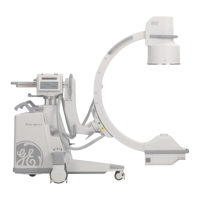
5. Place the shroud over the knob
and guide the assembly into the
pan opening.
6. Ensure that the indicators on the
shroud align with label on the
pan and the alignment tab
mates with the alignment hole in
the pan.
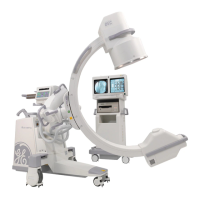
7. While holding the knob
assembly steady against the
pan, place the valve assembly
over the knob actuator. Using
moderate force press the two
assemblies together. The knob
should rotate to the ACGO
position.
8. While continuing to force the
assemblies together, rotate the
knob assembly to the Breathing
System position. The
assemblies should snap into
place.
9. Verify proper alignment of the knob with the setting indicators.
Tighten the mounting screws evenly to secure the switch
assembly to the pan.
10. Secure the outlet tubing with tie wraps.
11. Connect the fresh gas and flush gas tubing. Pull on the tubing to
ensure that it is locked in the fitting.
12. Reconnect the wires to the ACGO mode microswitch at the back
of the valve (top two terminals).
13. Reconnect the wires to the flush pressure switch at the top of the
valve(upper and lower terminals).
14. Replace the tabletop.
M1207027 004 MANUAL−DOC, Technical Reference Manual, Technical Reference Manual for 9100c, English−default
Reproduced from the electronic master in MATRIX


 To Next Page