9 Repair Procedure
M1207026 9-37
To replace the front
enclosure
1. Remove the four screws (G) that hold the LCD assembly to the
front enclosure. Set the assembly aside.
2. Transfer the EMC gaskets (or install new) to the new enclosure.
3. Attach the LCD assembly to the new enclosure.
4. Transfer the remaining components to the new enclosure
(speaker, encoder, inverter).
5. Reassemble in reverse order.
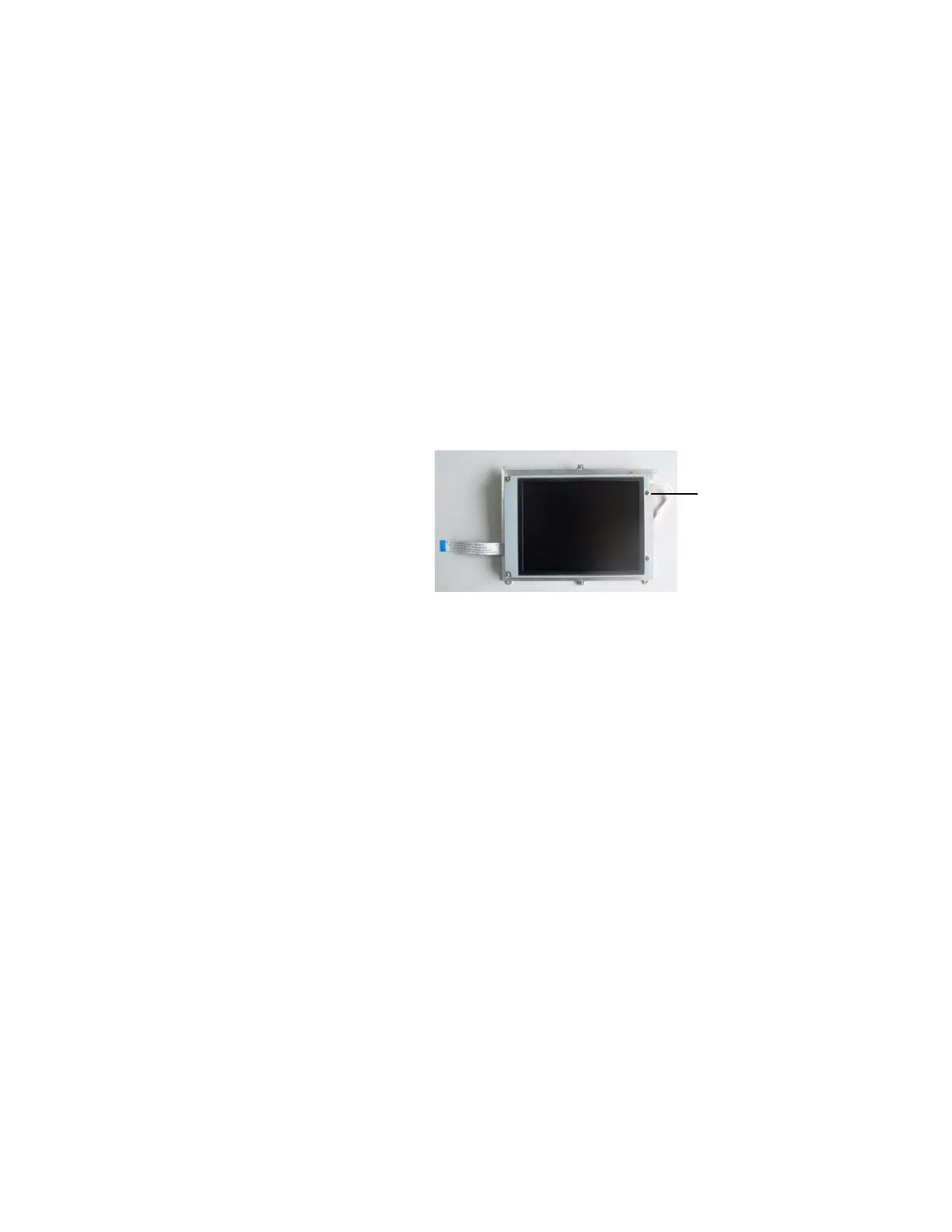
To replace the LCD
display
1. Remove the four screws (H) at each corner of the display
mounting bracket that hold the LCD display to the mounting
bracket.
2. If required, clean the enclosure window (if new, remove the
protective film).
3. Reassembly in reverse order.
M1207027 004 MANUAL−DOC, Technical Reference Manual, Technical Reference Manual for 9100c, English−default
Reproduced from the electronic master in MATRIX



 To Next Page