3-49
Chapter 3 Settings and Measurement
Contents General Description
Checks and Preparation
Settings and Measurement
Example of Use Specification
•
When the ring capturing function is set to On, the backup function is not available.
•
The memory that is the same as the capture destination cannot set as the backup save folder.
•
It takes a time for writing after recoding was stopped when many channels are recoding, when interval sampling is fast,
when backup interval is long, because the backup data size becomes large.
•
Sometimes the backup will be failed when the backup data is saved to the FTP server via the wireless LAN by condition
of Wifi communication.
•
CSV format backups can be used with sampling slower than 100ms.
It cannot be used at 5ms,10ms, 20ms, or 50ms.
•
When the backup is performing for the CSV Format, the SD Memory Card exchange and the relay recording are not able
to perform.
•
When the external sampling function is On the backup function is not able to perform.
•
When the memory loop function is set to On, you cannot specify FTP as the backup destination.
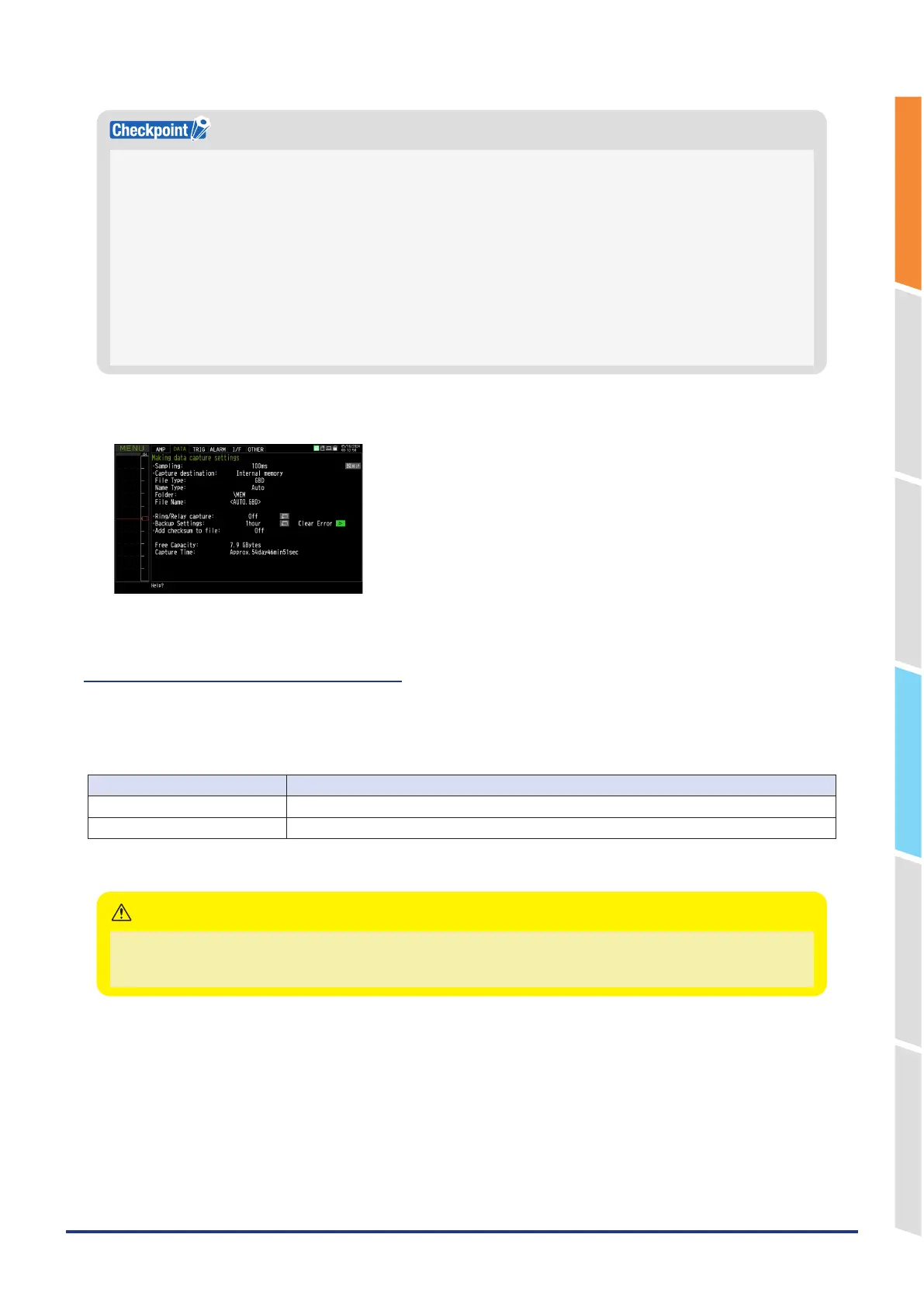
If the backup fails during capturing, the “backup failure” is displayed as a status message. In that case, the status message
will be cleared by executing the error clear.
2-7. Data corruption check function
The data corruption check function is a simple check method for checking file integrity.
If the contents of the file have been changed by a third party, etc., a data corruption check shows that the checksum
does not match, indicating that the file has been tampered with.
The data corruption check function adds a checksum to the captured file.
Setting Description
Off Checksum is not added to the captured file.
On Checksum is added to the captured file.
* Checksums are also attached to backup files, ring/relay files, and data-saved files.
For the data corruption check function, refer to "11. Data replaying menu" in "3.4 Setting Menus".
•
Only files with the file format GBD are valid. Checksum is not added to CSV format files.
•
If the captured file is converted with a device other than the GL28-APS, or GL-Connection and saved, the checksum does
not match.
CAUTION















 To Next Page