3 -111
Chapter 3 Settings and Measurement
Contents General Description
Checks and Preparation
Settings and Measurement
Example of Use Specification
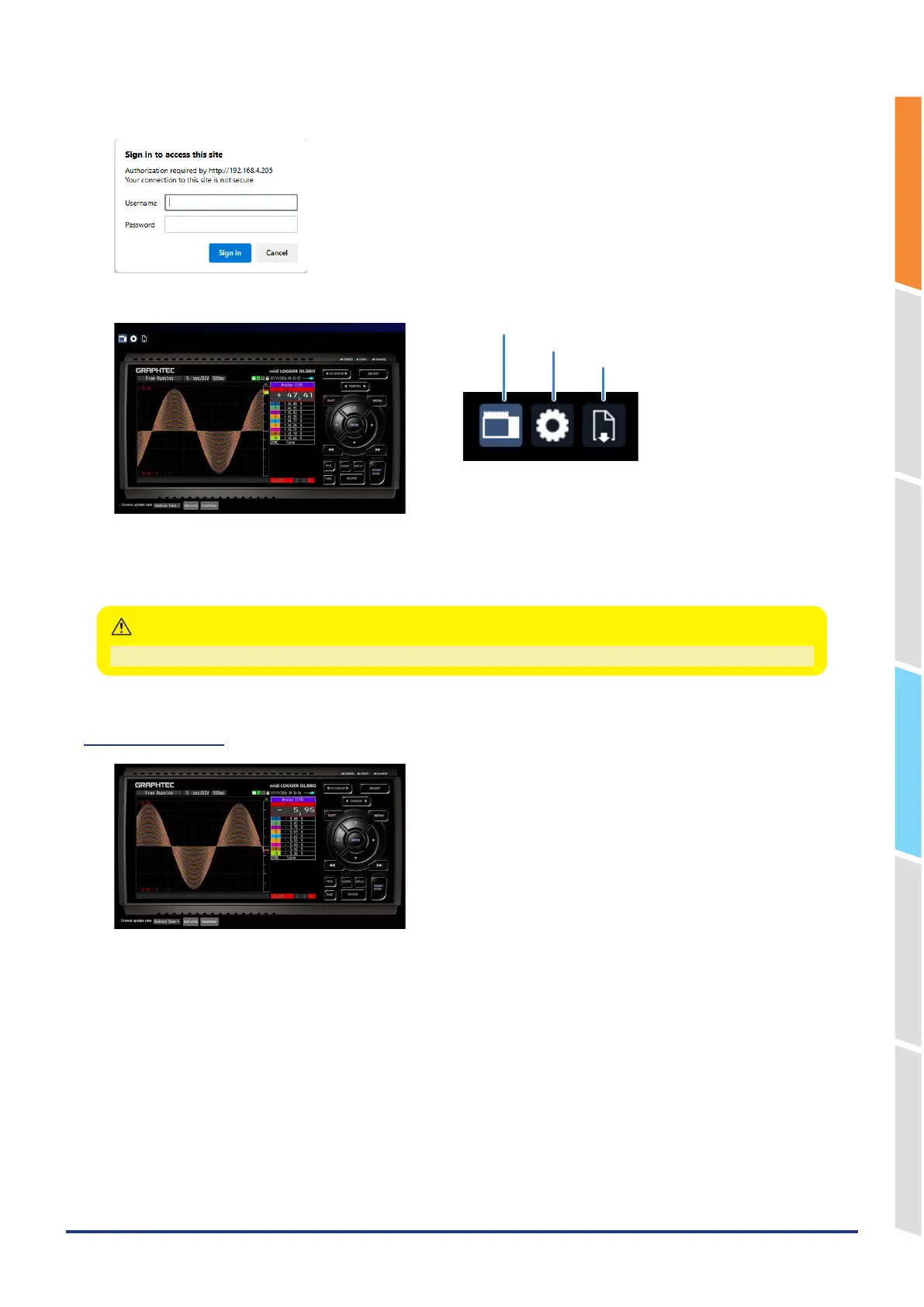
2. Type in the URL (http://IP address/Index.html) in the address input field.
3. The following pages are displayed.
<Screen display>
<Change settings>
<File operation>
Screen display ..............Allows GL860 operation.
Change settings ...........You can check and change the settings of the GL860.
File operation ................The data captured by GL860 can be downloaded to/deleted from the PC.
You may not be able to access the web page if you change the network or restart.
CAUTION
Screen display
KEY LOCK ................ Sets and cancels key lock.
PASSWORD .............. Sets and cancels a password.
Screen update rate ... Sets an update rate of the screen.
The screen update speed can be set to real-time, 1, 3, or 5 seconds.















 To Next Page