3-109
Chapter 3 Settings and Measurement
Contents General Description
Checks and Preparation
Settings and Measurement
Example of Use Specification
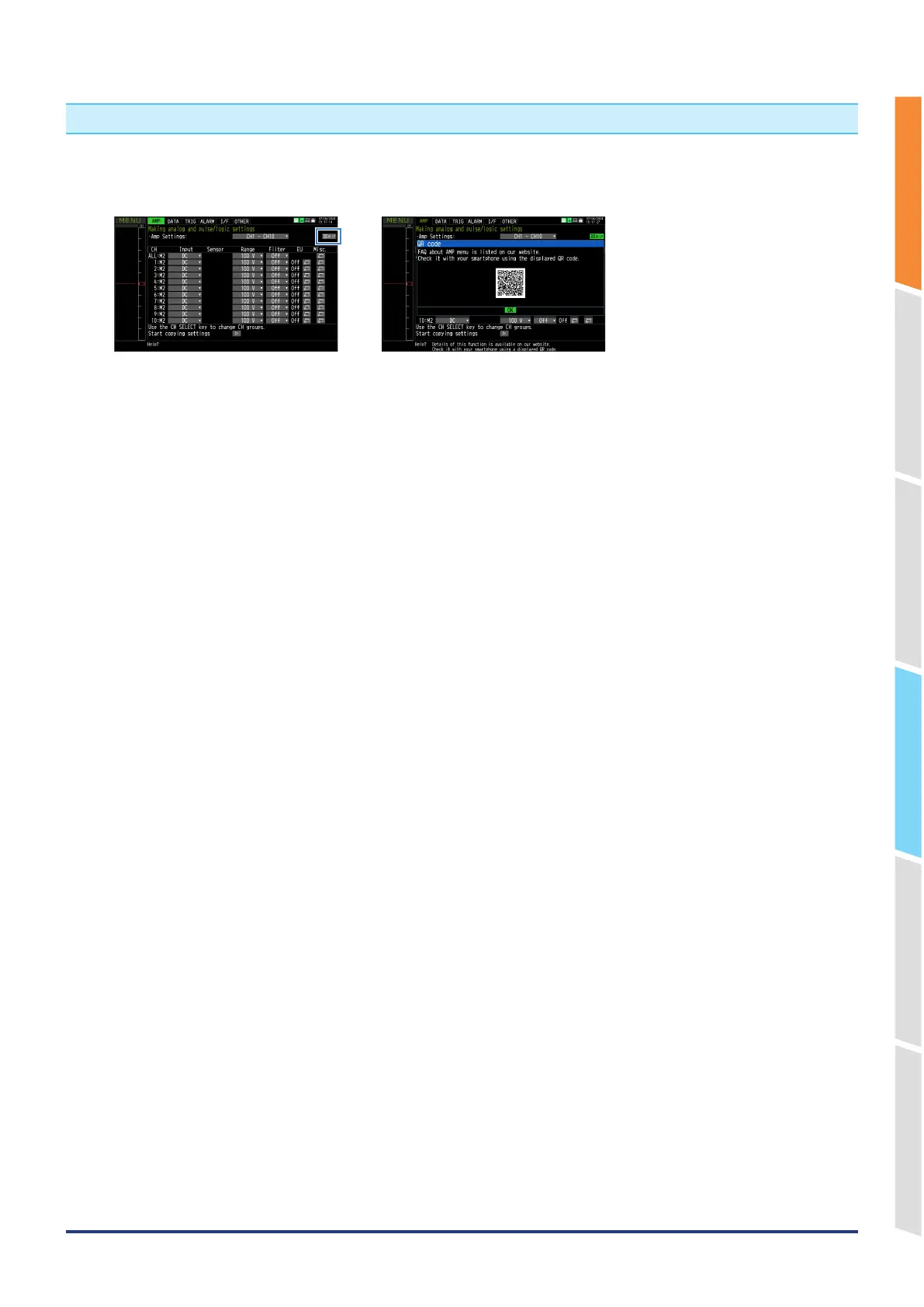
14. QR code
Click the "HELP" mark icon in the menu of the GL860 to display the QR code.
This QR code allows you to access the FAQ Q&A on our website.
If you have any problems, read the QR code with your smartphone, etc., and check the Q&A on our website.















 To Next Page