3-84
Chapter 3 Settings and Measurement
Contents General Description
Checks and Preparation
Settings and Measurement
Example of Use Specification
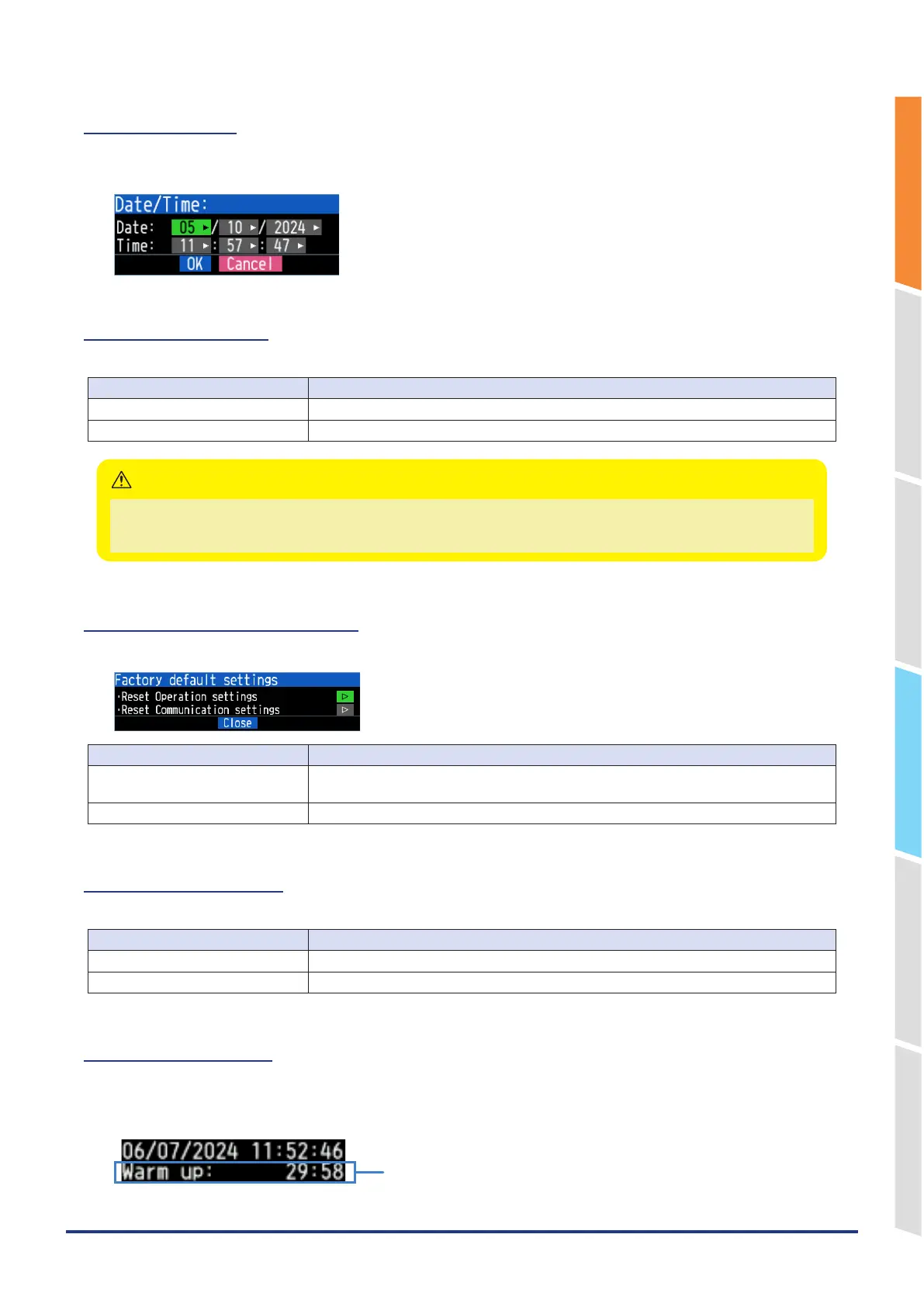
6-3-1. Date/Time
Makes settings related to the GL860 clock.
The internal clock (date and time) of the GL860 can be set.
6-3-2. AC Line cycle
Set the frequency of the AC power supply to use.
Selection item Description
50Hz For areas where power frequency 50Hz is used
60Hz For areas where power frequency 60Hz is used
The frequency set here can be removed by the digital filter.
Note that if you make a mistake in this setting, The GL860 cannot eliminate noise from the power supply.
For the sampling speed at which the digital filter is enabled, refer to “2-1. Sampling Interval” above.
CAUTION
6-3-3. Factory default settings
Initialize the operation settings and communication settings.
Selection item Description
Reset Operation settings Mainly restore amplifier settings, capturing settings, trigger settings, alarm settings and
other option settings to the factory settings.
Reset Communication settings Restore the communication settings to the factory settings.
6-3-4. Power On Start
Set the function to automatically start capturing according to the set conditions when the power is turned on.
Selection item Description
Enable Capturing starts automatically when the power is turned on.
Disable Capturing does not start automatically when the power is turned on.
6-3-5. Warm-up time
This is a function to display the elapsed time since the power was turned on.
When measuring temperature using a thermocouple, the inside of the GL860 must be warmed up sufficiently.
The warm-up time is displayed in the clock display on the upper right of the GL860 at the time set in this setting.
Warm-up time















 To Next Page