3-107
Chapter 3 Settings and Measurement
Contents General Description
Checks and Preparation
Settings and Measurement
Example of Use Specification
12. Quick setting
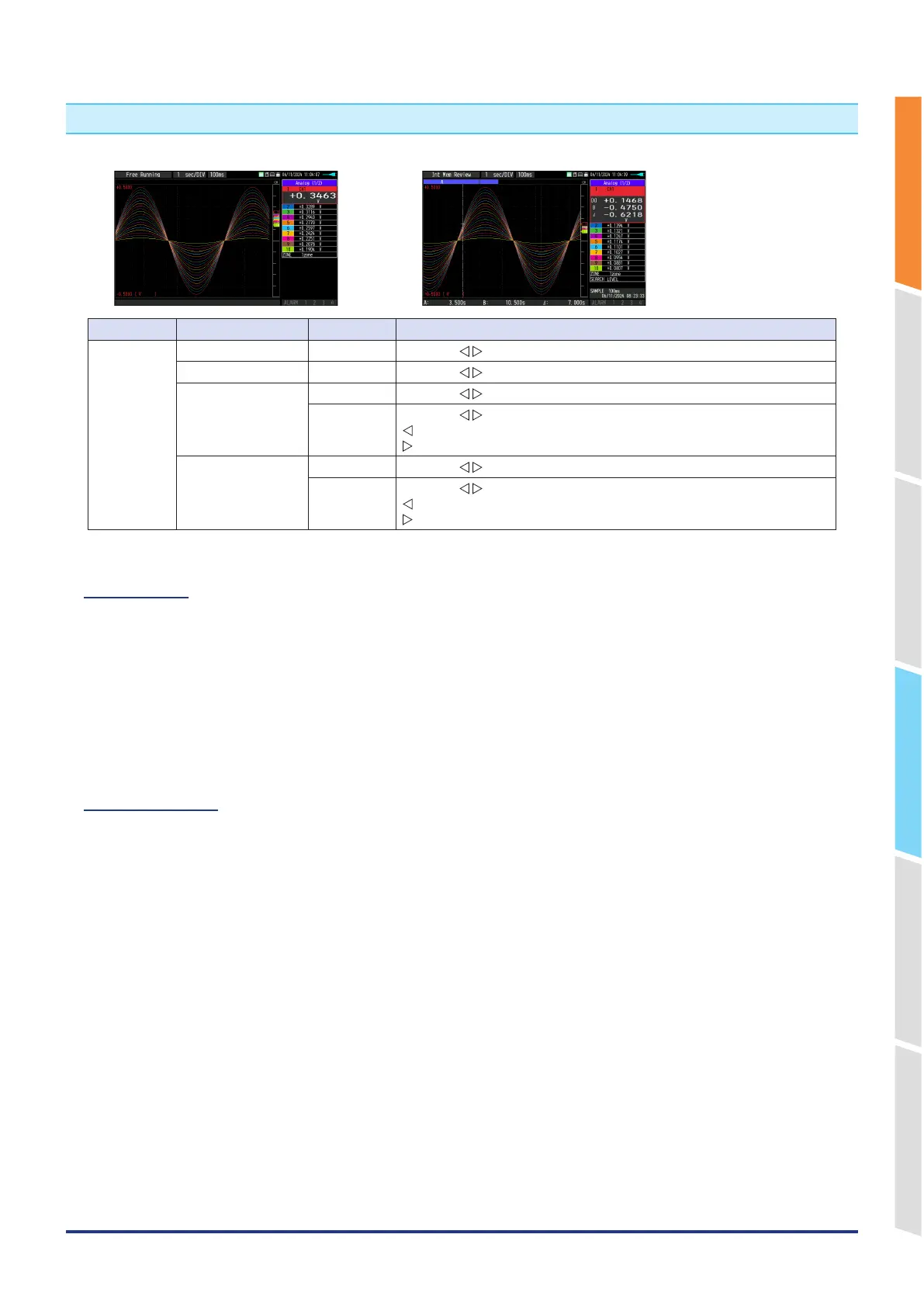
<Free Running> <Replay data>
Screen Operation mode Sign Description
Waveform Free Running ZONE Using the
key, change the zone division.
Capturing ZONE Using the
key, change the zone division.
Replaying during
capture
ZONE Using the
key, change the zone division.
SEARCH Using the
key, perform the search.
: Search the past waveform.
: Search the future waveform.
Replaying ZONE Using the
key, change the zone division.
SEARCH Using the
key, perform the search.
: Search the past waveform.
: Search the future waveform.
12-1. ZONE
The waveform display can be switched to 1, 2, 5 or 10-divided display.
1-divided: 10ch full scale display
2-divided: The display is divided into two screens. 1, 3, 5, 7, 9-ch and 2, 4, 6, 8, 10-ch are displayed in the 2-divided
screens separately.
5-divided: The display is divided into five screens. 1/6ch, 2/7ch, 3/8ch, 4/9ch, 5/10ch are displayed in the 5-divided
screens separately.
10-divided: The display is divided into ten screens. Each channel is displayed in a single screen separately.
12-2. SEARCH
Search the alarm generated position in the replayed data.
For details, refer to "11-6. Data search" in "11. Data replaying menu".















 To Next Page