3-16
Chapter 3 Settings and Measurement
Contents General Description
Checks and Preparation
Settings and Measurement
Example of Use Specification
<Data replay during capture>
< Replay screen display> <2-screen replay display>
For CSV-formatted data, only the data captured by this GL860 can be replayed.
Also, when the data captured in CSV format is replayed, the unit of the temperature data is displayed in “deg C” rather than
“°C”.
CAUTION
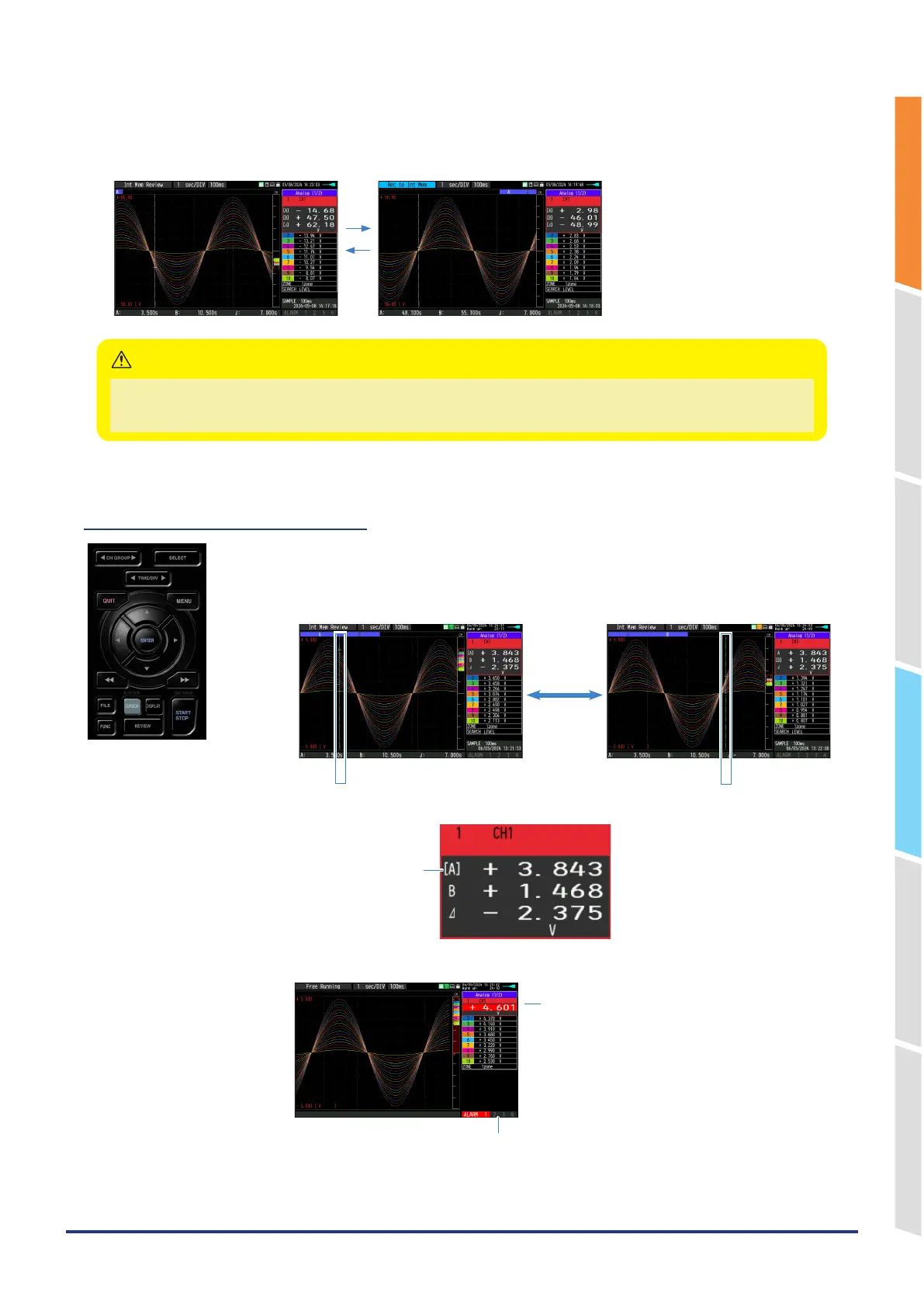
(12) CURSOR (ALARM CLEAR)
This key is used to switch between cursors A and B during replay.
Pressing this key switches between cursor A and B.
Refer to “(11) Data replay menu” in “3.4 Setting Menus” for details on cursor operation.
Cursor B Cursor A
Cursor A Cursor B
The selected cursor side is
marked with [ ].
• When the alarm setting is “Hold generated Alarm”, the maintained alarm is cleared.
Alarm-generated channels
Alarm output terminal status
• Black : Alarm is not issued
• Red : Alarm is issued















 To Next Page