3 -11
Chapter 3 Settings and Measurement
Contents General Description
Checks and Preparation
Settings and Measurement
Example of Use Specification
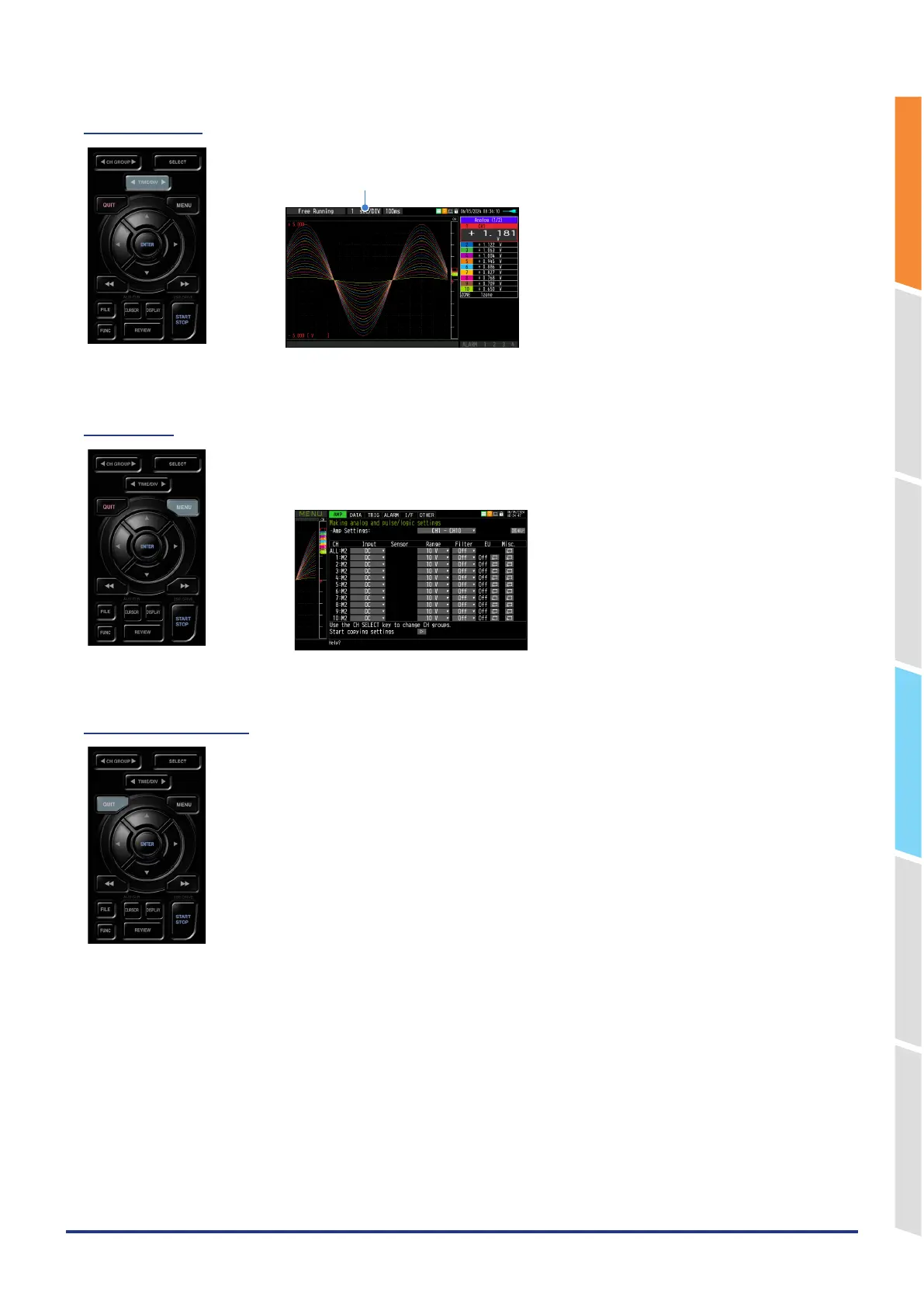
(3) TIME/DIV
Press the left/right key of the [TIME/DIV] key to change the time axis display width.
TIME/DIV display
(4) MENU
Open the settings window to capture data. For details on settings, refer to “3.4 Setting
Menus”.
(5) QUIT (LOCAL)
This key is primarily used for the following operations.
•
To cancel a setting during menu configuration.
•
To cancel remote status (in which keys are disabled) through interface control.
•
To close the menu screen.
•
To quit data replay.















 To Next Page