3-43
Chapter 3 Settings and Measurement
Contents General Description
Checks and Preparation
Settings and Measurement
Example of Use Specification
Input signal
External Sampling pulse
Shortest interval
Capture data
Data for this Data for this
Sampling
interval
•
If the external sampling function is On, the external input cannot be selected for the trigger setting.
If the external input has already been set, the trigger will be set to Off.
•
When you measure signals with high noise levels, set the AC line filter described in the next section to On.
•
When the fastest sampling is 5ms, the maximum external sampling input is 100Hz.
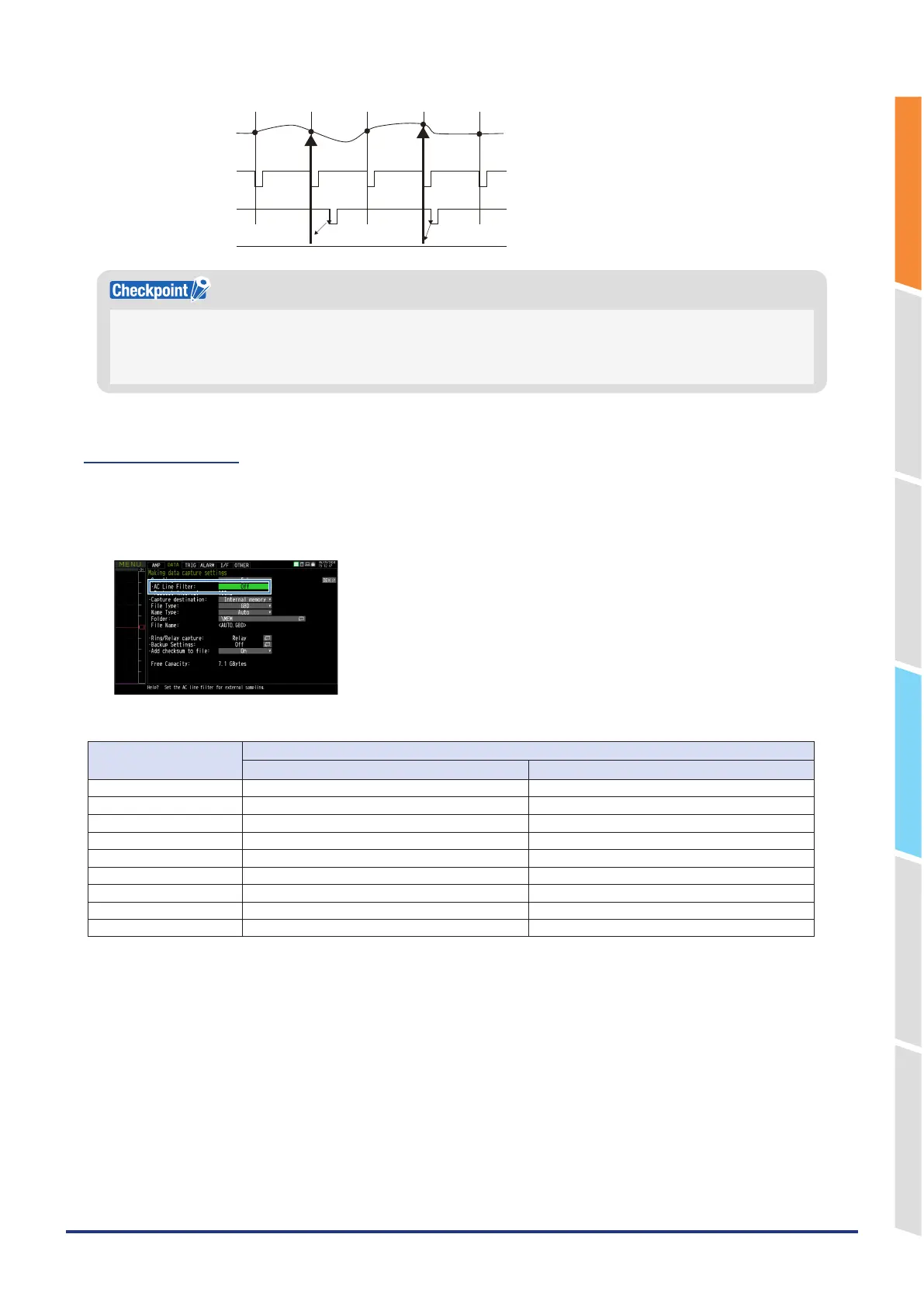
2-3. AC line filter
Sets whether to enable or disable the AC line filter when external sampling is enabled.
Enable this setting to enable the digital filter. When you use external sampling and measure signals with high noise
levels, set the AC line filter to On.
Also, the fastest interval is displayed in the setting.
The shortest interval is as shown in the following table:
Number of Measuring
Channels *1
Shortest interval
AC line filter (Digital filter) OFF AC line filter (Digital filter) ON
1CH 5ms 200ms
2CH 10ms 500ms
3
~
4CH 20ms 1s
5CH 50ms 1s
6
~
10CH 50ms 1s
11
~
20CH 100ms 2s
21
~
50CH 200ms 5s
51
~
100CH 500ms 10s
101
~
200CH 1s 20s
*1 The number of measurement channels is the number of channels whose input settings for the standard screw terminal, Withstand
high-voltage high-precision terminal, or screwless terminal are set to anything other than OFF.















 To Next Page